

Token360 Blog
Create scenes, explore video models, and learn how teams bring their ideas to life.
 Guides
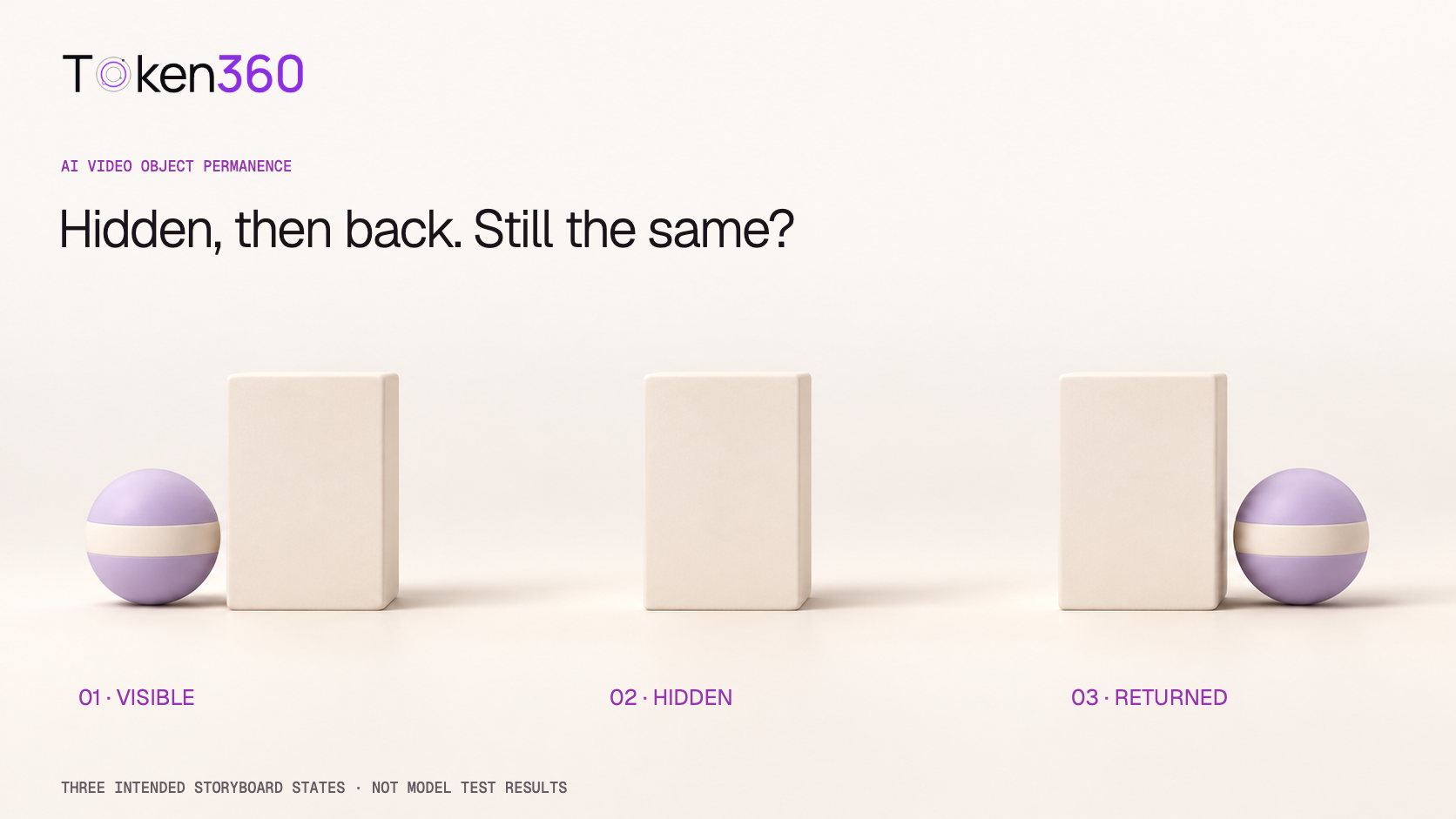
AI Video Object Permanence: Check What Returns After an Occlusion
Check AI video object permanence before, during, and after an occlusion. Review identity, count, direction, and timing rather than the final frame alone.
· Yuki Yu Guides
AI Video Parallax Prompts: Build Depth with Foreground and Background Motion
AI video parallax prompts need identifiable depth layers and camera translation. Review relative movement and newly revealed areas for scene consistency.
· Yuki Yu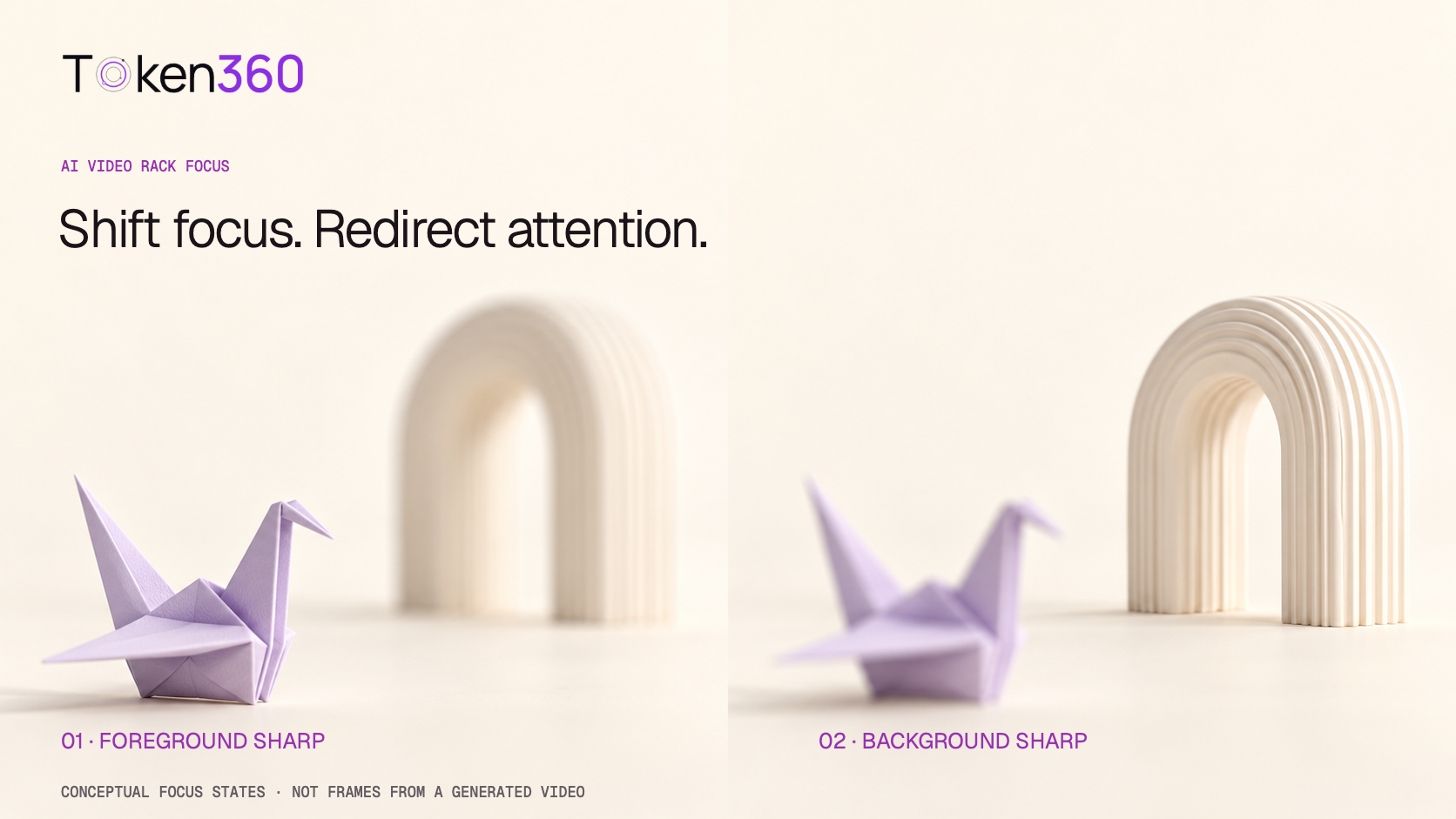 Guides
AI Video Rack Focus Prompts: Shift Attention from Foreground to Background
AI video rack focus prompts should specify the starting subject, focus transfer, and final hold. Review the transition without unwanted camera movement.
· Yuki Yu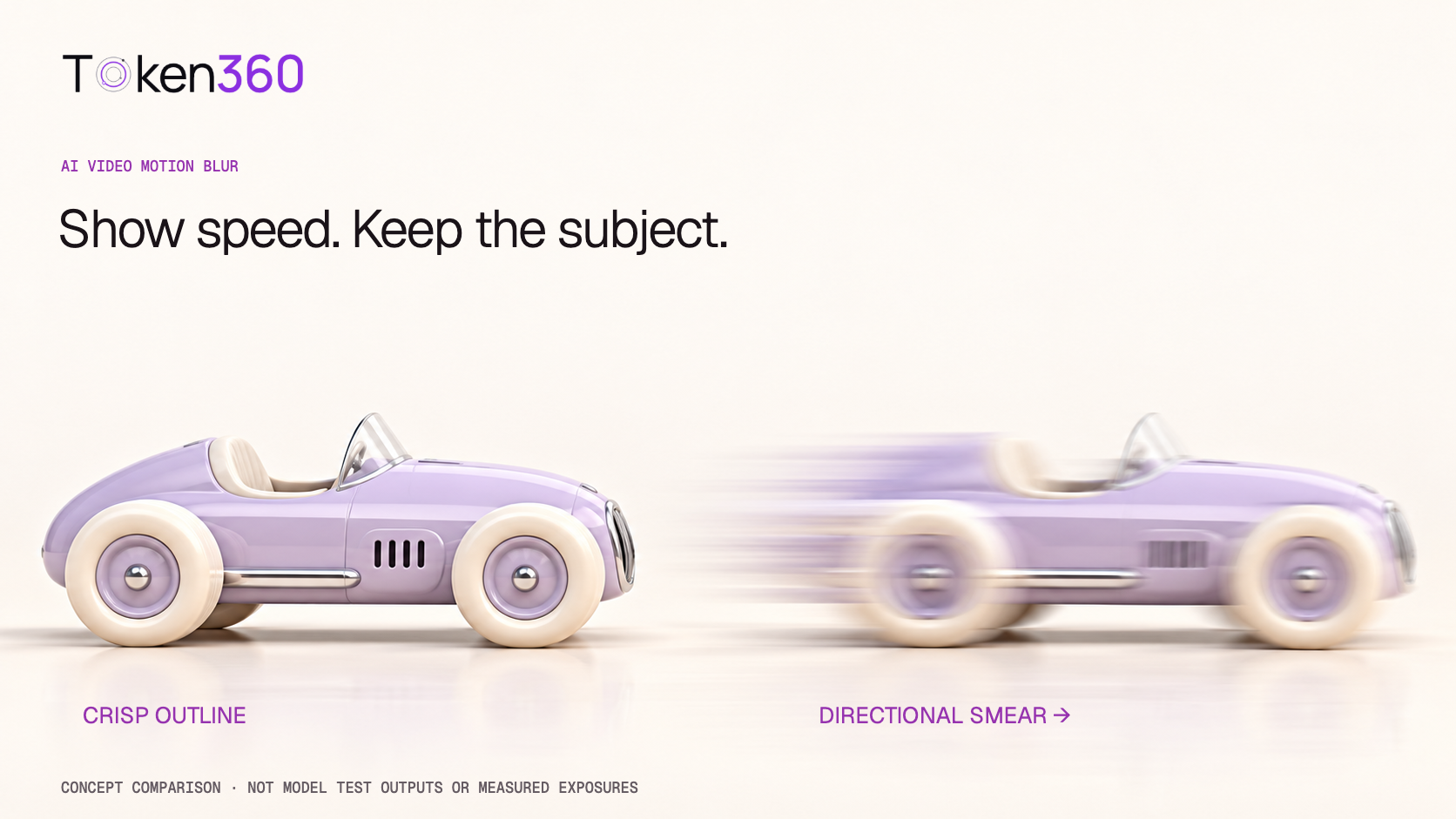 Guides
AI Video Motion Blur: Show Speed Without Losing the Subject
AI video motion blur should follow subject and camera motion. Diagnose directional blur, defocus, and unstable geometry before choosing a repair.
· Yuki Yu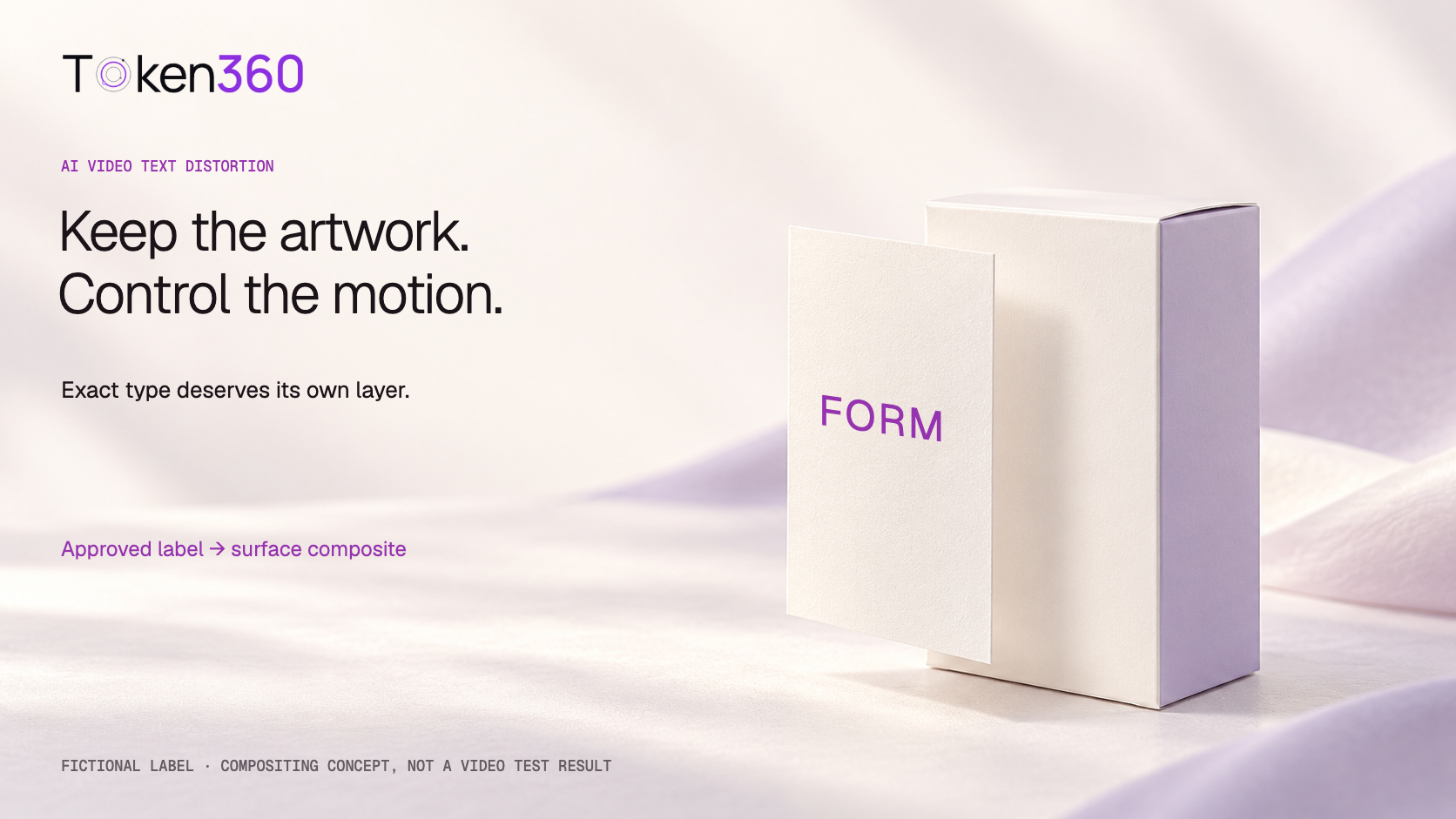 Guides
AI Video Text Distortion: Keep Product Labels and Logos Readable
Reduce AI video text distortion by treating exact lettering as a verified asset. Choose generated references, overlays, or tracked artwork for the shot.
· Yuki Yu Guides
AI Video Slow Motion: Prompts, Frame Rates, and Retiming Explained
AI video slow motion can come from gradual action or editing playback timing. A higher export frame rate alone does not slow the scene down.
· Yuki Yu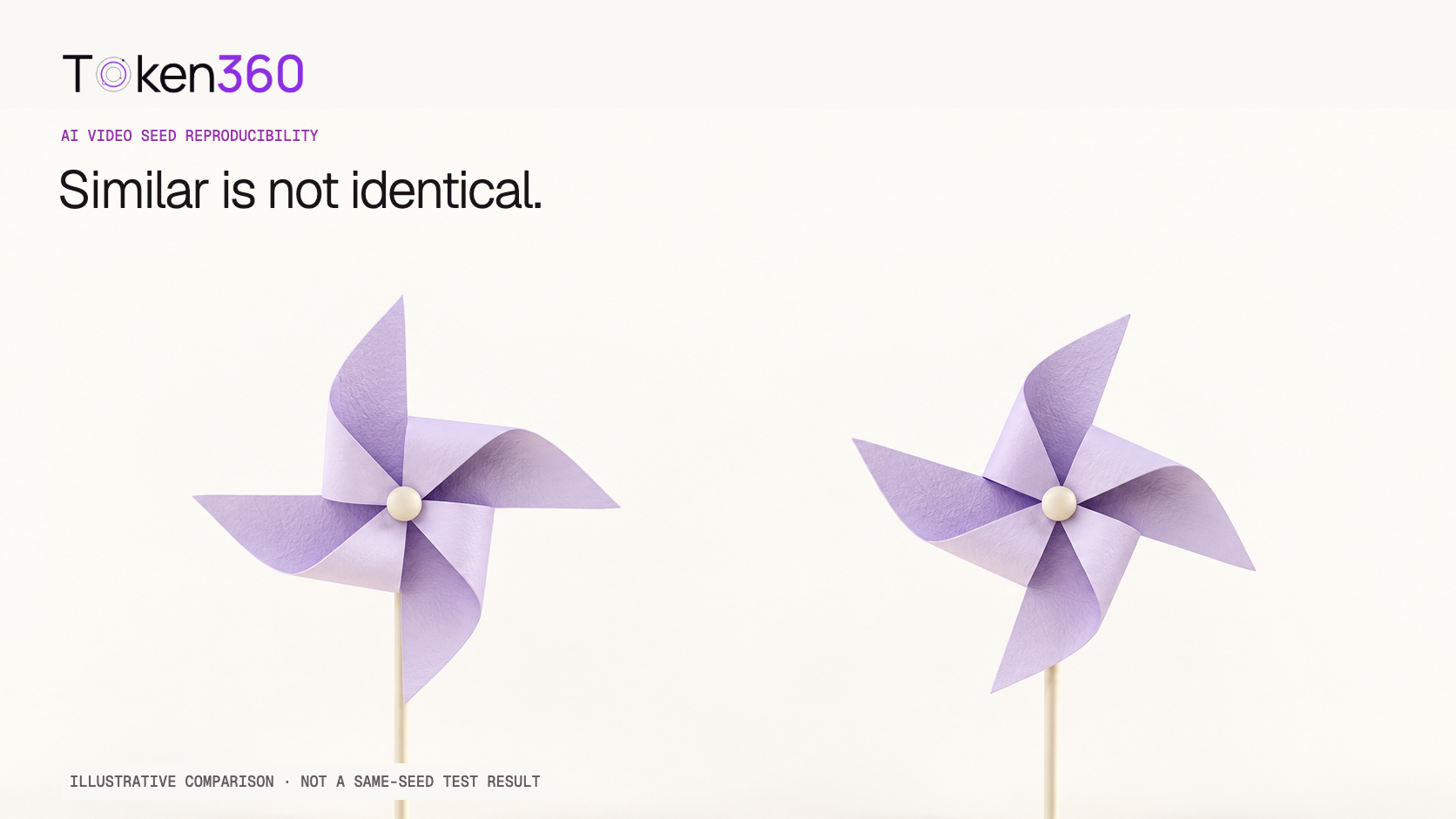 Guides
AI Video Seed Reproducibility: What the Same Seed Can—and Cannot—Repeat
An AI video seed can control variation where supported, but cannot universally guarantee identical output. Save and test the complete configuration.
· Yuki Yu Guides
AI Video Clip Duration: Give the Action Time to Finish
Choose AI video clip duration around the starting state, main action, and finish. Simplify or split a shot when the supported duration cannot fit it.
· Yuki Yu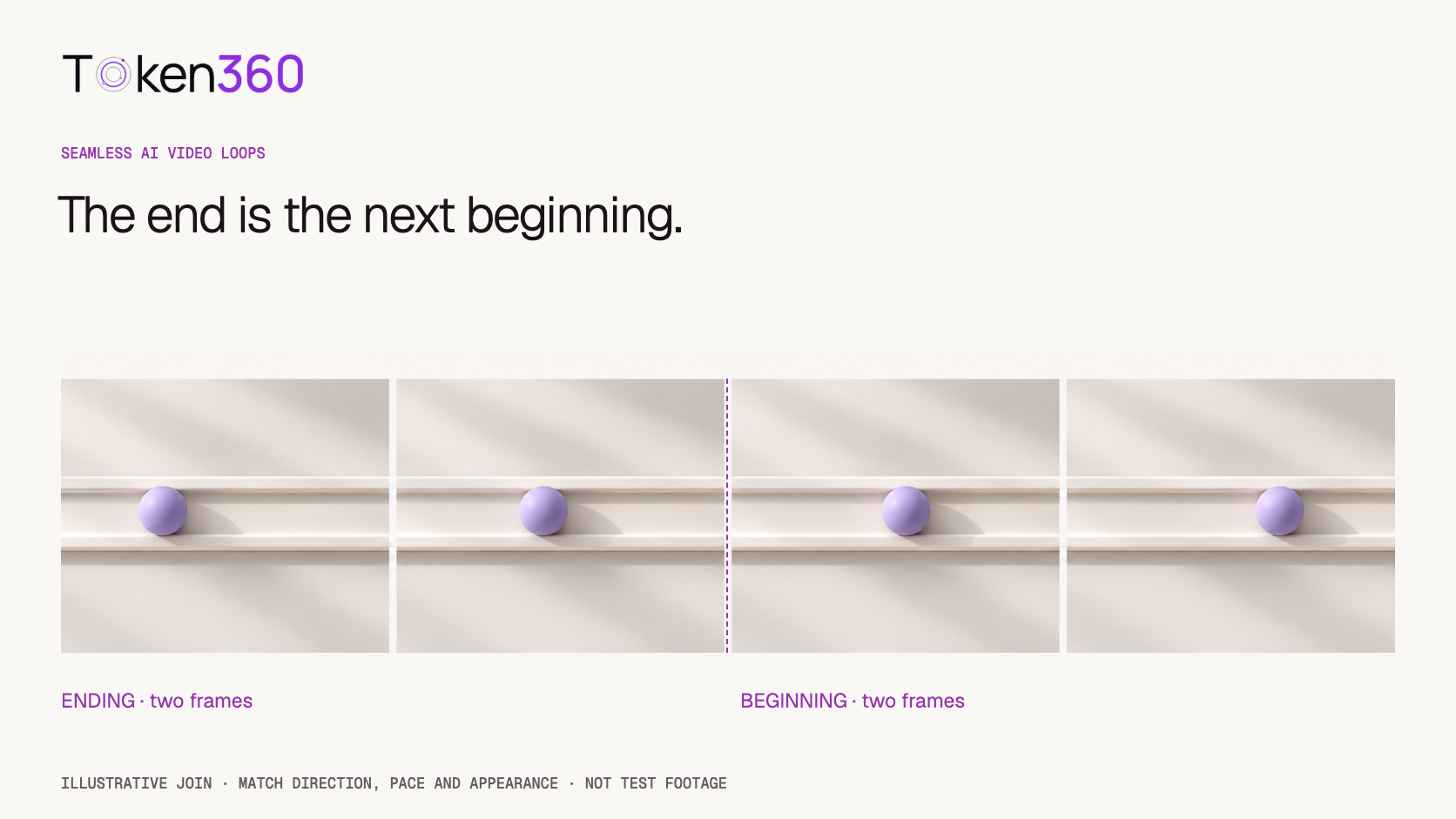 Guides
Seamless AI Video Loops: Fix the Join, Not Just the Last Frame
A seamless AI video loop needs continuous motion, timing, light, and audio at the join. Similar endpoint frames alone do not establish a smooth loop.
· Yuki Yu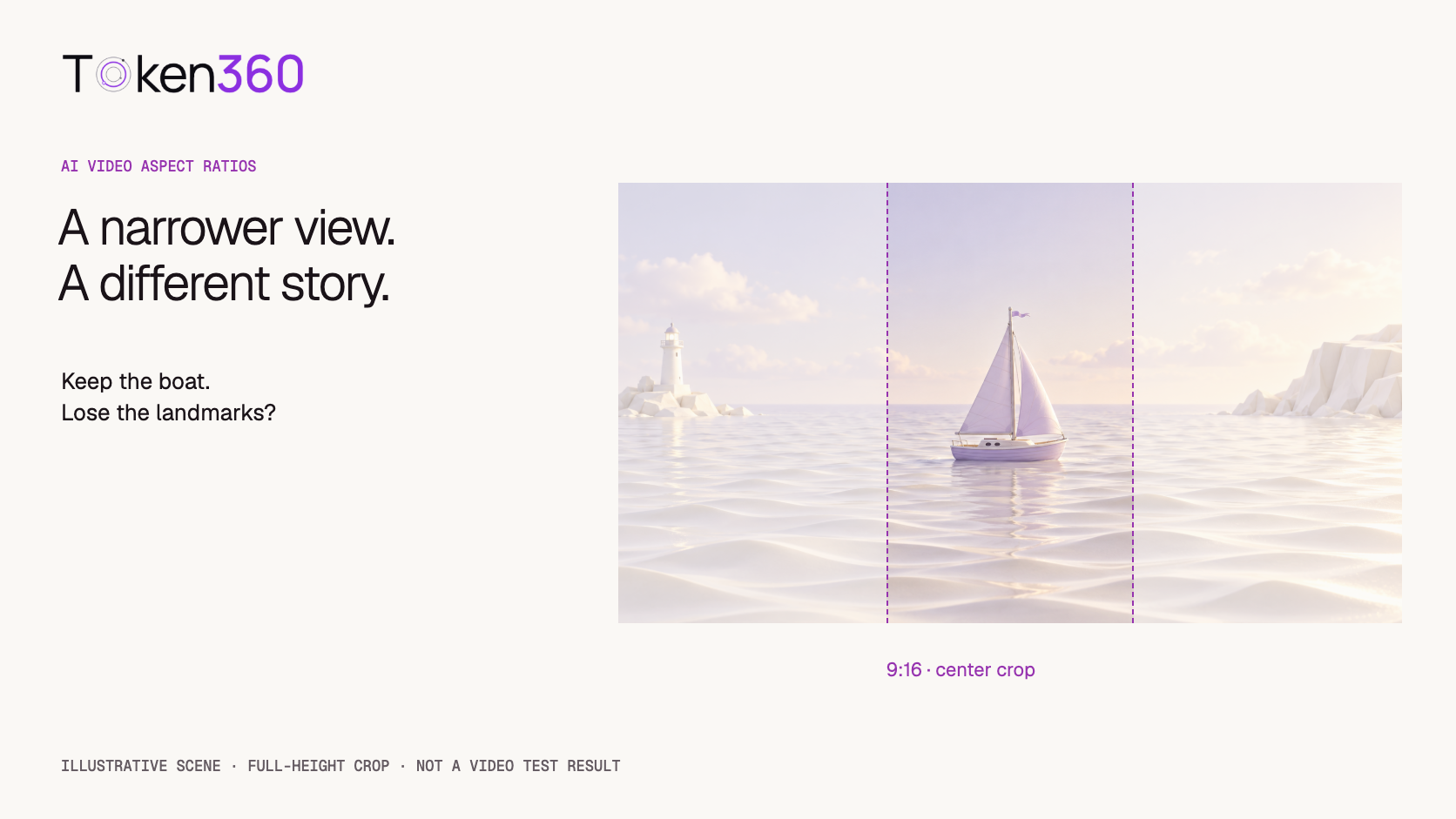 Guides
AI Video Aspect Ratios: Reframe 16:9 to 9:16 Without Losing the Action
AI video aspect ratio changes affect composition throughout the shot. Check the full action path before choosing a crop, fitted frame, or new generation.
· Yuki Yu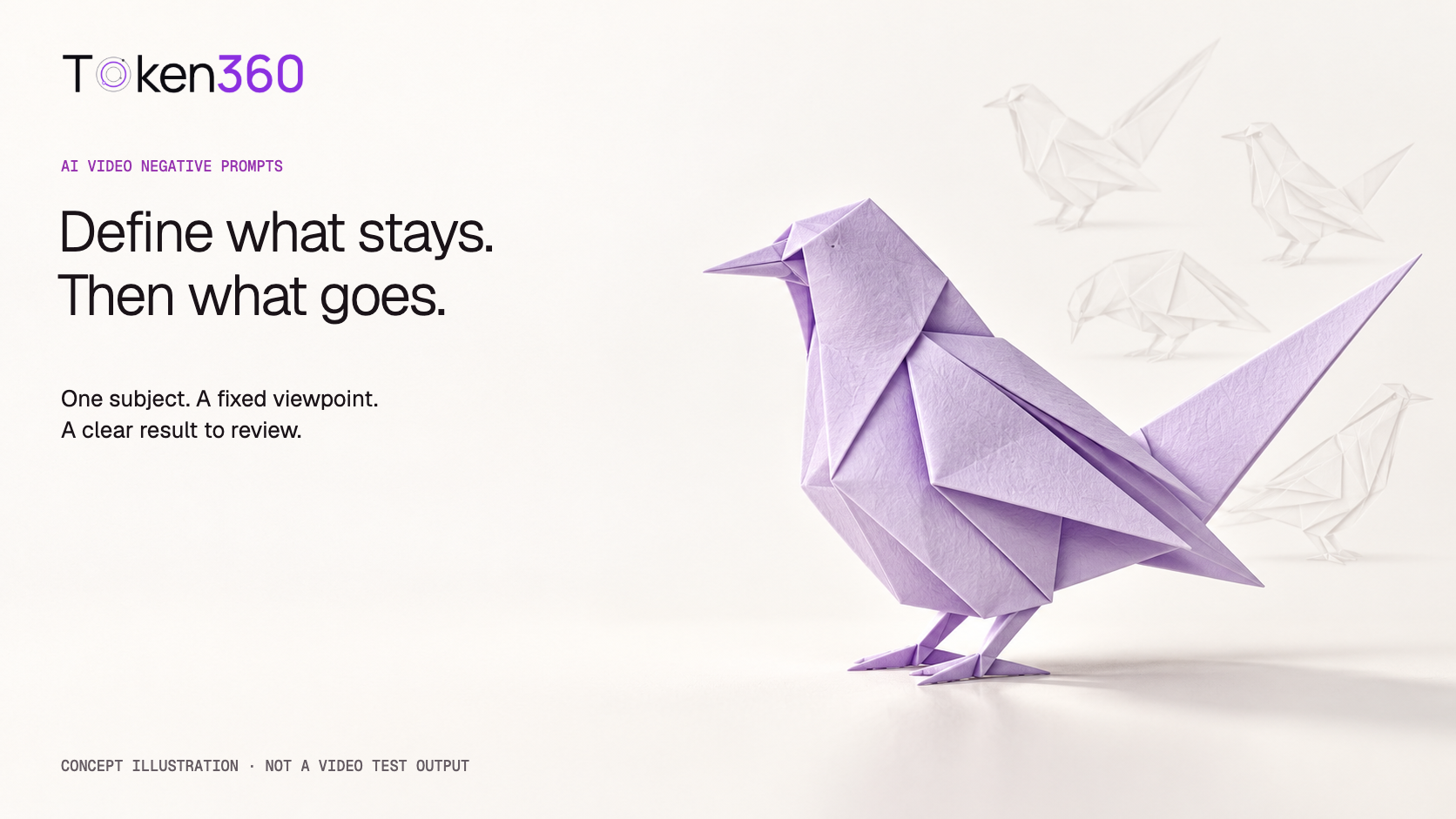 Guides
AI Video Negative Prompts: Describe the Result Before the Restrictions
AI video negative prompts depend on the model and endpoint. Define the desired scene first, then use only specific exclusions the route supports.
· Yuki Yu Guides
AI Video Lighting Prompts: Keep Light Direction Consistent Across Shots
AI video lighting prompts should name the light source, direction, softness, and color. Keep that source stable in the scene across camera changes.
· Yuki Yu
Bring your next idea to life.
Create a video scene in Creator, or explore models for images, audio, and text to find the right capabilities for your project.
Get started