AI video negative prompts are model-specific tools for describing unwanted content. They are not a universal repair command. Before adding an exclusion list, confirm whether the exact model and endpoint support it. Then write a positive description of the intended scene and use a small number of specific exclusions only where documented.
This guide separates three things that are often confused: a negative sentence inside the main prompt, a dedicated negative-prompt parameter, and a review rule used after generation. It includes original rewrites, a paper-bird example, and a comparison worksheet. The prompts are proposed examples, not tested results or a claim that any model reliably enforces every restriction.
Read first: use the text-to-video API workflow for request preparation, or the image-to-video workflow when a reference image defines the starting scene.
Separate prompting language from API support
Writing “no camera movement” in a text box is not the same as sending a dedicated negative-prompt field. The first is ordinary prompt language. The second is an API feature with a documented name, location, and accepted value. A review rule, such as rejecting any clip with an unexpected cut, is a third mechanism entirely.
| Mechanism | What it does | What it does not prove |
|---|
| Main-prompt wording | Describes the intended scene or a restriction in prose. | That a separate exclusion mechanism exists. |
| Dedicated parameter | Supplies an exclusion input through a documented field. | That every exclusion will be obeyed. |
| Output acceptance rule | Determines whether a generated clip is usable. | That the model was constrained during generation. |
Keep these separate in your integration and your test notes. Otherwise, a field that was silently ignored can look like a failed creative instruction, while a rejected request can be mistaken for poor model quality. Successful request processing and successful visual execution are different outcomes.
Follow the exact model’s prompting guidance
Provider recommendations differ. Runway’s Gen-4 Video Prompting Guide recommends positive phrasing and states that negative phrasing is unsupported for that model. Google Cloud’s Veo 3.1 prompting guide includes guidance on describing unwanted elements. These are model-specific recommendations, not interchangeable rules for every video generator.
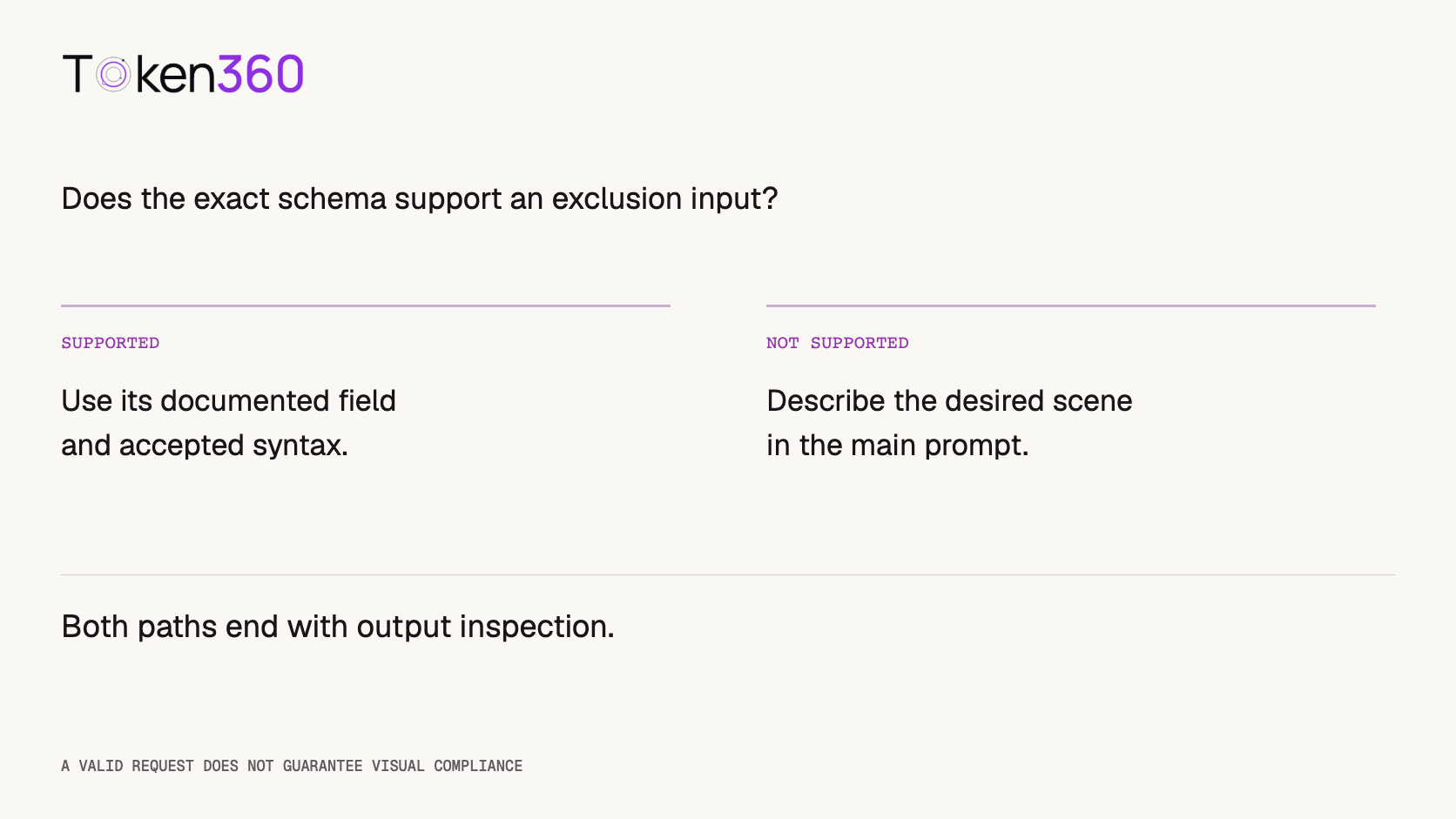
For a routed request, check the selected integration too. Token360’s model capabilities documentation identifies the exact model page and public schema as the source of truth. A capability described by a provider does not establish that every route exposes the same field in the same way.
Before using a dedicated field, record its exact name, where it belongs in the request, its value type, and any restrictions shown by the schema. Do not guess between spellings such as camelCase and snake_case. Do not add unsupported parameters merely because another model accepts them.
Replace vague prohibitions with visible states
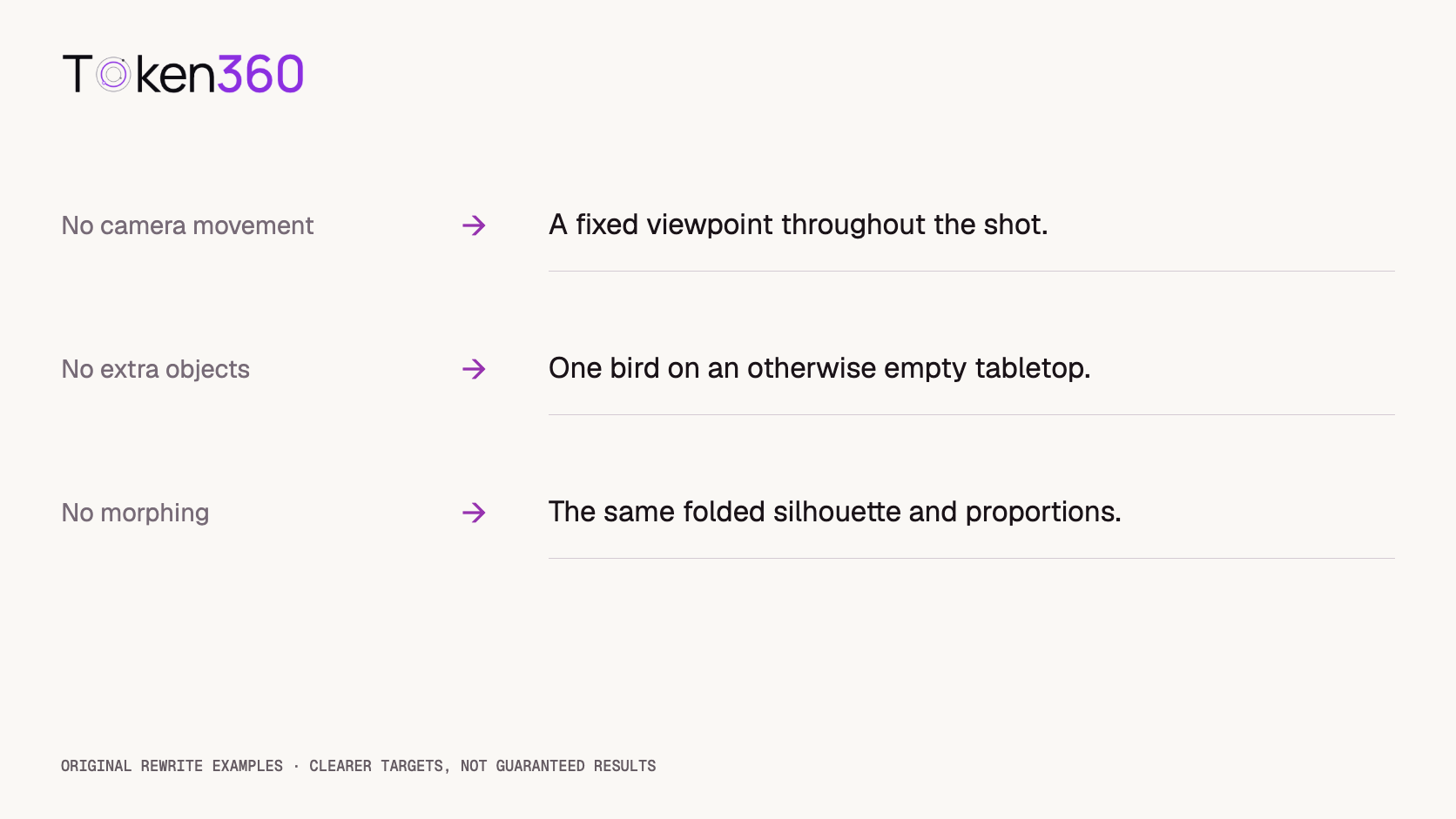
A useful rewrite answers a practical question: if the unwanted behavior disappears, what should the viewer actually see? “No bad motion” provides little information about timing, direction, or subject behavior. A description of a specific stable action is easier for a reviewer to evaluate.
The following are original editing examples. They are starting points for testing, not universal substitutes that guarantee better generation. Choose only the clauses that match your intended shot.
| Vague restriction | Concrete positive description | Review criterion |
|---|
| No camera movement | The viewpoint stays fixed throughout the shot. | Background landmarks remain in stable positions. |
| No extra objects | One folded paper bird occupies an otherwise empty tabletop. | The intended subject count remains one. |
| No morphing | The bird retains the same folded silhouette and proportions. | The beak, wings, and body remain recognizable. |
| No flicker | Soft daylight and the tabletop brightness remain steady. | No unexplained brightness pulses occur. |
| No scene changes | The entire clip shows one continuous view of the same tabletop. | No cut or location change occurs. |
A positive rewrite can still fail. Its value is that it defines the target more clearly and gives you a specific acceptance rule. If the result changes shape, record that failure rather than adding increasingly emphatic words and assuming they solve it.
Build the paper-bird prompt from the desired result
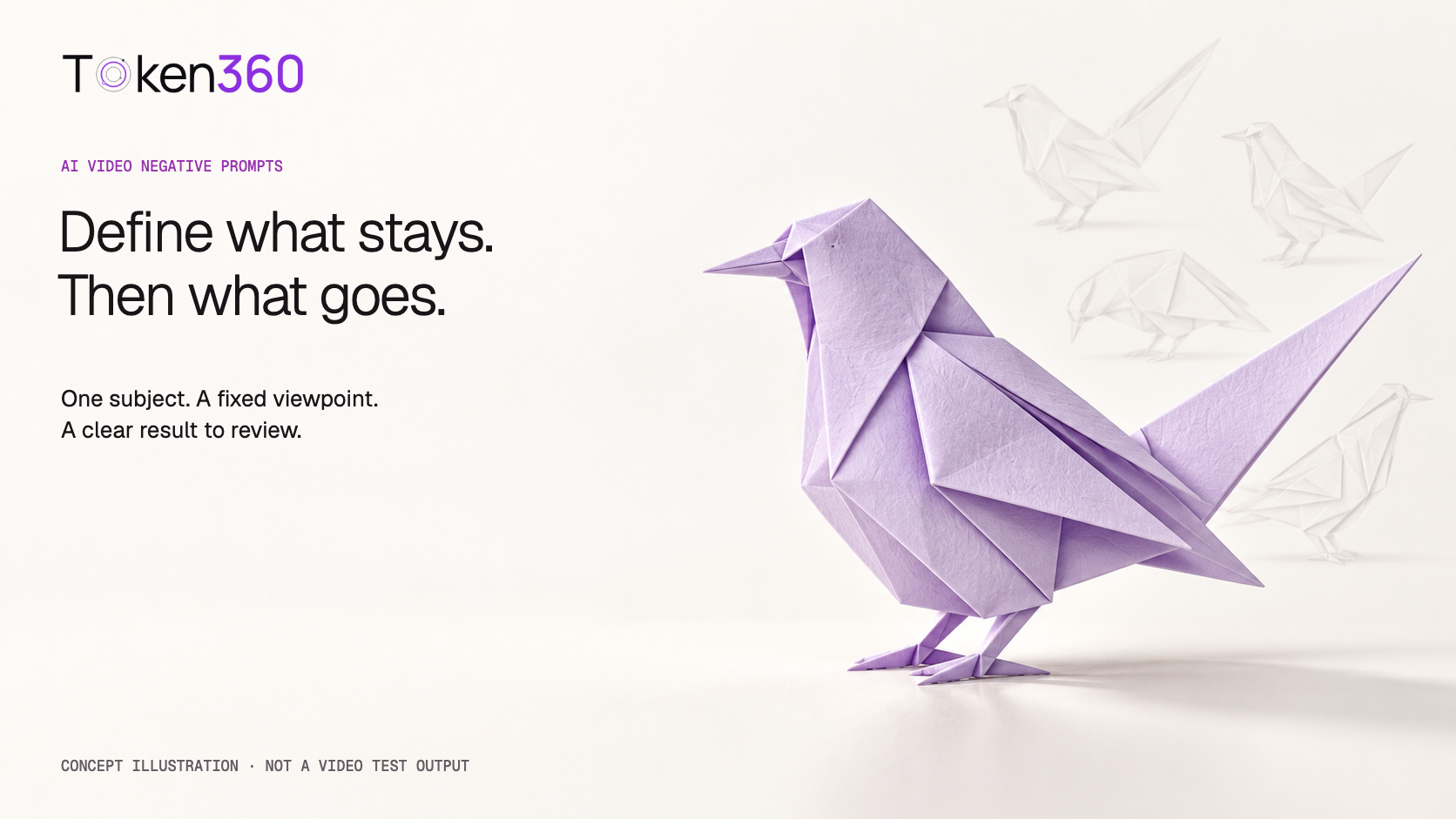
Use a deliberately simple subject to isolate a prompting question: one pale-lavender folded paper bird on an ivory tabletop. The desired clip is a still composition with stable lighting. This is an original editorial test scene; the cover is a concept illustration, not a frame from a completed video experiment.
Positive baseline
One pale-lavender folded paper bird stands on an otherwise empty ivory tabletop. The viewpoint stays fixed in a medium composition throughout the shot. The bird remains still and retains the same folded silhouette and proportions. Soft daylight and tabletop brightness remain steady. The entire clip shows one continuous view of this scene.
Set duration and aspect ratio in supported controls rather than relying on prose to override request settings. For image-to-video, use an approved image containing exactly the intended subject and background. Avoid adding objects to the reference that you later ask the prompt to remove.
Optional exclusion input
If the exact schema exposes a dedicated exclusion input, a narrowly scoped candidate could target “additional birds” and “additional tabletop objects,” using the syntax recommended for that model. Keep the positive baseline unchanged so the comparison concerns the added exclusion input.
This is a semantic example, not a ready-to-send API payload. The field name and packaging must come from the actual model schema. If there is no supported exclusion input, omit this branch instead of inventing a field or repurposing another parameter.
Remove conflicts before expanding the list
Some unwanted results come from contradictory instructions. “A dynamic handheld view” conflicts with a fixed viewpoint. “A dramatic lighting transformation” conflicts with steady illumination. A scene that begins on a tabletop and ends in a forest asks for a location change even if another sentence forbids scene changes.
Read the prompt as a shot brief. Identify its subject, action, camera behavior, lighting, and ending. For each restriction, find the corresponding positive clause. If they disagree, choose the intended behavior and remove the competing instruction. Do not ask the model to resolve an editorial decision you can make yourself.
Then inspect the reference image. A second bird, a printed label, or a strong reflection may already be visible. Prompt-only removal introduces a separate editing task. If removal is essential, prepare a suitable reference with an appropriate editing workflow before testing animation.
Long reusable exclusion lists also make diagnosis harder. A copied list about faces, hands, subtitles, architecture, and camera shake may have little relevance to a paper bird. Start with the observed mismatch and keep changes traceable. Relevance is more useful than the length of the list.
Compare candidates without inventing a success rate
Use a small, predeclared comparison. Generate three candidates from the positive baseline. If a dedicated exclusion field is supported, generate three more with that same baseline plus the narrow exclusion input. This creates six planned candidates across two conditions. If the field is unsupported, run only the baseline group and do not claim an exclusion comparison.
Neither condition has been executed for this article. Six candidates can reveal practical examples but cannot establish general reliability. Keep the model ID, route, duration, aspect ratio, reference asset, and other supported settings constant. Record seeds only if the model exposes them; do not assume identical seeds make different prompts directly equivalent.
For every candidate, record request success separately from visual acceptance. Review the whole clip for subject count, shape stability, viewpoint stability, and lighting stability. Inspect start, middle, and end frames as an aid, while watching the full clip to catch brief defects between those points.
Use a table with candidate ID, condition, each criterion’s pass/fail/uncertain status, and a brief observation. Preserve the original output and prompt version. If an output is unavailable or a request fails, report it separately rather than quietly replacing it until the sample looks better.
Compare per-criterion counts and overall acceptance. A clip that fixes extra objects but loses the bird’s shape is not an unqualified improvement. State the denominator for every count and retain rejected outputs. Any claim that one condition performs better should be limited to the recorded sample and tested configuration.
Know when a prompt is the wrong repair tool
Some delivery requirements should be handled through supported settings or editing. If the final asset must be silent, use a documented audio control where available or remove the audio track in post-production. A sentence requesting silence does not prove the delivered file contains no audio stream.
Similarly, a clean background request cannot guarantee readable typography, exact branding, or a stable legal disclaimer. When precision matters, consider adding approved text and branding during editing. Do not use an exclusion list as proof that a clip meets a publication requirement.
Use generation for the scene, explicit configuration for supported technical controls, and final validation for acceptance. That separation makes the workflow easier to audit. It also gives you a stopping rule: if the same defect persists after a focused revision, reconsider the input, model, or editing approach rather than expanding the prompt indefinitely.
Frequently asked questions
What is a negative prompt in AI video?
It describes content or behavior you want excluded. Some models expose a separate input for it, while others recommend positive descriptions. Check the exact model documentation before deciding how to express the restriction.
Do all video APIs support a negative-prompt parameter?
No universal parameter should be assumed. Verify the exact model schema, field name, request location, and accepted type. Sharing an endpoint or provider family does not establish identical parameter support.
Should I write “no camera movement”?
Follow the model’s guidance. A concrete alternative is to describe a fixed viewpoint throughout the shot. Inspect the resulting camera behavior; the wording itself does not guarantee a stationary view.
Can negative prompts prevent every visual defect?
No. Shape changes, object duplication, and temporal defects still require output review. Exclusions are creative guidance where supported, not a guarantee of technical or editorial quality.
How many exclusions should I add?
Start with the smallest relevant set tied to an observed problem. Keep the positive scene description stable and change one aspect at a time. There is no universal ideal list length for all models.
Should I reuse the same negative prompt across models?
Reuse the underlying acceptance criteria, then adapt the request to each model’s documented behavior. Do not copy field names, syntax, or claims of effectiveness without checking the destination model and integration.
Read next: use the AI model evaluation framework to formalize review criteria, and video API cost optimization to budget candidate selection without confusing retries with guaranteed improvement.


 Prompt Guide
 Prompt Guide
 Prompt Guide