Image-to-Video APIs for Product Demos: A Reference-Preservation Test Plan
Test image-to-video APIs for product demos with three repeatable briefs, reference-preservation checks, and a method for calculating cost per accepted clip.
A product video can look polished and still show the wrong product. A bottle cap changes shape, a package loses its proportions, or a hinged lid opens by bending the entire box. For product demos, the useful question is whether the generated clip preserves the details a buyer needs to recognize.
Use an image-to-video API to animate an approved product image, then evaluate the result against a written brief. Start with a small camera move, test physical product movement separately, and keep reference-guided scene composition in its own test. This guide provides three reproducible briefs and an 18-run comparison plan for two supported model routes.
Published by Token360. Documentation checked October 23, 2026. This is a proposed test protocol, not a completed benchmark. The prompts, acceptance checklist, and recording method are provided here; no model rankings, observed success rates, or measured generation costs are claimed.
Read first: use the image-to-video API shortlist to choose candidate routes. This guide focuses specifically on product-demo acceptance rather than ranking all video APIs.
Define what the product video is allowed to change
Before generating, separate product invariants from allowed motion. “Keep the product the same” is a useful instruction, but too vague to be an acceptance rule. Decide which features must survive the entire clip.
Keep consistent
May change intentionally
Reject when
Bottle shape, cap profile, and proportions
Apparent size during a camera push-in
The cap or body changes shape
Box body and hinge attachment
Lid angle and its resulting shadow
The lid detaches or the body bends
Product color and identifying details
Natural shading and specular reflections
Markings disappear or an invented feature appears
Required framing and subject visibility
A small, specified camera movement
The product is cropped beyond the brief
Perspective and lighting naturally affect appearance. Do not reject a bottle simply because a push-in makes it larger. Do reject it if the cap-to-body relationship changes without a plausible perspective explanation. Likewise, an opening lid should change its shadow; requiring identical shadows can conflict with the requested movement.
For the initial test, an unbranded bottle makes geometry easier to judge. If the real campaign depends on a printed logo or fine packaging copy, run a separate test using that actual detail. A clean result on an unbranded asset does not establish label fidelity.
Choose the input mode that matches the demo
Three input modes answer different creative questions:
First-frame I2V: “Start from this approved composition.” Use it for a restrained push-in around a stationary product.
First and last frames: “Move between these two visual states.” Use it when both the closed and open product states matter.
Reference-guided generation: “Use this product in this setting.” Use it when the product image and scene reference have separate roles.
The current Seedance 2.5 page exposes these modes. The Wan 3.0 Video documentation distinguishes frame inputs from reference inputs and says not to mix those modes. These are two candidates for this protocol, subject to confirming the exact settings and account access before running it.
A page listing a mode does not prove that every combination of references, output sizes, and audio settings is supported. Verify one valid request for each required mode, record it, and only then start the comparison. The models are candidates, not recommended winners.
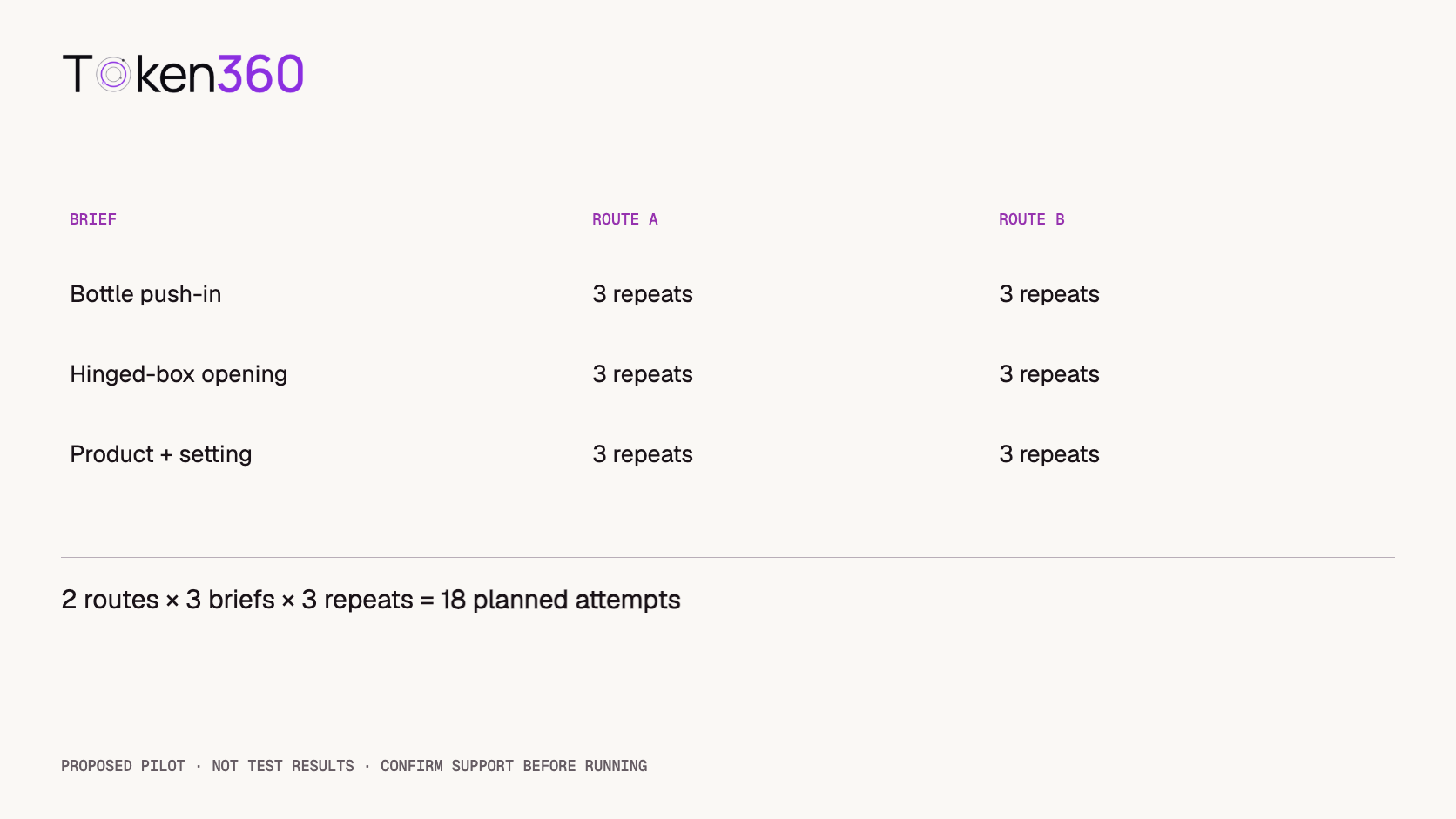
Two routes × three briefs × three repeats = 18 planned attempts. These are planned sample counts, not results.
Prepare the assets before spending on video generation
Use the same source files for both candidate routes. Keep a copy of each asset and identify it consistently in the run record. Changing the product photo midway changes the test.
For the bottle, use a sharp image that shows the entire cap and body with some space around the product. For the box, prepare closed and open images from the same viewpoint. Check the box body, hinge location, tabletop, and lighting direction before accepting that pair. A separately generated end image may silently redesign the product.
For the reference-composition test, prepare one isolated bottle image and one empty tabletop scene. Avoid a scene reference that already contains another product. State which attachment controls product identity and which controls the setting.
Asset delivery also matters. fal's official image-to-video documentation notes that hosted input URLs need to be accessible and that hosts can block retrieval. For any provider, verify the supported upload or reference mechanism rather than assuming that a file visible in your browser is readable by the generation service. See an example of documented asset-input handling.
Test 1: a camera push-in on a stationary bottle
Purpose: isolate product preservation during a simple camera move. Supply the approved bottle image as the first frame. Do not add a separate ending image.
Animate the supplied bottle image in one continuous shot. Make a small, slow camera push-in while the bottle remains upright and stationary. Preserve the bottle's silhouette, cap shape, proportions, and color. Keep the entire bottle visible throughout. Maintain the studio lighting direction and end with the camera settled. No new objects, no added text, no scene cuts.
Pass criteria: the cap stays attached, body proportions remain coherent, the bottle is fully visible, and the move is continuous. Review the whole output at normal speed, then inspect any suspect moment frame by frame.
Failure examples: the cap widens, an extra seam appears, the product rotates despite the requested push-in, or the shot abruptly switches scale. A visually attractive output that invents a product feature fails this brief.
Begin with a push-in rather than a full orbit. An orbit requires the model to invent surfaces not shown in a single input photo. If the campaign needs a full rotation, test that as a separate capability with additional approved views where the selected route supports them.
Test 2: a wooden box opening around its hinge
Purpose: inspect physical continuity between controlled endpoints. Supply the approved closed image as the first frame and the matching open image as the last frame.
Begin with the closed wooden box in the starting image. Open only the lid slowly around its existing rear hinge until it reaches the position in the ending image. Keep the camera fixed and the box body stationary. Preserve the body dimensions, wood details, and hinge location. Let shadows change naturally as the lid moves. Use one continuous opening action and finish with the lid resting open.
Pass criteria: the lid follows a coherent hinge path; the body retains its dimensions; the ending state resembles the approved open image; and there is no hidden cut or morphing transition.
Failure examples: a floating lid, a melting hinge, a box that stretches to reach the end state, or a sudden cut from closed to open. Matching the last image is not sufficient.
First and last frames constrain the endpoints but leave the intermediate movement to generation. Google's first-and-last-frame documentation describes this input pattern for supported routes. Our endpoint-transition guide covers the broader workflow.
Test 3: preserve the bottle in a new studio setting
Purpose: separate product identity from scene composition. Supply the bottle and empty tabletop as references using the route's reference mode, rather than assuming the first attachment becomes frame one.
Use the product reference for the bottle's exact shape, cap, proportions, and color. Use the setting reference for the pale tabletop, background, and warm side lighting. Show one bottle standing upright on the tabletop. Make a small, slow camera push-in and keep the full product visible. Preserve the bottle design throughout. No additional products, no lettering, no scene cuts.
Pass criteria: the output combines the intended product with the intended setting, keeps one bottle, and preserves identifying features during motion. Lighting can adapt to the setting, but should not disguise a changed product color.
Failure examples: the model substitutes a generic bottle, treats the product reference as a picture hanging in the scene, duplicates the object, or uses the wrong reference for composition.
If you change how the references are labeled after a failure, record the revised prompt as a new condition. Do not combine that improved run with unchanged baseline runs and call the result a single pass rate.
Run the comparison without changing the rules midway
A useful starting configuration is eight seconds, 720p, 16:9, and audio off, where both selected routes and modes accept it. Use a normal final-generation mode for the baseline, with any optional draft mode disabled. Recheck availability before submitting: a shared duration range alone does not guarantee an identical supported configuration.
Run each of the three briefs three times on each of two routes. That produces 18 planned baseline attempts. Interleave the model runs where practical and record submission times. Treat seeds as route-specific controls; the same number across two models does not create an equivalent random sample.
Preflight requests may also cost money. Log them separately from the 18-run baseline and include them when reporting the full project spend. If a required mode is unavailable, mark that cell unsupported rather than substituting a different task and pretending the comparison is matched.
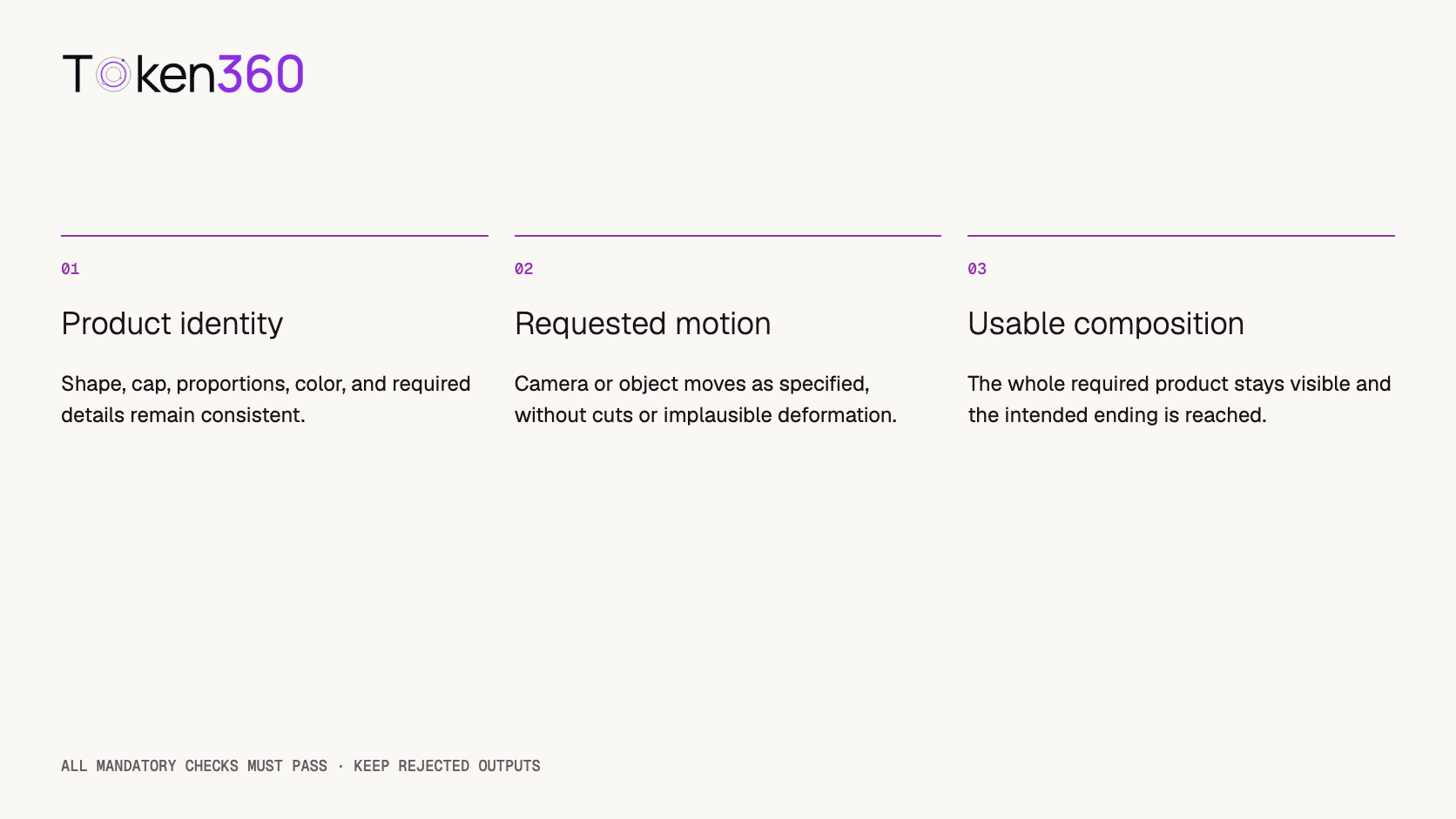
A clip passes only when it satisfies all mandatory checks for its own brief.
Record for every attempt
Example or rule
Run ID
pushin-seedance-01; box-wan-03
Inputs
Asset filenames, reference roles, exact prompt
Route and settings
Model ID, input mode, duration, resolution, audio, seed if used
Completion
Completed, failed, or still running; keep the request/job ID
Time and cost
Elapsed seconds, manual or instrumented method, actual USD charge
Acceptance
Pass/fail with a reason and video timestamp
Evidence
Original output file, including rejected outputs
Use one reviewer applying written rules consistently, or independent reviewers with disagreements resolved and documented. A three-repeat sample is a pilot: report counts such as “two of three passed this brief,” not a precise production reliability claim.
Turn the outputs into a cost decision
Keep generation cost separate from reviewer time. For each route, calculate accepted-output economics using actual charges rather than a rate-card estimate:
Accepted-clip cost = charges for all baseline attempts / accepted baseline clips
Accepted-minute cost = charges for all baseline attempts / accepted output minutes
If none of a route's outputs passes a brief, the accepted-unit cost for that brief is undefined. Report the spend and zero accepted clips instead of presenting a zero cost.
Illustrative budget only: if all 18 baseline attempts cost $0.50 each, their generation spend would be $9.00. That assumption is not a Token360 quote or a measured result. Drafts, final renders, references, or settings may affect the actual bill. Confirm the current pricing and exact model quote before running the suite.
A route can be appropriate for the bottle push-in but unsuitable for the box transition. Review costs and acceptance per brief before combining them into a portfolio total. Weight the briefs according to your real production mix, not whichever weighting makes a preferred model win. The video API pricing guide explains the broader cost method.
Decide whether to rerun, simplify, or change the workflow
A first failure is useful evidence. Preserve it and choose one next step: rerun the same request to inspect variability, change one prompt constraint to test an explanation, or change the input mode when it does not fit the task. Label those actions differently in the record.
If a stationary product deforms during a large camera move, try a smaller move. If the box's endpoints disagree, fix the input images before generating again. If exact package typography is essential and keeps changing, evaluate conventional compositing or a controlled product-rendering workflow for that part of the asset.
After a client timeout, inspect the existing task before submitting another paid job. Technical request recovery and creative regeneration are different operations. See video API error handling for the former and image-to-video production workflow for the full asset lifecycle.
Frequently asked questions
Which image-to-video API is best for product demos?
This protocol does not declare a winner. Compare routes that support the required input mode using the same product assets, motion brief, settings, and acceptance rules. Choose per task rather than by a universal model ranking.
Can a model preserve my product exactly?
A reference image guides generation but does not guarantee unchanged geometry, labels, or surface details. Define essential features and review the complete output. Test fine text separately if it is required.
Should I use one image or multiple references?
Use a first frame when the opening composition is already approved. Use reference inputs when product identity and setting come from separate assets. Use first and last frames when a defined ending state is essential.
Are 18 runs enough to prove a model is reliable?
No. They form a small pilot across two routes, three briefs, and three repeats. They can identify useful failure modes and guide further testing, but cannot establish production-wide reliability or an SLA.
Should failed generations be included in the cost?
Include their actual charges in the relevant spend total. Distinguish technical failures from completed but rejected outputs, and keep preflight, baseline, and later optimization spending identifiable.
Can I publish only the best clip?
A showcase may use a selected clip, but a test report should disclose the attempts and selection criteria. If the video was edited or several generations were combined, say so.


 Tutorial
 Tutorial
 Tutorial