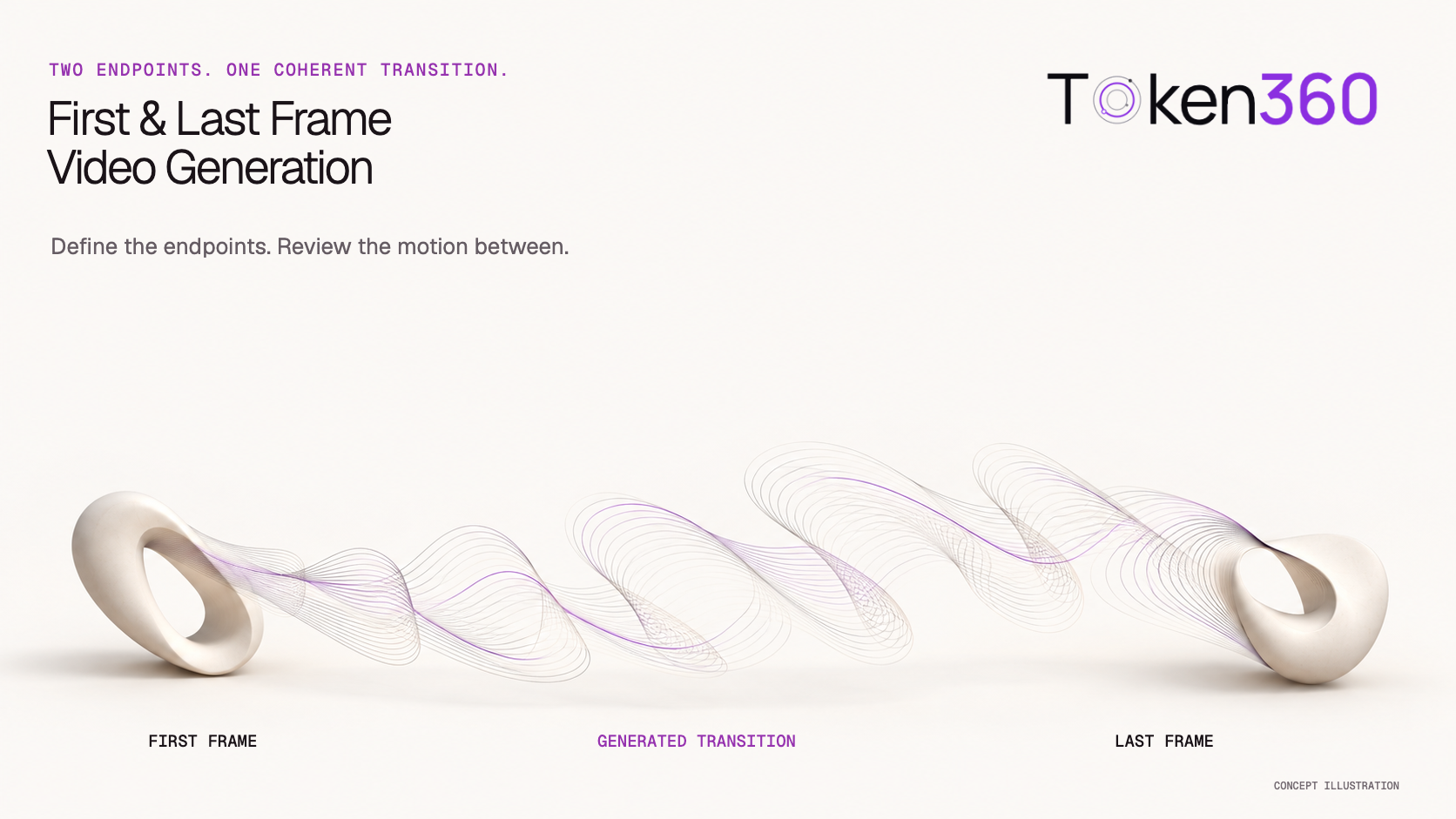
First and last frame video generation uses two images to guide where a video begins and ends. The model generates the transition between those visual targets.
This is useful when the opening and closing composition matter: a package starts closed and finishes open, a camera moves from a wide view to a closer composition, or a character moves between two approved poses.
The important limitation is that two endpoints do not describe every moment in between. A clip can reach the intended ending while using the wrong movement, changing the subject, or introducing an implausible transition.
A production workflow therefore needs three things: compatible endpoint images, a clear description of the connecting action, and a review of the entire generated path.
Before you read: See Image to Video API Workflow for Production Assets: for source preparation, input roles, and asset versioning.
For the complete asynchronous job lifecycle, start with AI Video API Architecture: A Production Guide to Asynchronous Generation.
Decide whether two endpoints solve the production problem
Use this mode when you can explain both the desired ending and a plausible way to reach it.
For example, a wooden display box starts closed. Its lid rotates around the rear hinge, then rests open. The two images establish the states; the motion brief specifies the mechanism.
Other suitable briefs might include:
-
A fixed subject shown in a wide composition and then a closer view.
-
A character moving from one clearly defined pose to another.
-
A deliberate visual transformation between two approved designs.
The last example has different acceptance criteria from a physically continuous action. A creative morph may allow changing geometry. A product demonstration usually needs the object to remain structurally consistent.
Decide which kind of transition you want before generating it.
When a complex middle action is the main requirement, two stills may provide too little control. Consider a supported motion-reference workflow, a sequence of shorter shots, or conventional animation.
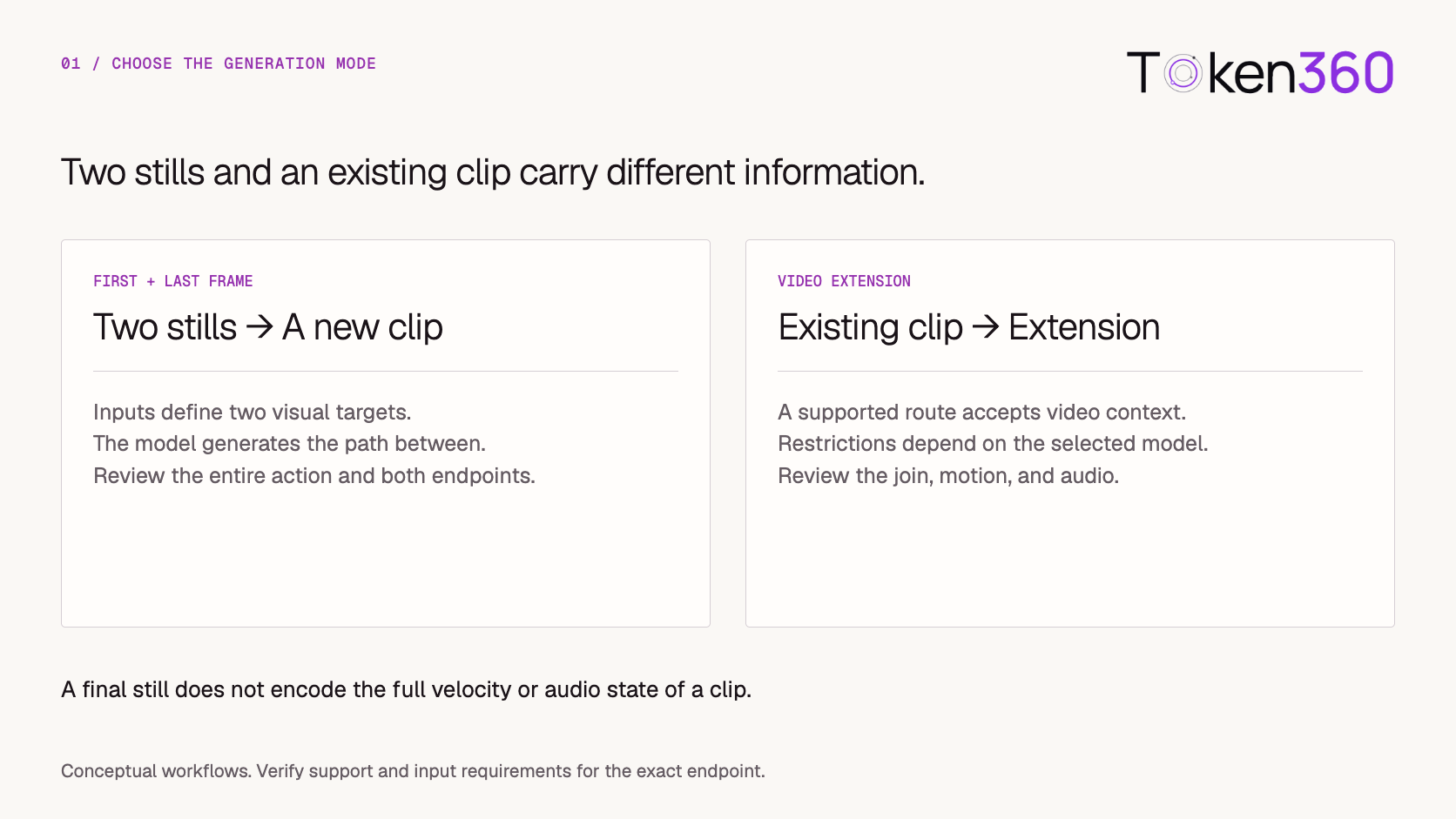
Distinguish endpoint generation, interpolation, and extension
These terms can describe different workflows.
Providers may use “interpolation” to describe first-and-last-frame generation. That does not mean every interpolation tool can create a complex scene transition from two unrelated images.
Google’s Veo documentation describes a dedicated first-and-last-frame workflow and documents video extension separately. Check the exact model and mode before deciding what inputs your application should request.
A final still extracted from a video also differs from the video itself. It shows appearance at one moment, but does not fully encode velocity, movement direction, or sound.
If you use that still to start another clip, review the join as a new production problem.
Prepare endpoint images that describe a coherent scene
For a continuous action, make the images compatible in subject, setting, camera relationship, and lighting.
In the box-opening example, keep the camera fixed while preparing the closed and open states. The box should occupy the same position and have the same dimensions. Nearby objects should remain in compatible locations.
Preview the prepared images together before submission.
An accidental crop difference can make the box appear to change size. A shifted background may encourage unintended camera movement. A different hinge location can create an impossible opening action.
Preserve each original image and each prepared derivative. Record the exact pair used for the attempt.
Describe the mechanism between the frames
“Transition between these images” leaves the model to choose how the change happens.
A more useful brief specifies the action, camera behavior, properties to preserve, and stopping condition.
For the box:
Begin with the closed wooden display box in the starting image. The lid opens slowly around its rear hinge until it reaches the position shown in the ending image. Keep the camera fixed and the box stationary. Preserve the dimensions and wood details. Use one continuous opening movement, ending with the lid resting open.
This identifies the route between the endpoints.
For a camera move, the brief should explain the camera rather than imply that the subject moves:
Begin with the wide composition in the starting image. Move the camera slowly forward toward the subject until the framing approaches the ending image. Keep the subject stationary and preserve the arrangement of the surrounding objects.
These are starting briefs, not guarantees. Evaluate whether the selected model follows the requested mechanism.
Keep the first test simple. Combining a camera orbit, object interaction, lighting transformation, and scene change makes failure harder to diagnose.
Validate the selected API’s endpoint roles
Support for image-to-video does not automatically mean support for both a starting and an ending image.
Verify the exact model route and its documented input schema.
For example, fal’s Kling V3 Standard image-to-video documentation lists separate start_image_url and end_image_url fields, alongside element-reference inputs. Those roles should remain distinct in the application.
Before submission, check:
-
Whether the selected route accepts both endpoints.
-
The required image formats, dimensions, and delivery mechanism.
-
Supported duration and output settings.
-
Any restrictions on combining endpoint inputs with other controls.
-
How to track and retrieve the asynchronous result.
Show the two inputs with clear labels: Starting frame and Ending frame. Keep their order visible in the request preview.
If a selected route does not support the requested mode, surface that limitation before submission. Silently dropping the ending image changes the task.
Use the Token360 model documentation and the selected route’s instructions to confirm available controls.
Treat the image pair as a versioned production input
The two images belong to one transition brief.
Store their roles and versions together with the prompt, resolved settings, internal attempt ID, and provider task ID.
If either image changes, create a new revision. Do not overwrite the file behind an existing URL while an accepted task may still fetch it.
For URL-based inputs, make both files available through the provider’s required retrieval window. A successful upload of the first image does not establish that the second image is accessible.
When a request encounters an error, distinguish submission, input retrieval, generation, and output retrieval failures. Recover the affected step before creating another attempt.
Review the middle as carefully as the ending
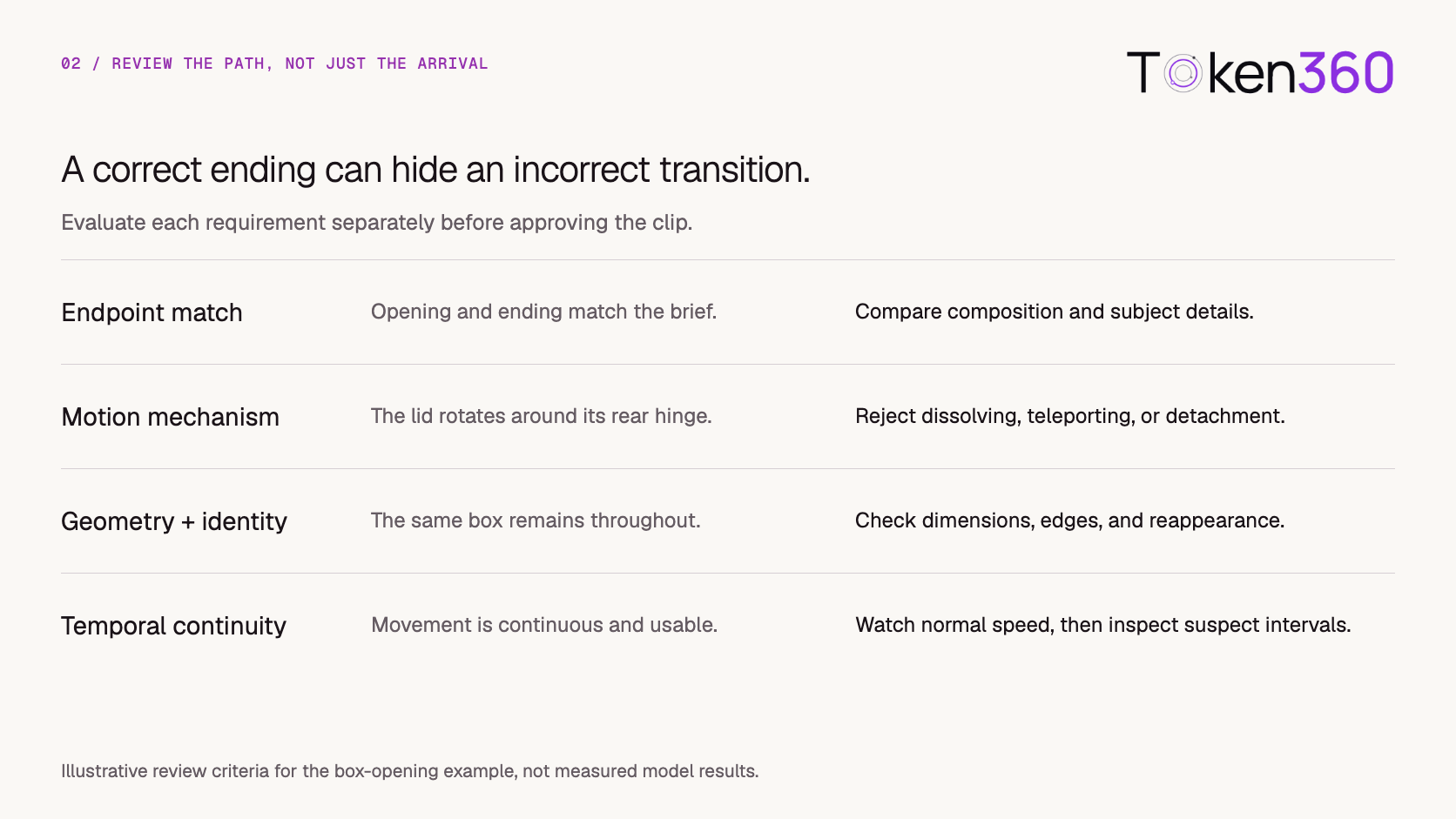
Review endpoint matching and transition quality separately.
A lid that disappears and reappears in an open position may resemble the final image without performing the requested opening action. A box that stretches during the movement may reach the target composition while failing structural consistency.
Watch the full clip at normal speed. Then inspect suspicious intervals around contact, occlusion, fast motion, and major changes in shape.
A few sampled frames can help locate a problem, but cannot establish that the entire transition is continuous.
Record the issue with a timestamp and observable description:
Around the midpoint, the lid detaches from the rear edge before settling into the correct open position.
That finding gives the next revision a specific target.
Revise the cause of the failure
Use the observed failure to decide what to change.
Change one meaningful variable at a time when possible.
If the box changes size, first inspect the source pair. Adding more prompt language will not resolve contradictory endpoint geometry.
Keep rejected candidates and their review notes according to your retention policy. Set an attempt or spend limit before iteration. Repeated failure may indicate that the shot needs a different production method.
Handle exact endpoints in the finishing workflow
Distinguish a visually matching endpoint from a pixel-exact delivery requirement.
If the final edit must include approved opening or closing artwork, plan that requirement explicitly. An editor can place the approved images into the sequence, but the adjacent generated frames still need inspection.
Replacing only the final frame can introduce a visible pop. Holding it for longer may reveal a mismatch in lighting, scale, or geometry.
Check the finished transition after:
Lossy encoding and color conversion can also change decoded pixels. If exactness is contractual, define the requirement and validation method for the delivered format.
Approval should attach to the final asset version, including its finishing edits.
Test loops and clip joins as separate requirements
Using the same image at both endpoints does not guarantee a seamless loop.
The last frame may resemble the first while the movement changes direction abruptly. Sound may stop, repeat awkwardly, or contain a discontinuity.
For a loop, review repeated playback across the boundary. Check subject position, motion direction, apparent speed, lighting, and audio.
For a continuation, use the provider’s documented extension mode where appropriate. When connecting separately generated clips, inspect the join rather than relying on matching stills.
A useful endpoint pair can improve composition control. Smooth timing and sound still require their own checks.
Start with one controlled transition on Token360
A first implementation should make the input pair and review criteria easy to understand.
Use one approved pair, one supported route, and one simple action:
-
Validate the starting and ending images.
-
Preview their roles and framing.
-
Save the transition brief and resolved settings.
-
Submit and track the generation attempt.
-
Retrieve and validate the candidate.
-
Review both endpoints and the full transition.
-
Approve a specific final asset version.
Begin with the Token360 model documentation, then use the API documentation and route-specific instructions for implementation.
Before expanding the interface, verify that swapped inputs, unsupported modes, inaccessible images, and changed source versions are handled clearly.
Frequently asked questions
Does first and last frame generation guarantee the exact motion?
No. The images guide two visual targets. The connecting action still needs a clear brief and review.
Can completely different scenes be used as endpoints?
They may be suitable for a creative transformation when the selected model supports the request. They do not, by themselves, define a physically continuous action.
Is an ending image the same as an appearance reference?
No. An ending image specifies a destination state. An appearance reference guides subject identity or other visual characteristics through a supported reference mode.
Does using identical endpoints create a seamless loop?
Not necessarily. Motion direction, speed, lighting, and audio can still break continuity at the boundary.
Should I use this mode to continue an existing video?
Check the provider’s extension capabilities first. Starting a new generation from one extracted frame does not preserve the complete motion and sound context of the original clip.
What if the ending looks correct but the middle is wrong?
Record it as a transition failure. Review the source pair, clarify the mechanism, simplify the action, or choose a different production method.
Define two compatible endpoints, then test one clear transition. Explore models on Token360.
Related production video guides


 Tutorial
 Tutorial
 Tutorial