ENTERPRISE VIDEO · PRODUCT REPLACEMENT
The replacement must look right—and the rest of the shot must still work.
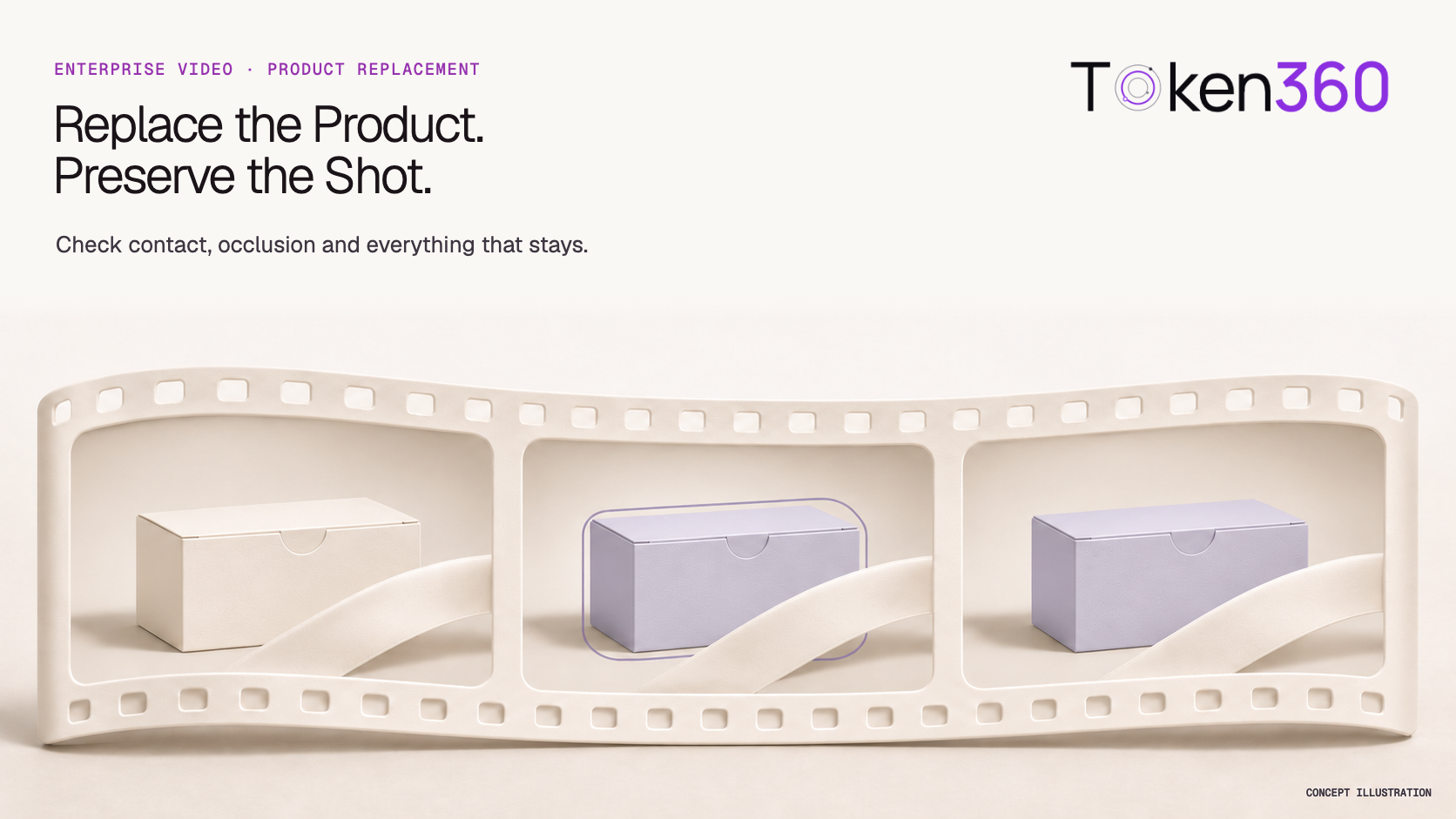
AI video editing can be evaluated for product replacement, but a convincing replacement frame is not enough to approve an advertisement. The product must remain correct through movement and occlusion, and the surrounding performance, camera work and sound must meet the brief. Confirm the selected model's editing support before buying the workflow.
For a brand or agency, the attraction is practical: an approved shot already exists, but the packaging has changed or the campaign needs another SKU. Reusing that take may be worth exploring. The decision is whether the edited clip remains usable, not simply whether a model can draw the new product somewhere in the scene.
This is a documentation-based buying and acceptance framework. No product-replacement test was run for this article, and no time savings, success rate or Token360 replacement quality is claimed.
When is product replacement worth evaluating?
Evaluate product replacement when the source shot already works and the requested change is genuinely local. A packaging update or a different tabletop product can justify a pilot. If the new product changes how a person grips, opens or uses it, compare a reshoot or conventional compositing before assuming the original performance can survive.
fal's Kling O1 video-edit documentation describes instruction-based editing of existing footage. Higgsfield's Genjutsu guide distinguishes Objects swap from Motion transfer: one targets an element in the existing shot, while the other uses motion to build a new scene. These are attributed examples of the category, not proof of a matching Token360 feature or an acceptable output for your campaign.
That distinction matters commercially. If a team asks to preserve an actor's performance but accepts a newly generated scene with similar movement, it has changed the deliverable. Use the separate motion-reference evaluation when recreating movement is sufficient. Product replacement should be judged against the source shot that the buyer wants to keep.
Imagine an approved clip of a carton on a desk. Updating its packaging artwork is a different brief from replacing it with a pump bottle that an actor must dispense. The latter changes geometry and action, not just appearance. A local-edit label does not make those requirements equivalent.
Which source shots should go into the pilot?
Choose source shots that represent the actual interactions in the campaign, not only easy product close-ups. Include relevant rotations, hand contact, partial obstruction and reflections. Identify the moments where the replacement must stay attached to the scene. A pilot that avoids those moments cannot answer whether the production footage is suitable.
Proposed shot selection—not measured model performance
| Shot condition | What the edit must preserve | Decision the pilot should resolve |
|---|
| Product resting on a table | Position, apparent scale and contact shadow | Does the replacement belong on the same surface? |
| Hand picks up the product | Grip, finger boundaries and object motion | Does contact remain credible throughout the pickup? |
| Product passes behind an object | Foreground/background ordering and reappearance | Does it return as the same product without leaving traces? |
| Product rotates toward camera | Shape, label placement and visible side details | Are the newly revealed surfaces supported by references? |
| Reflective setting | Relevant reflection and shadow changes | Do secondary appearances still show the old product? |
Supply the exact source edit, time range and approved replacement references. If a side or back becomes visible, provide evidence for it; the new-product-angle review explains why a plausible unseen surface is not proof of the real design. Keep SKU and packaging revisions consistent across the files.
Include the final aspect ratio and intended placement in the brief. A correction that looks acceptable in a small preview may fail when the product fills the frame. Use source footage and product assets the team is authorized to modify, and resolve campaign approval requirements before treating a generated version as ready for delivery.
What can Token360 buyers verify before committing?
Token360 documents a video-editing workflow, but the common interface does not prove that every listed model can perform a particular product swap. Confirm the model-specific inputs and controls for the source video and replacement references. Then test preservation and product accuracy separately before treating the route as a production capability.
As reviewed on November 24, 2026, the video submission documentation describes asynchronous tasks through POST /v1/videos, with reference roles including edit_source. It instructs callers to inspect the selected model's parameter schema and supported parameters. The broader edit-versus-extend guide covers workflow selection.
For this buying decision, request a named model and a confirmed input arrangement. Ask whether it accepts the source clip together with the replacement references, how the target is identified, what duration and output limits apply, and what happens to the original audio. Do not assume masks, tracking controls, exact background preservation or an Objects swap interface are available because another platform offers them.
This article has not verified a dedicated Token360 product-replacement tool or measured the fidelity of a replacement route. A supplier demonstration should use your representative clip and clearly distinguish documented input support from observed output quality.
How do you specify what changes and what stays?
Write two acceptance lists: the requested product changes and the source features that must remain acceptable. Separate exact product facts from flexible styling choices. Allow necessary consequences, such as an updated reflection, while rejecting unrelated scene changes. “Keep everything else unchanged” is a useful intention but an incomplete review specification.
For a packaging update, the change list might name the approved carton design, color variant and required label. The preservation list might cover the actor's identity, gesture timing, framing, background objects and soundtrack. State whether timing must align with an existing edit, rather than accepting an attractive clip that no longer fits the sequence.
There is a boundary problem to resolve explicitly. If the replacement is larger, its shadow or occluded background may need to change. If the actor grips a different shape, the hand may need to change too. Either authorize those changes and review them, or choose a replacement that fits the original interaction. Do not use contradictory acceptance rules and then ask the model to decide which one matters.
Illustrative production brief, not a tested prompt: Replace the carton in the selected shot with the approved replacement SKU. Preserve the actor, gesture timing, camera framing and surrounding objects. Update the product's reflection and contact shadow where necessary. Reject changed label content, detached hand contact, old-product remnants or unrelated scene alterations. Retain the approved soundtrack through the agreed delivery workflow.
The model request may need a shorter, model-specific instruction. Keep the complete acceptance brief outside the prompt as well, so the reviewer and supplier are judging the same deliverable. A prompt is an instruction; it is not evidence that its constraints were followed.
If the product should remain and only its surroundings need removal, use the video background-removal API guide to specify edges, occlusion and export requirements. A reusable cutout is a different deliverable from replacing the product or accepting a finished background swap.
How do you inspect the finished video?
Watch the full clip at normal speed, then inspect the critical interaction intervals against the source and product references. Check both successful replacement and unwanted changes. Sampled stills help locate defects, but they cannot establish continuous motion, stable contact or preserved audio. Record what was actually reviewed rather than calling every preview a complete audit.
Start with the difficult intervals identified in the brief. At a pickup, inspect the approach, first contact, lift and release. During obstruction, inspect disappearance and reappearance. For rotation, check the label and geometry throughout the turn. A correct beginning and ending do not establish that the intervening motion is usable.
Check secondary appearances too: a new carton with an old-carton reflection is still an incomplete replacement. Inspect shadows, transparent surfaces and any remaining edges of the original item. If the effect intentionally changes those areas, assess whether the change remains consistent with the scene.
Review audio independently. A video file containing an audio track does not prove that the approved music, dialogue, timing or sound quality survived. Listen to the delivered version and compare it with the source where preservation is required. If audio is restored externally, record that step instead of crediting the model with preserving it.
Use the blank product-replacement review sheet (template below) to log time ranges, defects, preserved features, audio checks and the approval decision. A result can be accepted, sent for correction or rejected. Mark any unreviewed requirement as unreviewed; do not turn missing evidence into a pass.
What should the enterprise quote and delivery include?
Buy a defined editing evaluation before forecasting savings across a campaign. Specify the source shots, replacement assets, permitted changes and delivery requirements, then record the effort needed to reach an accepted clip. Compare that complete workflow with a reshoot or compositing quote; the price of one generation does not describe the cost of a finished advertisement.
Track model usage, retries, review, correction and any external finishing separately. If an attempt fails because the source is unsupported, distinguish that from a visually unacceptable result. If a clip needs manual tracking, cleanup or audio restoration, include that work in the production estimate rather than hiding it behind the generation charge.
Token360 provides enterprise model access across text, image, audio and video. Its confirmed enterprise approach uses tiered quotes—higher usage receives lower quoted rates—with no separate service fee. The selected models, usage eligibility, capacity and delivery arrangements still need to be specified for the engagement. This does not promise that every requested product-replacement task is supported.
Ask for the original output and the finished deliverable to be identified separately when external editing is involved. Retain the source revision, reference pack and approval record. For a new SKU with different geometry, revisit the interaction requirements instead of assuming that acceptance of the first SKU validates every later replacement.
Evidence boundary: the sources document editing concepts and interfaces, not a controlled comparison of replacement quality. The shot matrix and review sheet are proposed evaluation tools. No cost savings, success rate or guaranteed preservation is asserted.
Frequently asked questions
Will replacing a product preserve the rest of the video?
That is a requirement to verify, not an assumed result. Review the background, hands, reflections, motion and audio against the approved source. Record unintended changes separately from whether the replacement product appears.
Why is a held product harder to approve than a static packshot?
A held product requires convincing contact, occlusion and movement with the hands. Include those moments in the pilot and watch the continuous sequence. A clean still frame does not establish that the interaction remains correct over time.
What should the replacement-video delivery include?
Specify the final format, duration, frame rate, audio treatment and any project or intermediate files the receiving team needs. Confirm those deliverables in the quote; do not assume an edited preview includes editable project assets.
Review worksheet template
source_clip,source_revision,replacement_SKU,reference_pack,time_range,product_accuracy,contact,occlusion,reflection_shadow,scene_preservation,audio_review,decision,reviewer,correction_needed
,,,,,,,,,,,,,
About the author
Yuki Yu is Marketing Manager at Token360.


 Guides
 Guides
 Guides