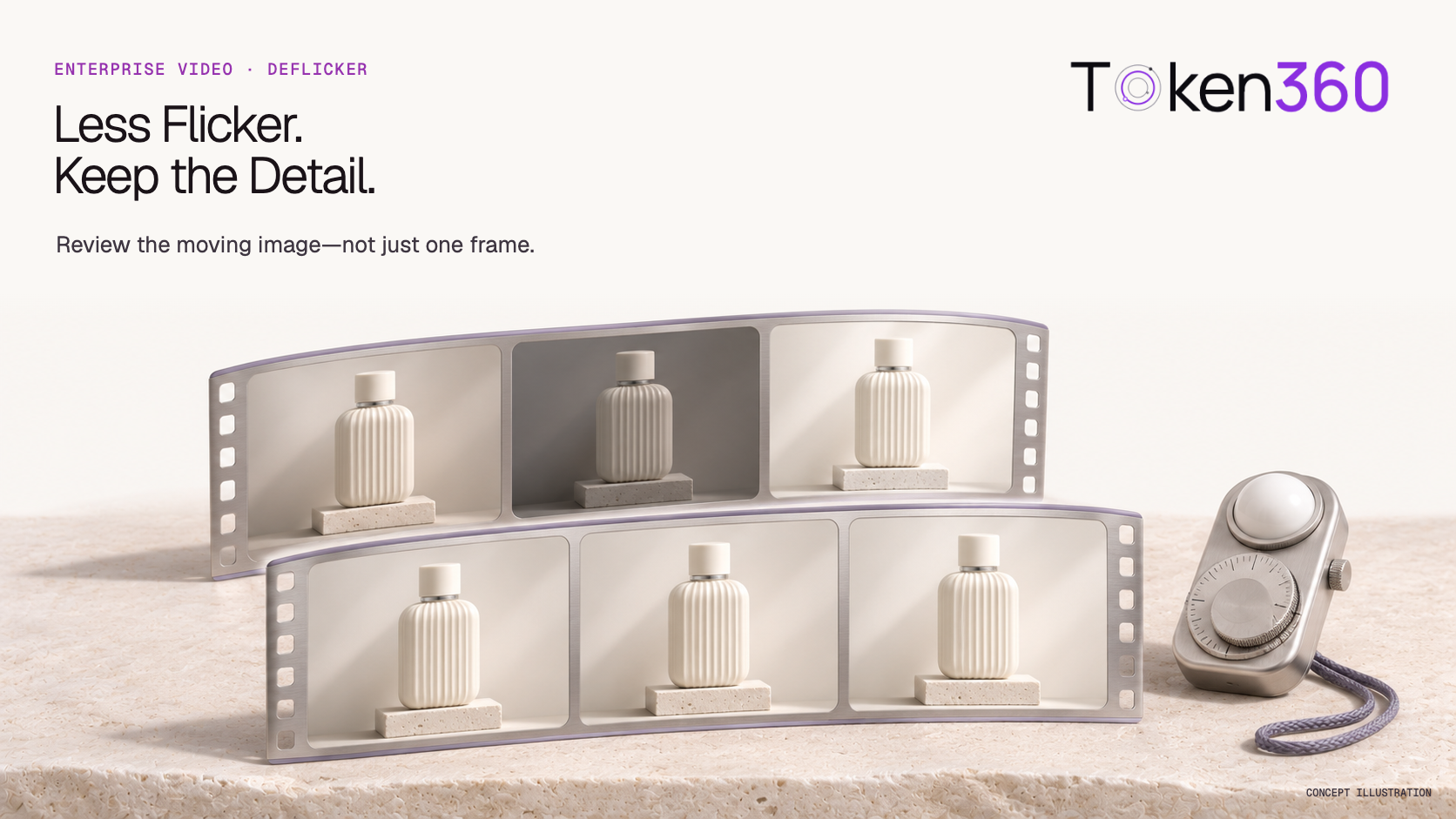
AI video deflicker is worth testing when unwanted brightness or texture changes make an otherwise approved clip distracting. It is not a general repair for every kind of unstable AI video. Buy against a matched source-and-result comparison: the fluctuation should improve without sacrificing product detail, intended lighting or motion.
A brand team may have a product shot with the right composition and action, but the background pulses or the product surface seems to shimmer. Regenerating the clip risks losing the approved take. A finishing pass could be useful—but only after the team identifies what is changing and what must remain intact.
This is a documentation-based purchasing guide, not a completed deflicker experiment. It proposes a review method for enterprise video workflows. It does not verify that Token360 currently provides a particular deflicker model, endpoint or control.
Is the problem flicker, stutter or changing content?
Describe the visible symptom before choosing a finishing model. Flicker involves unwanted changes in appearance over time, such as pulsing brightness or unstable texture. Stutter concerns motion cadence. A product changing shape is a content problem. Similar complaints from a reviewer can therefore require different tests and different processing tools.
As reviewed on November 24, 2026, Higgsfield’s video editor page lists deflicker separately from frame interpolation and upscaling. fal’s Topaz catalog similarly organizes enhancement by task, including denoising, interpolation and upscaling. The fal catalog reference is not evidence that a particular endpoint provides deflicker, nor that Token360 exposes those tools.
Use the complaint to define a test, not to diagnose the cause automatically.| What the reviewer sees | First check | What not to assume |
|---|
| The whole shot brightens and dims | Whether the fluctuation exists in the source file and is unwanted | That it is simply a resolution problem |
| Fine surface detail appears to crawl | The affected texture at normal speed and delivery size | That making the surface smoother preserves the product |
| Movement pauses or jumps | Cadence and playback of the downloaded source | That brightness correction addresses repeated or missing pictures |
| A handle changes shape or a label changes letters | Content continuity against the approved product | That a steadier-looking clip restores the correct identity |
If the complaint is motion cadence, start with the existing duplicate-frame inspection guide. If the problem is insufficient delivery resolution, use the separate video upscaling evaluation. Keeping these decisions separate makes the sample easier to interpret.
Intentional lighting must also be distinguished from an error. A moving reflection, a camera flash or light passing across a product may be part of the approved scene. The buyer must identify which changes are unwanted rather than asking a provider to make every frame look identical.
What should a useful deflicker sample contain?
Provide the original file, the time ranges where the problem is visible and a short description of protected details. Include the lead-in and ending around the affected passage. A single still cannot show the symptom, and a heavily recompressed screen recording may introduce a different problem from the original clip.
Keep an unchanged copy of the source. Review the downloaded file in the editing application as well as the preview that prompted the complaint. If the effect appears only in one player, investigate that playback path before paying to alter the media. Record what was observed rather than declaring an encoder or model at fault without evidence.
A useful example brief is: “The wall behind the bottle pulses during the camera move. Reduce that unwanted fluctuation while retaining the bottle’s ribbed finish, the printed label and the deliberate moving highlight. Keep the approved duration and pacing.” This is a proposed brief, not a tested prompt or a guarantee that an endpoint accepts these controls.
Include a passage where the source already looks good. It acts as a practical check on whether processing damages unaffected content. For a product campaign, also include the moment where the label is most readable and where fine texture is exposed. The hardest required detail matters more than a vendor’s most flattering preview.
Agree on the deliverable being assessed: an internal presentation, a small social placement or a large product close-up. The viewing size and creative requirements should be known before deciding whether the remaining variation is acceptable.
How can you tell whether the fix damaged the image?
Review the processed clip for both reduced fluctuation and retained detail. Watch the source and result at comparable scale and playback conditions, then inspect the affected region through time. Do not accept a result solely because it looks calmer: an excessively softened label or smeared moving edge can make the shot unusable.
Begin with normal-speed playback of the complete shot. Look for the original distraction and for new problems introduced elsewhere. Then inspect specific intervals more closely. Use still frames to examine the label and material, but return to playback to judge movement; a clean contact sheet cannot prove temporal consistency between samples.
Proposed acceptance questions for the editor and brand reviewer.| Requirement | Compare in the result | Record a bounded decision |
|---|
| Less unwanted fluctuation | The same affected area and time range | Improved enough for the planned placement, or not |
| Product detail preserved | Label strokes, seams, ribs and small controls | Which required details survive or become uncertain |
| Motion remains credible | Edges during movement and changes of direction | Any trails, duplicated contours or new smearing |
| Creative lighting retained | Approved highlights and intentional light changes | Whether the treatment changes the creative meaning |
Where the service exposes a treatment strength or different modes, compare a small set using the same source. Do not change resolution, frame rate and several unrelated filters at once during the first comparison. Otherwise it becomes difficult to tell which operation improved the problem or damaged the detail. Controls must be confirmed for the actual endpoint; this guide does not prescribe invented parameter names.
Use outcomes such as “accepted for this placement,” “needs manual finishing” or “rejected because the label softened.” Avoid converting a few selected samples into a general model success rate. A useful purchasing record includes rejected outputs and the reviewer’s reason, not only the best-looking export.
If the original geometry or text is already changing, make that a separate content failure. Temporal smoothing should not be credited with factual restoration merely because the error becomes less noticeable. A new source take or a targeted content correction may still be necessary.
Where should deflicker fit in the delivery workflow?
Test the smallest relevant finishing operation on a preserved source before building a longer processing chain. Compare the result in the intended edit, then decide whether other operations are needed. Record the order and settings used. A workflow that produces a good preview still needs validation at the final delivery size and format.
Do not make an untested universal rule that every clip needs deflicker. If the footage already meets the acceptance brief, another pass creates more work to review. When both flicker reduction and enlargement are required, compare the chosen sequence on a representative passage rather than assuming every model handles the combination equally.
Process across shot boundaries only if that behavior has been tested. A cut is an intentional discontinuity, so a finishing workflow should not introduce a blend or change the timing there. Keep a note of exactly which shots were treated, and inspect their openings and endings when they return to the assembled video.
Confirm output duration, frame rate, dimensions and audio handling. Import the result into the actual project and check alignment against the original. If the service does not preserve audio, keep the original soundtrack available and verify synchronization when restoring it. An unchanged displayed duration alone is not a complete timeline check.
Retain the source, processed file and approved master separately. Record the model/version or service identifier, settings, export properties and reviewer decision. Ask about result-link expiry and storage responsibilities so a temporary download address does not become the only record of an approved asset.
What should an enterprise confirm with Token360?
First confirm whether Token360 can provide the specific processing capability required for the supplied clip. Then define the sample, protected content and delivery conditions before discussing volume. General video-model access is not proof of a deflicker endpoint, adjustable treatment strength, native editor integration or a guaranteed level of detail preservation.
Token360 focuses on enterprise access to text, image, audio and video models. Its enterprise quotes use tiers: higher usage receives lower quoted rates, and it does not charge a separate service fee. These confirmed commercial facts do not establish availability or pricing for this particular finishing operation.
Provide expected source duration, file count, resolution, peak workload and deadline. Ask what is billable, what input and output limits apply, and whether technical failures and quality-rejected outputs are treated differently. Confirm whether the proposed scope is inference only or includes review, manual repair and final export. Do not assume those services are bundled.
For a business comparison, account for processing charges, review time and any repair needed before acceptance. A low quoted unit rate does not compensate for a treatment that removes the detail the client needs. Compare the proposed workflow with conventional finishing, using an alternate take, or regenerating only the affected source shot.
Use the enterprise inquiry to request capability confirmation and a scoped sample. Ask separately about handling unreleased footage, retention and contractual requirements for the proposed engagement. No certification, retention policy or capacity guarantee is established by this article.
Frequently asked questions
Will upscaling remove flicker automatically?
Do not assume so. Enlargement and temporal correction address different requirements. Confirm the specific model’s documented behavior and compare the moving output. A larger file can still contain the original fluctuation.
Is deflicker the same as adding more frames?
No. Frame interpolation creates intermediate pictures for a motion or frame-rate objective. Deflicker targets unwanted appearance changes over time. A clip can have one problem, both, or neither, so define the symptom before selecting a workflow.
Can deflicker fix a product that changes shape?
It should not be purchased as a guarantee of correct product geometry. Inspect the source against the approved product. If the object itself changes, assess a content repair or another take rather than judging success by visual smoothness alone.
How much smoothing is acceptable?
Enough to meet the agreed viewing requirement without losing protected detail or intentional lighting. There is no universal setting in this guide. Use the actual label, texture and moving edges in the sample to make that decision.
Does Token360 already offer a deflicker API?
A specific Token360 deflicker endpoint has not been verified for this article. Share the source requirements with the enterprise team and request confirmation of model availability, controls and delivery behavior before planning an integration or volume purchase.
Documentation reviewed November 24, 2026. The checklists and sample brief are proposed evaluation methods. No original deflicker test, measured quality improvement or cost saving is claimed.
About the author
Yuki Yu is Marketing Manager at Token360.


 Guides
 Guides
 Guides