AI video object removal is worth evaluating when an otherwise usable brand clip contains a distracting cable, stand or prop. The purchasing test is whether the object and its visible traces disappear while the product, action and timing remain acceptable—not whether one cleaned frame looks convincing.
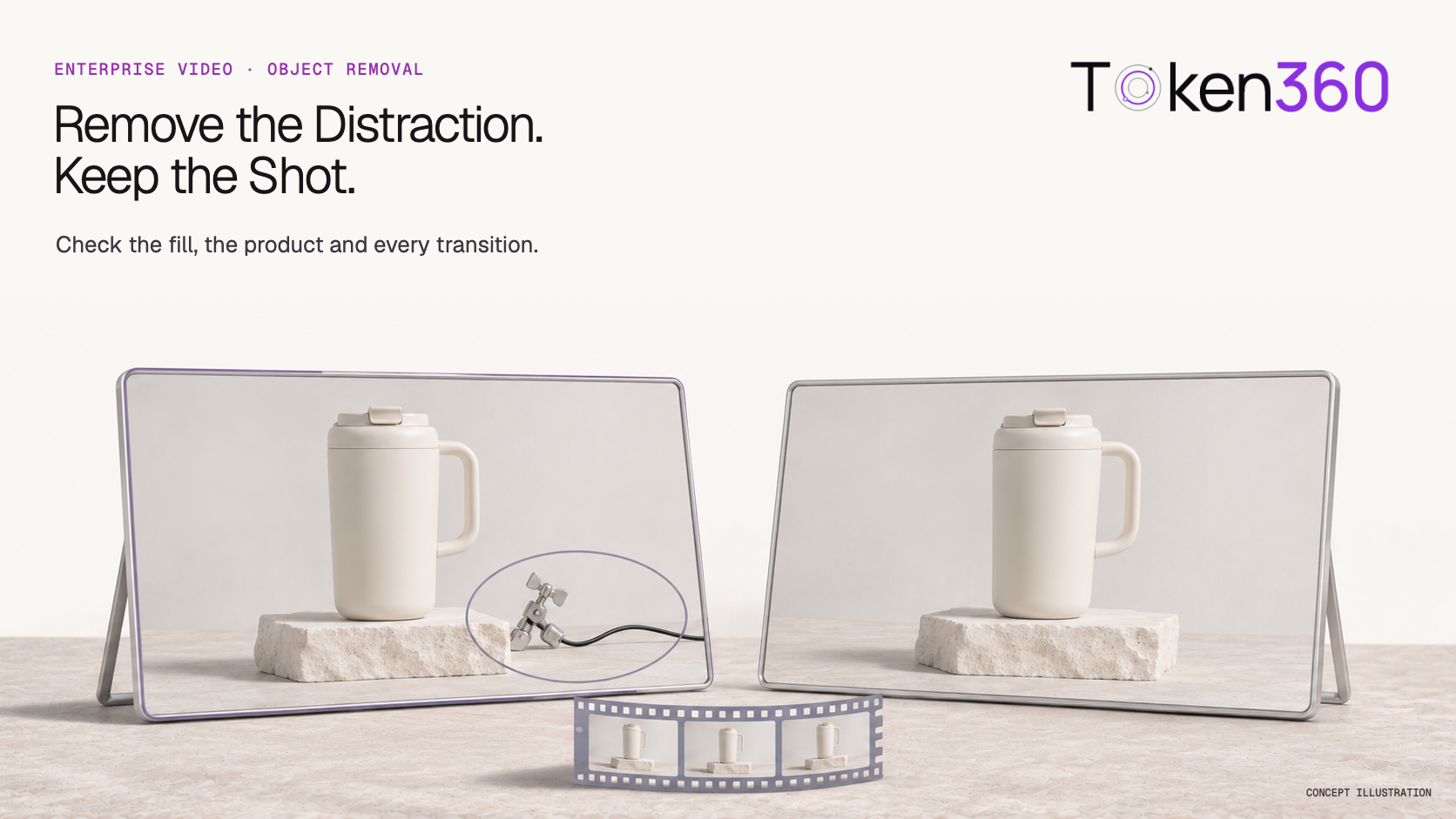
Imagine an approved tabletop product shot with a loose cable crossing the surface. The client likes the camera move and product reveal, so regenerating the whole scene would put approved work at risk. Removing the cable sounds like a small task. Yet its shadow, the surface underneath it and moments when it crosses the product all belong in the acceptance brief.
This article explains how to scope that purchase and assess the returned footage. It is based on provider documentation and a proposed review method, not an original object-removal benchmark. Token360 support for a specific video eraser, masking control or editing integration has not been verified here.
When is video object removal the right task?
Use object removal when you want an unwanted element gone and a plausible continuation of the existing scene in its place. It is a different task from isolating a foreground subject or replacing a product. Start with the approved footage and define which visible content must remain unchanged throughout the shot.
As reviewed on November 24, 2026, fal’s Bria Video Eraser documentation exposes a video-and-text-prompt removal workflow. Higgsfield’s local video-editing guide also discusses targeted cleanup of unwanted elements. These sources establish the task category; their quality claims do not demonstrate that your footage will pass review or that Token360 offers the same controls.
Match the purchase to the change required in the finished shot.| Client request | Workflow to evaluate | Main acceptance question |
|---|
| Remove a cable from the tabletop | Object removal and scene reconstruction | Does the surface remain coherent as the camera moves? |
| Keep the person and discard the room | Background removal | Is the subject cutout usable in the next edit? |
| Show a different product in the same shot | Product replacement | Is the replacement identity and interaction correct? |
| Remove a distraction at the extreme edge | Compare removal with a conventional crop | Can cropping solve it without harming the approved framing? |
For a reusable cutout, see the separate video background removal evaluation. For a new SKU in existing footage, use the product replacement brief. This article focuses on leaving the scene without the unwanted object.
Also ask whether an alternate take or a clean plate exists. A clean plate is footage or an image of the same scene without the distraction. It may help a conventional compositor or a model workflow that explicitly accepts it. Its availability is useful information; support for it is still a provider-specific question.
What must the removal brief include beyond the object?
Identify the object, where it appears and the traces that should disappear with it. Then list protected content: the product outline, label, hands, camera movement and shot duration. State whether the target overlaps anything important. A request to remove a stand is incomplete if its reflection remains visible in the product.
Give the provider the actual source shot and time ranges, not only a screenshot. If there are several similar objects, explain which instance to remove. A marked still can communicate intent to a human reviewer, but do not assume the API accepts that still as a mask or reference. Confirm whether selection uses text, points, masks or another supported input.
For the tabletop example, a useful brief reads: “Remove the loose cable and its shadow from the stone surface. Keep the mug, its handle and printed label unchanged. Preserve the original shot length and camera movement. Flag the moment when the cable crosses the mug rather than silently changing the mug’s outline.” This is a procurement example, not a tested prompt.
Distinguish incidental clutter from an object involved in the action. Removing a stationary prop is a different review problem from removing something a person holds, pushes or pours from. The latter can leave a hand gesture or physical effect with no visible cause. Ask whether changing that interaction is inside the job’s scope; do not hide it inside “cleanup.”
Where the source never shows what is behind an obstruction, treat the fill as an inferred reconstruction. For product-critical geometry, a plausible guess is not a factual reference. Obtain another view, a clean take or manual reconstruction if the buyer needs confidence in the real product detail.
How do you check the result across the full video?
Compare the original and edited clip at normal speed, then inspect the intervals where the target moves, overlaps the product or leaves the frame. Review the filled area and the protected scene together. A removal passes only when the intended use remains acceptable across time, including shadows, reflections and any affected interaction.
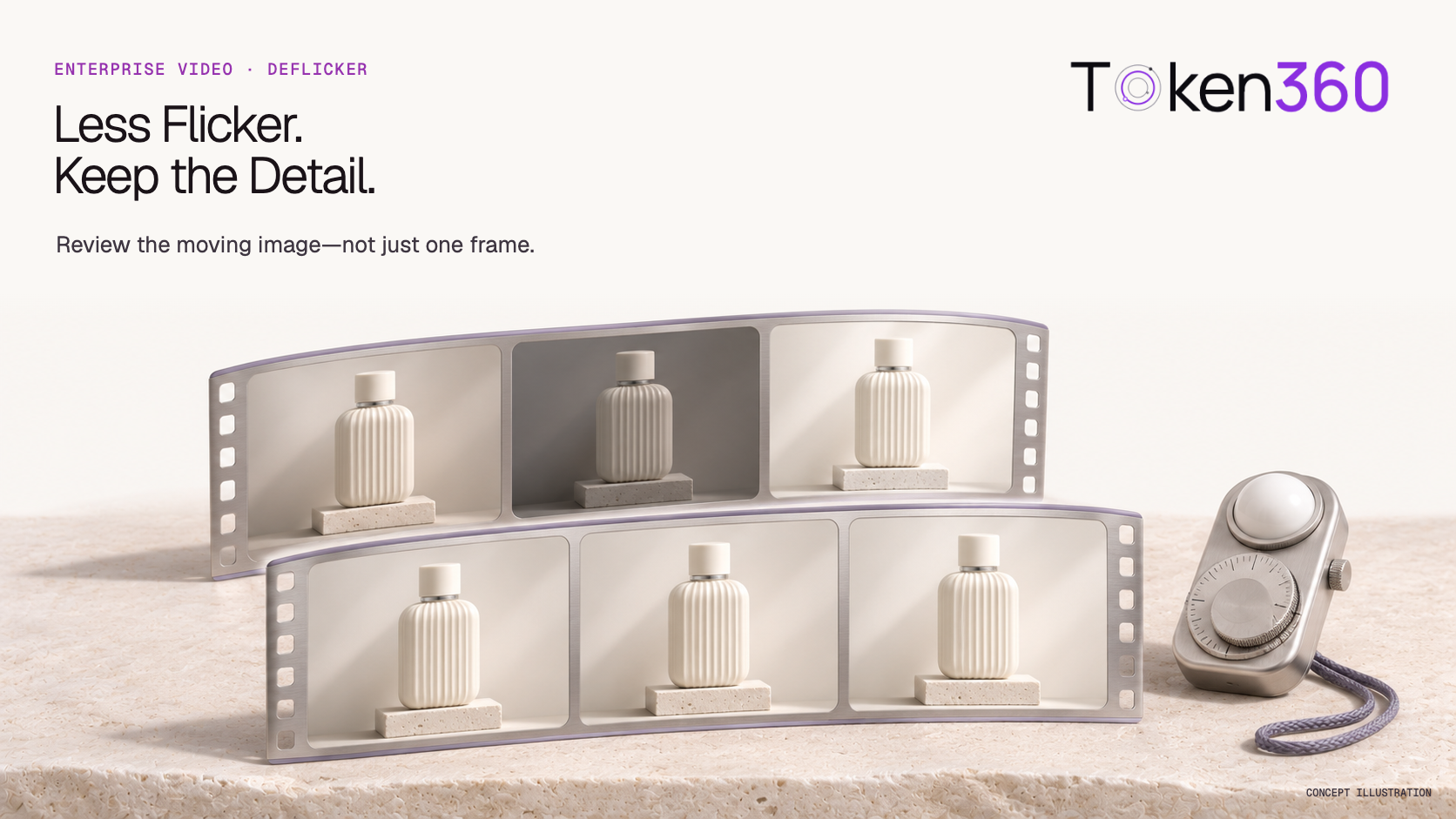
Start by watching the whole clip without pausing. That reveals whether the edit attracts attention during ordinary viewing. Next, use synchronized playback or frame stepping to investigate suspicious moments. A contact sheet can help locate changes, but sampled frames alone cannot establish that there is no flicker between them.
Proposed review sheet for the source and edited shot.| Area | What to inspect | What to record |
|---|
| Target and traces | Remaining fragments, shadow, reflection or a patch that changes shape | Time range and whether another pass is needed |
| Reconstructed surface | Texture sliding, repeating patterns or geometry that changes through the camera move | Acceptable for the intended display size, or distracting |
| Protected product | Silhouette, label, material and contact with hands or surfaces | Any change that invalidates the approved product view |
| Action continuity | Hands holding nothing, unexplained movement or an effect without its cause | Whether the requested removal requires a wider edit |
The decision should be specific: accepted for this shot, accepted with conventional repair, or rejected. An empty target region is not enough if the brand label changed elsewhere. Conversely, a difference visible only under extreme magnification may not matter for a small social placement; agree on the intended viewing conditions before reviewing results.
Retain the source version, settings, returned file and rejection notes for each attempt. If you compare providers, use the same source and protected-content requirements. Do not compare one service’s easiest demonstration shot with another service’s difficult occlusion case.
To evaluate a wider purchase, include the kinds of shots your team actually handles: camera motion, reflective surfaces, crossings and clutter near the hero product. Keep the results separate by difficulty and intended use. This guide provides no measured success rate and does not claim that these checks reveal a single best model.
What should be verified before returning the clip to the edit?
Check that the delivered file still fits the approved timeline: duration, frame rate, resolution, crop and audio handling all matter. Import it into the actual editing project and compare the start and end. A visually clean preview is not a complete deliverable if replacing the shot changes pacing or loses required sound.
Ask in advance whether the service trims, resizes or re-encodes the input and whether it returns audio. Preserve the original audio separately while testing. If the edited picture needs the original soundtrack restored, confirm timing before combining them; do not assume the two files still align because their displayed duration looks similar.
For a multi-shot advertisement, agree which individual shot is being processed and how it will be reinserted. Specify any extra frames needed before and after the used section for transitions. A successful cleanup on the middle of a shot may still leave an unusable opening or ending.
Keep the original source, generated result and approved delivery as separate files. Label the result with the shot identifier and revision. Record who approved the picture and whether further compositing was used. Confirm output-link expiry and storage responsibility rather than relying on a preview URL as the only archive.
The useful handoff is the approved media plus a short note explaining the removal, protected details checked and any remaining limitation. It should be readable by the editor and producer without reconstructing the request from an API log.
What should a Token360 enterprise quote cover?
Before quoting volume, ask Token360 to confirm the exact video-editing model, selection controls, input limits and output behavior for this task. Agree on a representative sample and an acceptance brief. Access to video models does not by itself establish support for a particular object-removal endpoint or a guarantee of unchanged surrounding pixels.
Token360 focuses on enterprise model access across text, image, audio and video. The company uses tiered enterprise quotes: higher usage receives lower quoted rates, with no separate service fee. Those facts do not specify the price or availability of an unconfirmed video eraser, and they do not make retries or manual repair automatically free.
For a scoped discussion, provide the expected number and length of source shots, resolution, removal complexity, peak workload and delivery deadline. Ask which unit drives billing and whether repeated requests, failed processing and quality-rejected outputs are treated differently. Confirm whether the quote covers inference alone or also any review and finishing work.
Assess the proposed workflow alongside an alternate take, a crop or conventional compositing. The cheapest generation is not necessarily the cheapest accepted edit once review and repair are included. No cost saving is established in this article; that comparison needs the buyer’s actual sample outcomes and commercial quote.
For unreleased assets, agree on access, retention and the handling of source footage under the proposed engagement. Do not infer a certification or deletion policy from the mere availability of a model. Use the enterprise inquiry to confirm capability and scope before building the removal task into a production pipeline.
Frequently asked questions
Is video object removal the same as background removal?
No. Object removal fills the area left by an unwanted element within the existing scene. Background removal isolates the subject from the surrounding scene, often for a later composite. The desired output and acceptance criteria differ.
Does removing the object also remove its shadow and reflection?
Do not assume so. Include those traces in the brief and inspect them in the returned clip. A result can remove the visible object while leaving a shadow, reflection or changing patch that still reveals the edit.
Can the model restore an obscured product label accurately?
A generated reconstruction is not proof of the original label. If the required text or geometry is never visible, supply an authoritative reference through a supported workflow or use another production method. Do not approve factual product detail based only on plausible appearance.
Do I need a mask for every frame?
That depends on the selected endpoint. Some workflows accept a text description; others expose spatial selection or masks. Confirm how the target is specified and followed through the shot. Another provider’s interface is not evidence of Token360’s supported controls.
When should a team stop retrying and use another method?
Stop when repeated attempts still alter protected content or when review and repair exceed the agreed scope. Set that decision rule before processing a batch. An alternate take or compositor may be the appropriate next step; this article does not establish a universal retry count.
Documentation reviewed November 24, 2026. The examples, review tables and acceptance method are proposed guidance, not results from a completed video test. Specific Token360 object-removal availability, controls and delivery properties require confirmation.
About the author
Yuki Yu is Marketing Manager at Token360.


 Guides
 Guides
 Guides