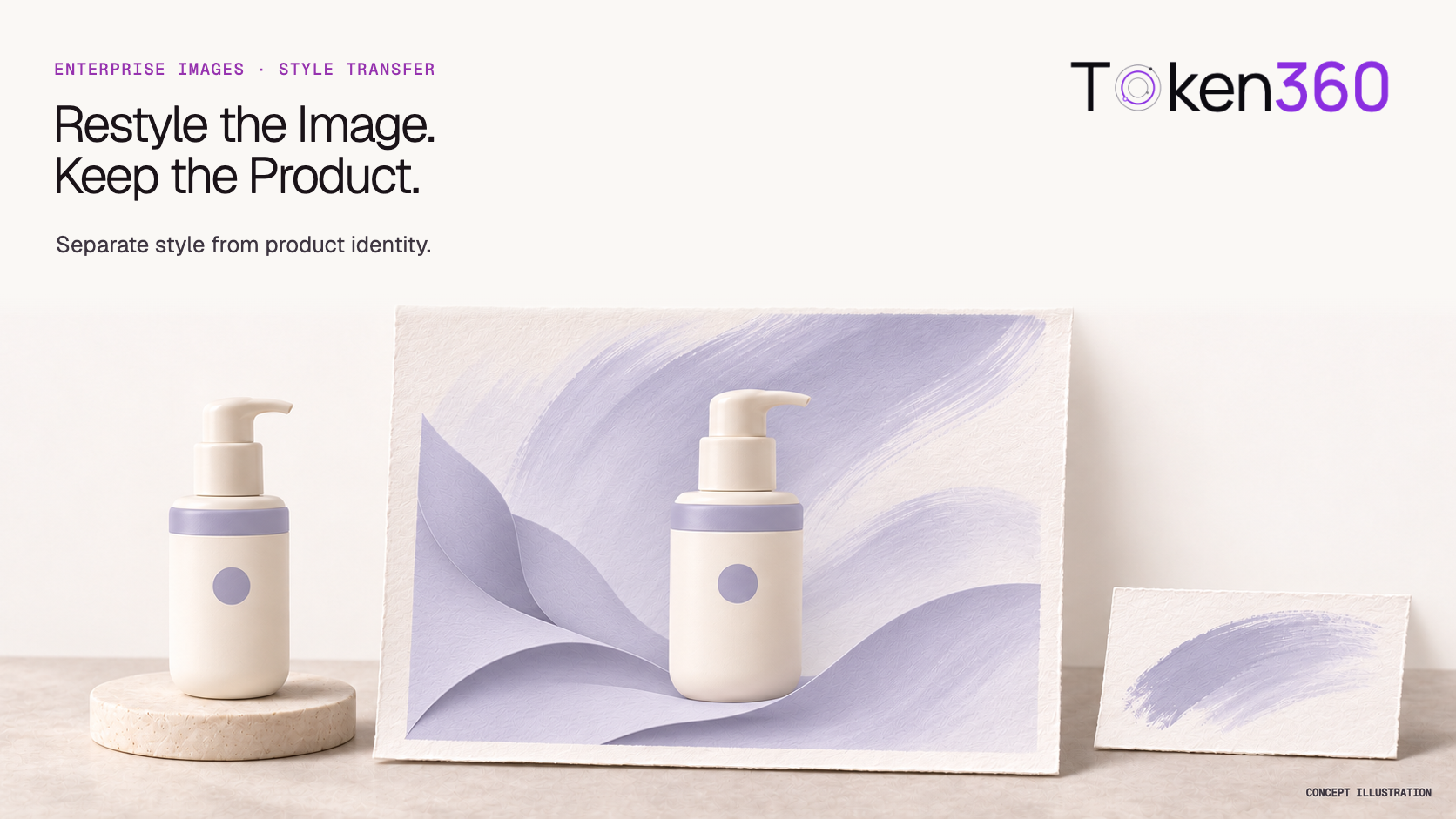
AI style transfer can give a product image a different visual treatment, but a successful restyle must preserve the details that identify the actual product. Define what may change before generating. If the product itself must remain exact, compare full-image restyling with a workflow that keeps the approved product cutout and changes its surroundings.
A brand team may want an existing skincare photograph to fit a paper-cut campaign, a textured illustration series or a softer editorial treatment. The business is buying a usable campaign asset, not simply a recognizable bottle in an attractive picture. A changed pump, finish or pack size can make the image unsuitable even when the overall style is convincing.
This article proposes an evaluation brief for enterprise creative teams buying image-model access. It is not a model benchmark, and the cover is a concept illustration. No Token360-specific style-reference control or dedicated style-transfer endpoint was tested for this article.
What are you asking the style-transfer model to change?
Separate the visual treatment from the product identity. A style brief can permit changes to the background, texture, edge treatment or surrounding illustration while protecting the product's shape, color, packaging and text. Without that separation, an instruction such as “make this image a paper-cut advertisement” leaves the acceptable extent of transformation unclear.
Official documentation illustrates two different input approaches. fal's style-transfer page exposes a source image and a style prompt. Higgsfield's model-routing guide distinguishes image remixes from generating images that follow style references. These examples explain the category; they do not establish equivalent inputs or guarantees on Token360. Documentation was reviewed on November 24, 2026.
Ask whether your task is to reinterpret an existing photograph or generate a new composition in a reference style. Those jobs may look similar in a sales demo but need different acceptance criteria. In the first, the approved image is the content baseline. In the second, even composition and object placement may be generated again.
Illustrative restyling brief for a skincare campaign
| Element | Allowed change | Protected requirement |
|---|
| Background | Purple paper texture and illustrated forms | No invented ingredients or performance claims |
| Bottle silhouette | None for the approved packshot | Same shoulders, pump and proportions |
| Label | None | Approved wording, size and placement |
| Material | Surrounding illustration may be stylized | Do not imply a different container finish |
| Campaign headline | Added in the design file after generation | Approved copy and typography |
Use the broader brand-consistency workflow for voice, claims and team-wide standards. The narrower decision here is how much of one product image an artistic transformation may alter. It is not a new governance system for every asset.
If the requested change is a real product colorway rather than an artistic treatment, use the SKU-specific product recoloring guide to define the color reference and protected details. A coherent style should not turn one purchasable variant into an invented product.
When should you keep the product outside the restyle?
Keep an approved product cutout outside the generative transformation when exact packaging, lettering or geometry is a delivery requirement. Generate or restyle the surrounding scene, then composite the product in an editor. This changes the production workflow rather than promising that a prompt can make every product pixel remain untouched.
That approach has its own work: the cutout edge, contact shadow, perspective and lighting must fit the new environment. Preserving a bottle exactly does not make the composite automatically convincing. If the art direction requires turning the bottle itself into folded paper or clay, the brief should explicitly permit that conceptual reinterpretation and identify where it may be used.
A campaign illustration and a product-detail listing need not share the same tolerance. Decide whether the output represents the physical item for purchase or illustrates an idea around it. Do not quietly replace a factual product photograph with a stylized approximation because it looks more engaging.
When the change is confined to one selected region, evaluate localized inpainting and preservation. When only illumination needs changing, use the separate product-relighting review. A full artistic restyle should not become the default purchase for a smaller editing task.
How should you prepare the content and style references?
Give each reference a declared role: the product image defines what is being depicted, while the style reference defines the visual treatment. Use approved assets and specify which features to borrow. A reference containing another product, slogan or logo should not become an invitation to import those elements into the output.
Instead of asking for an entire example advertisement to be copied, describe its relevant properties: flat paper layers, sparse composition, soft edge texture and a restricted palette. If a model supports separate reference roles, confirm their actual input fields. If it accepts only a source image and text, do not assume it can independently interpret an additional style board.
A useful handoff contains the approved product image, the permitted style reference, a protected-detail checklist and the intended placement. Include final aspect ratio and output size in the settings as well as the brief. Mark background elements that would be misleading, such as fruit implying an ingredient the product does not contain.
Restyle the surrounding campaign scene using layered paper texture and a restrained purple palette. Preserve the supplied bottle's outline, pump, label and material appearance. Do not introduce new packaging, ingredients, wording or symbols. The campaign headline will be added separately.
This is an illustrative brief, not a tested prompt or a guarantee of preservation. Map it to the selected model's documented inputs before submitting it. If exact label reproduction is mandatory, the product-cutout route remains an alternative to evaluate rather than repeatedly adding stricter instructions.
How do you tell a good restyle from a wrong product?
Review style match and product fidelity separately, then require both to meet the agreed brief. An image can match the campaign's texture and palette while changing the packaging. Compare each candidate with the approved source at its intended delivery size and in close-up before judging whether the visual treatment is useful.
For the illustrative bottle brief, first inspect the silhouette, pump position, label wording and visible contents. Then inspect the artistic treatment: does the background use the intended material language, and does it leave usable space for the headline? A strong score on the second group should not compensate for a failure on the first.
Choose a small pilot set that represents your actual catalogue: for example, a plain pack, a pack with fine print and a reflective pack. These are suggested test categories, not samples tested here. Save every candidate and its rejection reason, not just the most attractive image. Record the model version, settings, input files and any subsequent manual edits.
Do not change the model, source photo and style reference at the same time when diagnosing a problem. Keep the brief stable while investigating a specific failure, then compare the revised result with the original baseline. This makes the pilot easier to interpret without implying that repeated requests are statistically independent.
Use the blank product-restyling review sheet (template below) to record protected-detail failures, style fit and finishing work. Review exports in the actual design workflow too: a thumbnail can conceal warped lettering, while a technically sharp close-up can still fail the intended composition.
What should an enterprise confirm with Token360 before buying?
Ask Token360 to confirm the available image model, the supported editing inputs and the commercial scope for this exact task. Request evidence using your approved product and style brief before committing volume. General image-model access does not prove separate content and style references, protected-region controls or exact product preservation.
Token360 serves enterprise procurement across text, image, audio and video models. For this request, send the expected number of final assets, image sizes, turnaround needs and acceptance rules. The relevant question is whether a confirmed route fits that workload—not whether every function advertised by another platform is available through the same interface.
- Inputs and control: Can the route edit a supplied photo? Does it accept a style image, text instructions or both? Are masks or separate reference roles documented?
- Output and finishing: What file format and size are returned? Is the result flattened? Which compositing, typography and review steps remain with your team?
- Data handling: What terms apply to unreleased packaging and reference assets? Confirm retention, access and any other required handling in the engagement rather than assuming them from model availability.
- Commercial scope: Which model, output settings and eligible usage define the quote? How are technical failures and visually rejected but completed outputs treated?
Token360 uses tiered enterprise quotes: higher usage receives lower quoted rates. It does not charge a separate service fee. That does not make model usage, retouching or rejected creative work free. Confirm the applicable rates and billing rules; no price bands or restyling acceptance guarantee are established in this article.
For the pilot, compare the total generation, finishing and review expenditure with the number of assets actually approved. Treat that as a project measure, not a vendor-wide success rate. Also record why assets failed: a low generation bill is not helpful if packaging corrections consume the production schedule.
Before scaling, ask for a scoped pilot using the protected-detail brief and a documented handoff. A useful outcome may be a supported full-image edit, a hybrid workflow using the original cutout, or a decision that conventional design work better fits the requirement. Learn more about the company on Token360's About page; specific model support and commercial terms still need confirmation.
Frequently asked questions
Does matching the campaign style prove the product is accurate?
No. Review product shape, labels, color and materials separately from style. A coherent visual treatment can still depict the wrong product. Use approved references and state which differences are unacceptable before selecting a result.
Can we keep the original product and restyle only the scene?
That is a workflow to evaluate, not a verified Token360 feature in this article. If preserving exact product pixels is essential, compare an approach that retains the approved product as a separate element while changing its surroundings.
What should our style reference communicate?
Identify the lighting, palette, texture or composition you want to borrow, and distinguish those choices from product features that must remain unchanged. Use authorized reference material and avoid relying on a broad style label as the whole brief.
Review worksheet template
asset_id,source_revision,model_version,settings_record,style_reference,allowed_changes,protected_details,product_fidelity,style_fit,label_review,manual_finishing,decision,rejection_reason,reviewer
,,,,,,,,,,,,,
About the author
Yuki Yu is Marketing Manager at Token360.


 Guides
 Guides
 Guides