An AI inpainting API can target a selected area of an existing image, but buyers should verify how the endpoint preserves everything outside that area. Define the requested change and the protected content separately. Approve the result only after checking the edited region, its boundary and the complete exported image.
This is a procurement guide, not a model benchmark. No Token360 inpainting endpoint, mask support or pixel-preservation feature has been verified for this article.
When is an inpainting API the right purchase?
Consider inpainting when an existing image is mostly approved and only a bounded region needs new content. Examples include replacing a prop or repairing a small background area. If the task is a precise graphic overlay, transparent cutout or entirely new composition, another operation may be more appropriate and easier to verify.
Match the purchase to the required change
| Requirement | Operation to evaluate | Acceptance question |
|---|
| Replace one prop beside an unchanged product | Local generative editing or inpainting. | Did the prop change without altering the product? |
|---|
| Remove the entire backdrop for reuse | Background removal with the required transparency. | Is the cutout reusable on new backgrounds? |
|---|
| Add an exact approved price badge | Deterministic graphic compositing. | Are the text, font and placement exact? |
|---|
| Create a different campaign composition | Broader image editing or generation. | Does the new composition meet the brief? |
|---|
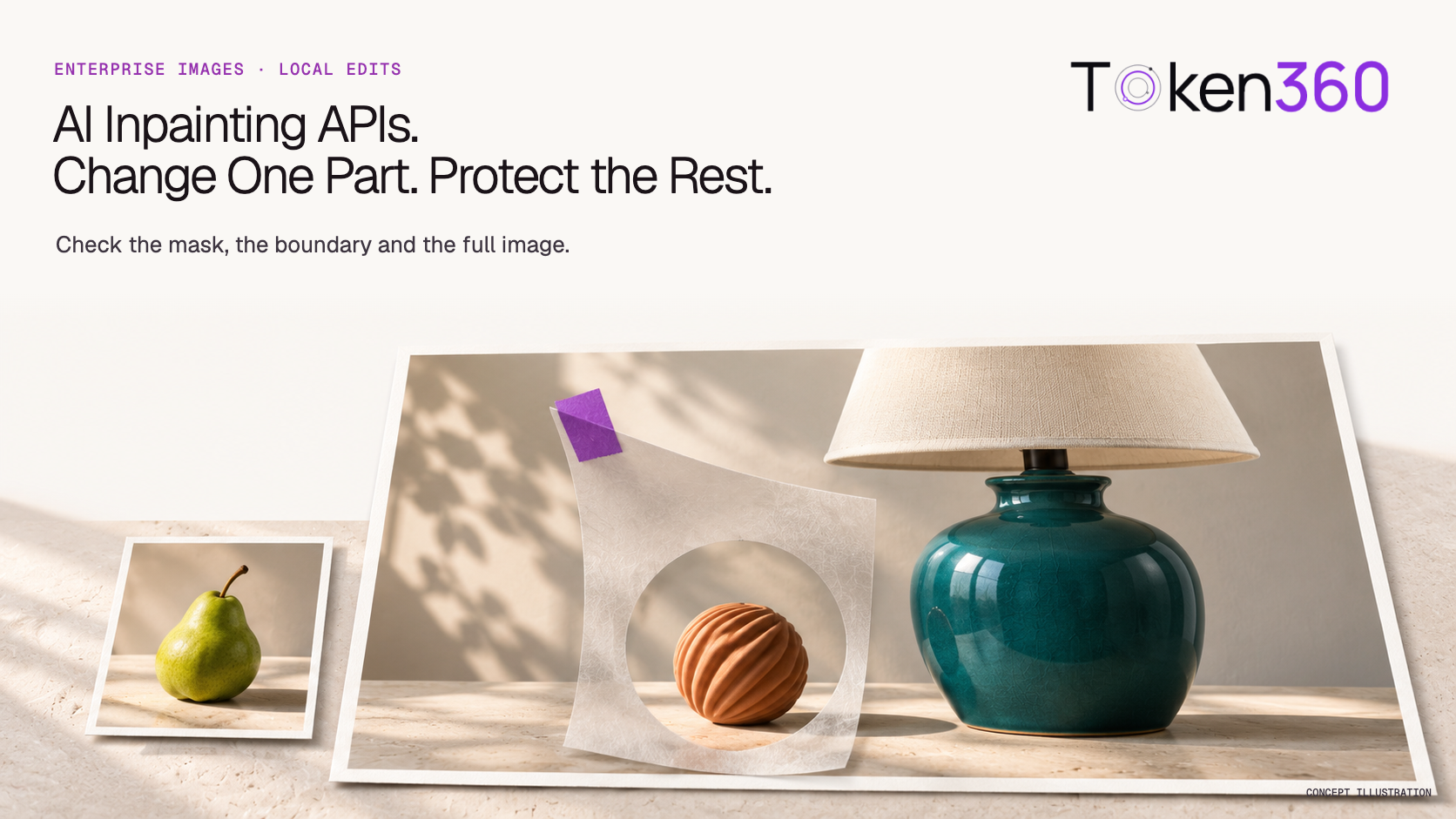
For a product team, “change the orange ball beside the lamp to a pear” is different from “redesign this product photograph.” In the first request, the lamp is already approved. Its color, proportions and visible details should be explicitly protected rather than left to a general request for a similar image.
The broader image generation versus editing guide covers that category choice. If the actual deliverable is a transparent product asset, use the background removal API evaluation. This page concerns localized replacement within an existing canvas.
What must you check about the edit mask?
A mask identifies the area to edit or preserve, but its meaning is specific to the endpoint. Verify color or alpha conventions, image dimensions and alignment before testing quality. The same black-and-white file can mean different things to different services, so copying a mask unchanged between providers can invalidate the comparison.
There is a concrete documentation difference. As reviewed November 23, 2026, the Black Forest Labs API specification for FLUX.1 Fill describes white as the inpainting area and black as the area not to modify. It also requires the mask dimensions to match the image.
In contrast, fal's Ideogram 4.5 Edit schema describes black as the edit region and white as the preserved region. These are endpoint-specific examples, not Token360 instructions. Translate the intended region into each endpoint's documented convention before comparing outputs.
Overlay the intended selection on the source during preparation. Check that it covers the object to replace and any approved surrounding area, without accidentally selecting the neighboring product. If a prop casts a shadow, decide whether changing that shadow belongs in the edit. Leaving an old shadow untouched can conflict with the replacement; expanding the selection may touch content you intended to protect.
Record the source image and mask as a pair. Cropping or resizing only one can move the selection away from the intended subject. Ask how the service prepares inputs and whether it changes dimensions internally; a correct-looking selection in your editor is not enough if the uploaded files no longer align.
Does a mask guarantee unchanged pixels outside the edit?
Do not infer exact preservation from the presence of a mask field. Ask whether the service uses the mask as generation guidance, restores original pixels afterward or applies another defined process. Specify whether you require visual consistency or exact pixel preservation, then test that requirement on the returned file rather than the preview.
The cited Ideogram endpoint documents a distinction between regular editing and a high-precision path with unchanged-pixel restoration. It also describes localized processing controls. This illustrates why preservation behavior belongs in the API specification. It is not a tested guarantee from this article and does not establish equivalent Token360 functionality.
Separate three regions in the brief: the requested edit, an allowed transition area and protected content. The transition might need blending so the new object sits naturally in the scene. If the supplier changes that area, the buyer should know it was authorized. Avoid describing every surrounding pixel as protected while also requesting a new shadow across it.
For exact preservation, have the technical reviewer compare aligned decoded images in protected regions, using controlled dimensions, color handling and a suitable lossless output. File hashes alone cannot locate changes; compression or metadata changes can alter a file without proving that the product itself changed. If only visual preservation is required, define which product details still make a result unacceptable.
If a service cannot meet a mandatory preservation requirement, narrow the approved use or use a separately controlled compositing workflow. Do not treat a stronger prompt as a verified substitute for the missing capability.
How should a buyer test localized image editing?
Test the requested change and the unchanged content as separate acceptance gates. Use representative source images, keep the intended edit region consistent and review the boundary at both working size and final delivery size. Include small text and product details in the protected-content review, even when the replacement itself looks convincing.
Proposed acceptance checks for an inpainting pilot
| Gate | Inspect | Example rejection |
|---|
| Edit instruction | The requested object, material or local repair. | The new prop has the wrong shape or an extra object appears. |
|---|
| Boundary | Edges, texture continuity, perspective and permitted shadows. | A visible seam or inconsistent contact shadow remains. |
|---|
| Protected product | Shape, color, controls and distinguishing details. | The lamp changes even though only the nearby prop was selected. |
|---|
| Protected graphics | Labels, logos and approved text. | A small label is redrawn or a character changes. |
|---|
| Final file | Dimensions, color, crop and required format. | The export has an unexpected crop or insufficient resolution. |
|---|
These are hypothetical rejection criteria, not reported failures. Build the pilot from images your team is authorized to submit. Include the material and lighting combinations that matter to the workload, rather than approving a service solely because it changes a simple object on a plain background.
Keep source, intended selection, prompt, model version and processing settings attached to every attempt. A new mask or a different source crop is a different test condition. Record corrections and rejected attempts as well as successful outputs.
Use the blank inpainting evaluation sheet template at the end of this article. It separates edit success, boundary quality and protected-region acceptance. It contains no model scores or measured pass rates.
Inspect the whole final image after export. A good local replacement should not hide a change elsewhere on the canvas. Where the output enters an ecommerce pipeline, use the existing catalog approval workflow to associate the approved version with the correct product.
What should an enterprise inpainting quote include?
Request a quote for the actual endpoint, output requirements and preservation behavior you intend to buy. Confirm whether billing depends on images, dimensions, quality settings or another unit. Include mask preparation, repeated attempts and review work in the comparison; the size of the visible edit does not establish the billable processing size.
Ask whether a small masked region is processed or billed locally, or whether the service handles the full image. Confirm minimum charges, output counts, failed-request treatment and the cost of requesting another variation. Do not assume that editing one small prop must cost less than generating a full image.
Separate API capability from application work. A supported mask field does not supply a selection interface, a product approval system or automated quality review. Clarify who creates and checks masks, who decides that protected content survived, and how outputs enter the asset library.
The integration scope should identify accepted files, image and mask limits, job completion, result retrieval, retention and access controls. Request commercial-use and data-handling terms for the proposed service. Keep sensitive or unreleased product images inside an approved submission process rather than assuming all image endpoints have identical terms.
Use the pilot to determine whether the workflow saves useful work after correction and review. This article does not estimate a reduction in retouching time, a success rate or a guaranteed cost advantage.
What should Token360 confirm before you buy?
Ask Token360 to confirm an eligible inpainting endpoint, supported mask convention and preservation behavior before committing to integration. Provide representative images and a clear change-versus-preserve brief. Keep localized processing, reference-image controls, output specifications and pixel-restoration features outside the approved scope until the proposed service has been documented and evaluated.
Token360 focuses on enterprise model access across text, image, audio and video. This broad image-model scope does not establish a specific inpainting service, access to the named examples or compatibility with their request formats. No Token360 masked-editing endpoint was verified for this article.
Company-confirmed enterprise quotes use usage tiers: higher usage receives lower quoted rates, with no separate service fee. An inpainting quote still requires confirmation of availability, model, billing unit and agreed volume. No discount bands, image prices or preservation guarantees are asserted here.
We need to change [specific region/content] in [source image type] while preserving [product details/text/protected regions]. We require [visual consistency or exact preservation], with [allowed transition area and output specifications]. Please confirm an eligible endpoint, mask requirements, limitations, evaluation access and pricing for [expected usage]. Identify unverified or unsupported requirements.
Bring the brief to the enterprise team. Approve the purchase only when both parts of the task pass: the selected content changes as requested, and the content that was already approved remains acceptable.
Evidence boundary: official API documentation reviewed November 23, 2026. The article proposes buyer checks; it does not report first-party generation tests or verified Token360 inpainting capabilities.
Worksheet template
Asset ID,Source version,Intended edit region,Protected content,Allowed transition region,Endpoint/model,Mask convention,Mask version,Prompt/settings,Output format/dimensions,Attempt,Edit accepted,Boundary accepted,Protected content accepted,Final file accepted,Charge/currency,Preparation/review/correction time,Decision,Reviewer
,,,,,,,,,,,,,,,,,,
About the author
Yuki Yu is Marketing Manager at Token360.


 Guides
 Guides
 Guides