AI Relighting for Product Photos: What Should You Check?
Evaluate AI relighting for product photos by checking materials, color and shadows. Define the supported workflow and acceptance criteria before buying.
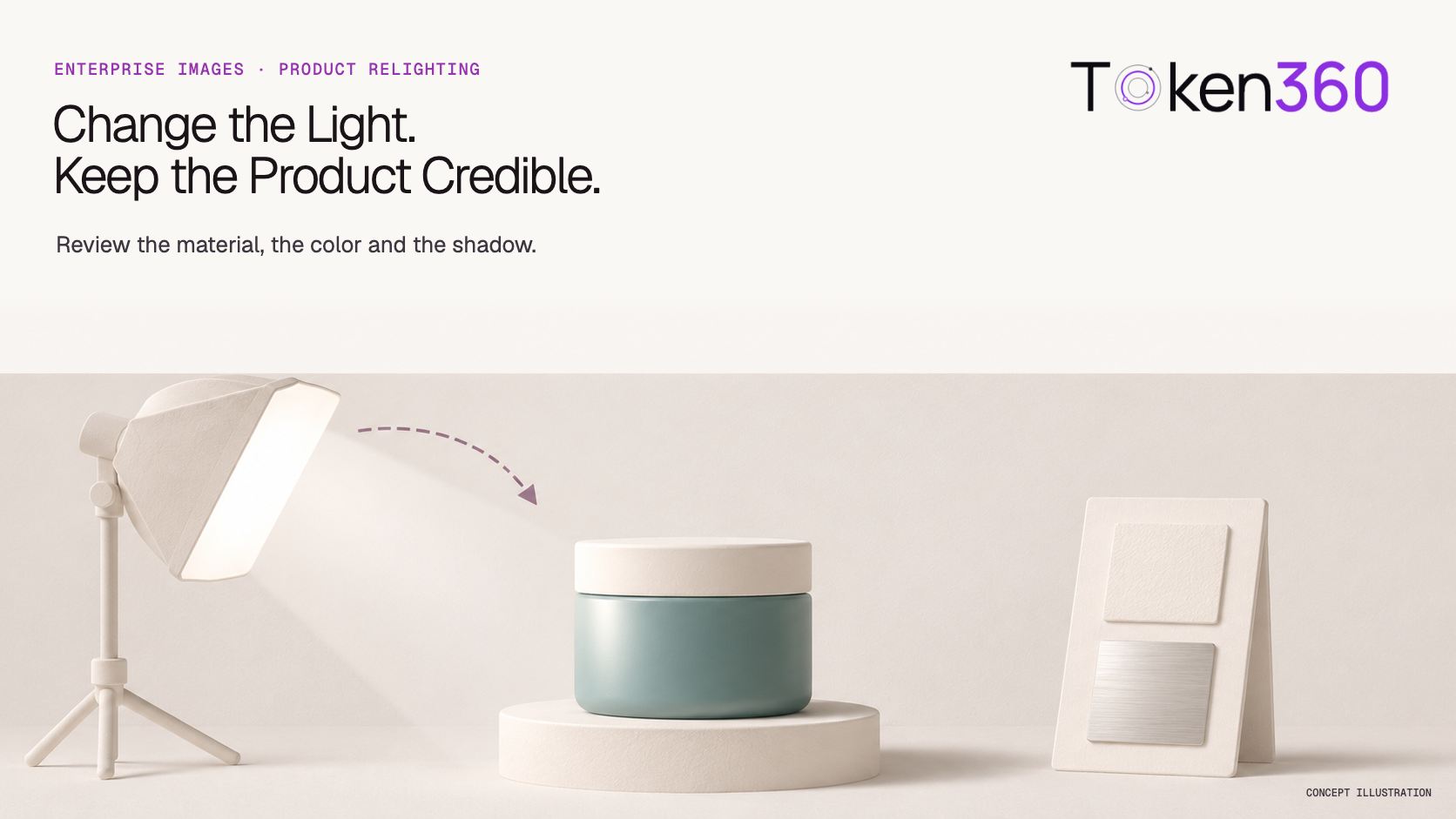
ENTERPRISE IMAGES · PRODUCT RELIGHTING
A better-looking highlight is useful only if the product still looks like the product.
Evaluate AI relighting against the lighting change you need and the product details that must remain credible. A brighter or more dramatic image is not automatically a better commercial asset. The review should cover material finish, color, label readability, reflections and contact shadows—not just whether the new mood looks attractive.
For a team buying model access through Token360, the first step is confirming a supported image-editing route for the brief. Public image-editing documentation is a starting point; it does not establish a dedicated lighting panel, physically measured light controls or reliable preservation of product appearance. This guide sets out what a scoped evaluation should resolve.
Do you need relighting or a conventional photo adjustment?
Consider relighting when you want to change the apparent illumination of a scene, such as its light direction, softness or highlight pattern. If the problem is simply overall brightness, contrast or color balance, first compare a conventional editing approach. The task should justify reconstructing appearance rather than merely applying an available effect.
fal's Relighting offering presents image inputs with lighting-style choices. Higgsfield's Relight article discusses controls for light angle, intensity and temperature, including product photography. These are examples of the category, not evidence that the same controls exist in Token360.
Business request
Starting approach to evaluate
Key review question
Make a dark image easier to read
Conventional exposure and tonal correction
Is enough useful detail already present?
Replace flat illumination with a directional look
Relighting evaluation
Do highlights and shadows describe a plausible product?
Match an existing campaign's color treatment
Color adjustment and visual matching
Is the product's color representation still acceptable?
Change the background environment
A separately scoped image edit
Which scene elements may change?
Produce a stylized concept
A creative relighting or generation workflow
Is the result labeled and approved for that use?
For example, a brand might want softer highlights on a reflective jar while retaining its approved packaging. That is more specific than “make it premium.” The brief should state the desired visible change and whether the image is intended for a product listing, a campaign concept or another placement.
What can Token360 buyers verify before testing?
Token360 documents image generation and editing from text plus input images. Buyers can use that as a basis for discussing a relighting experiment, but must confirm the selected model and supported request controls. A general image-editing endpoint does not prove dedicated light positioning, a lighting preset library or a production-ready relighting service.
The Create image API documentation, reviewed November 24, 2026, describes POST /v1/images/generations with reference images and model-dependent parameters. Token360's model-capability guide directs buyers to the selected model page and public schema for supported inputs and controls.
Ask the supplier to name the model and show how your input image and requested change enter the workflow. If a proposal mentions a numeric light direction or a preset, ask whether that is an actual supported control or simply text added to the prompt. Those mechanisms should not be presented as interchangeable guarantees.
This article does not verify a dedicated Token360 relighting model or report generated samples. An evaluation should begin with a supported image-editing path and a clearly stated hypothesis: the requested lighting change may be achievable while retaining acceptable product appearance.
What should a product-lighting brief protect?
A product-lighting brief should identify the desired illumination change and the properties the buyer cannot accept losing. Separate product identity from its appearance under light: highlights may move intentionally, while label wording, geometry and physical finish should remain appropriate to the approved product. Define the receiving team's acceptance standard before generating alternatives.
Use two short lists. The first describes what may change: for example, softer illumination from one side, a less distracting highlight or a different background mood. The second describes what must remain: packaging shape, label text, cap structure, visible controls and the intended material.
A matte finish should not be approved as glossy simply because the new reflection looks polished. A metal edge should not be silently replaced by a soft plastic-looking surface. These are examples of discrepancies to inspect, not measured failure rates for any model.
Also state whether the original background and shadow may change. If the actual requirement is removing the background, use a separate cutout and shadow specification. If only a bounded region should be altered, investigate the localized editing workflow rather than treating every revision as relighting.
How do you evaluate material, color and shadow changes?
Compare the edited image with the approved product reference and the intended lighting brief, then review it in its actual placement. Judge material finish, color representation and shadow behavior separately. A result can improve one of these while making another unacceptable, so one overall “looks good” score is too vague for approval.
Review area
What to inspect
What to record
Material finish
Matte, glossy, metallic or translucent appearance
Any change that misrepresents the product
Color
Approved reference, neutral areas and intended treatment
Unacceptable hue or saturation shifts
Highlights
Clipped areas, distracting glare and newly hidden detail
Which label or surface detail is affected
Shadows
Contact with the surface and coherence with the new light
Floating appearance, contradictory direction or unwanted edges
Product identity
Shape, label, cap and small components
Altered, missing or invented features
Placement
Actual crop, text overlay and delivery size
Whether the image is usable where it will run
Do not require every pixel to remain unchanged when the task intentionally changes illumination. Instead, specify which changes are acceptable and which product properties must remain faithful. A global pixel-difference score cannot, on its own, tell you whether a new highlight is a useful lighting edit or a misleading material change.
Where color accuracy is critical, use the team's established color-review process and approved source material. A subjective comparison on an arbitrary display should not be presented as a calibrated measurement. This article does not prescribe a numerical color tolerance or claim a model meets one.
Keep the source, output, requested change and reviewer decision together. The product-relighting review worksheet (template below) separates these checks and leaves outcomes blank. No visual-quality score, acceptance rate or savings estimate has been measured here.
How should you handle a series of product images?
For a product series, define a shared lighting brief but evaluate it across the materials and shapes the campaign actually contains. One successful edit of one item does not establish suitability for the full set. Compare both each product's faithfulness and the coherence of the series before approving a larger production run.
Choose representative inputs deliberately. A matte box, a reflective jar and a translucent bottle place different demands on the visual review. Including them is a proposed evaluation method, not a claim that a particular material will succeed or fail. Keep the initial scene change narrow enough to understand what produced a useful result.
Do not force identical-looking highlights onto differently shaped products merely to make the grid look uniform. The team's goal may be a coherent lighting direction and overall treatment, not identical reflections. Have the product owner and creative owner agree on what consistency means.
Document any manual correction needed after generation. If the images will later become a multi-shot video, use the separate video lighting-continuity brief; this still-image evaluation does not test consistency over time.
What should the pilot and enterprise quote cover?
A relighting pilot should name the source images, desired changes, protected product properties and approval roles. The enterprise quote should identify the actual model-access scope and any separately offered production work. Ask how usage is billed and which requested controls remain unverified before committing a larger set of campaign assets.
We want to revise the lighting on approved product photos for [placement]. The desired change is [direction, softness or highlight treatment]. Preserve [product properties], and allow changes to [specified scene elements]. Please confirm the model and supported controls, the evaluation scope, billing unit and whether manual correction or final creative review is included.
Token360's enterprise quotations use tiers: higher usage receives lower quoted rates, and there is no separate service fee. Those facts do not establish a relighting rate or include retouching by default. The proposal should specify the model, output requirements and the handling of additional attempts or separately offered work.
Assess the evaluation on its actual deliverables. Record review effort and corrective work rather than assuming every returned image is ready for publication. If a conventional edit meets the brief more directly, that is a valid outcome of the evaluation—not a reason to broaden the prompt until generation appears necessary.
Token360 is relevant as a model-access provider for a clearly scoped image-editing requirement. The practical next step is to confirm the route and evaluate representative product images before buying volume against an untested lighting promise.
Frequently asked questions
Can AI relighting change the apparent product color?
Treat apparent color and material changes as review risks. Compare the output against approved references under the intended viewing conditions. Attractive lighting is not sufficient if it makes a finish or colorway misleading; the article does not report a measured color-preservation guarantee.
Should we use relighting for a simple exposure adjustment?
Compare conventional adjustments first when the task is only exposure or white balance. Generative relighting is worth evaluating when the desired illumination requires a more substantial change. Use the simplest workflow that delivers the approved result.
Does one good result validate a whole product catalog?
No. Include representative materials, colors and packaging in the pilot. Review consistency across the series as well as each image individually. A successful single example does not demonstrate that the same settings preserve every SKU.


 Guides
 Guides
 Guides