Evaluate AI video relighting with a six-second bottle-shot brief, review decisions and export checks. Distinguish official claims from tested results.
AI video relighting can change the illumination of an existing product shot, but preserving the approved product and motion must be checked on the returned clip. Use one source shot, one lighting brief and one review record. Judge light direction separately from color grading, then verify the final export before replacing footage in the edit.
The worked brief in this guide uses one fictional six-second bottle shot. A separate official Runway example below shows a keyboard player before and after relighting; it is not the bottle test. The bottle brief is a teaching specification, not a completed relighting test. The official workflow below establishes a documented operation; it does not establish Token360 availability or guarantee that a particular bottle, label, motion or soundtrack will remain unchanged.
Does this bottle shot need new illumination or a different grade?
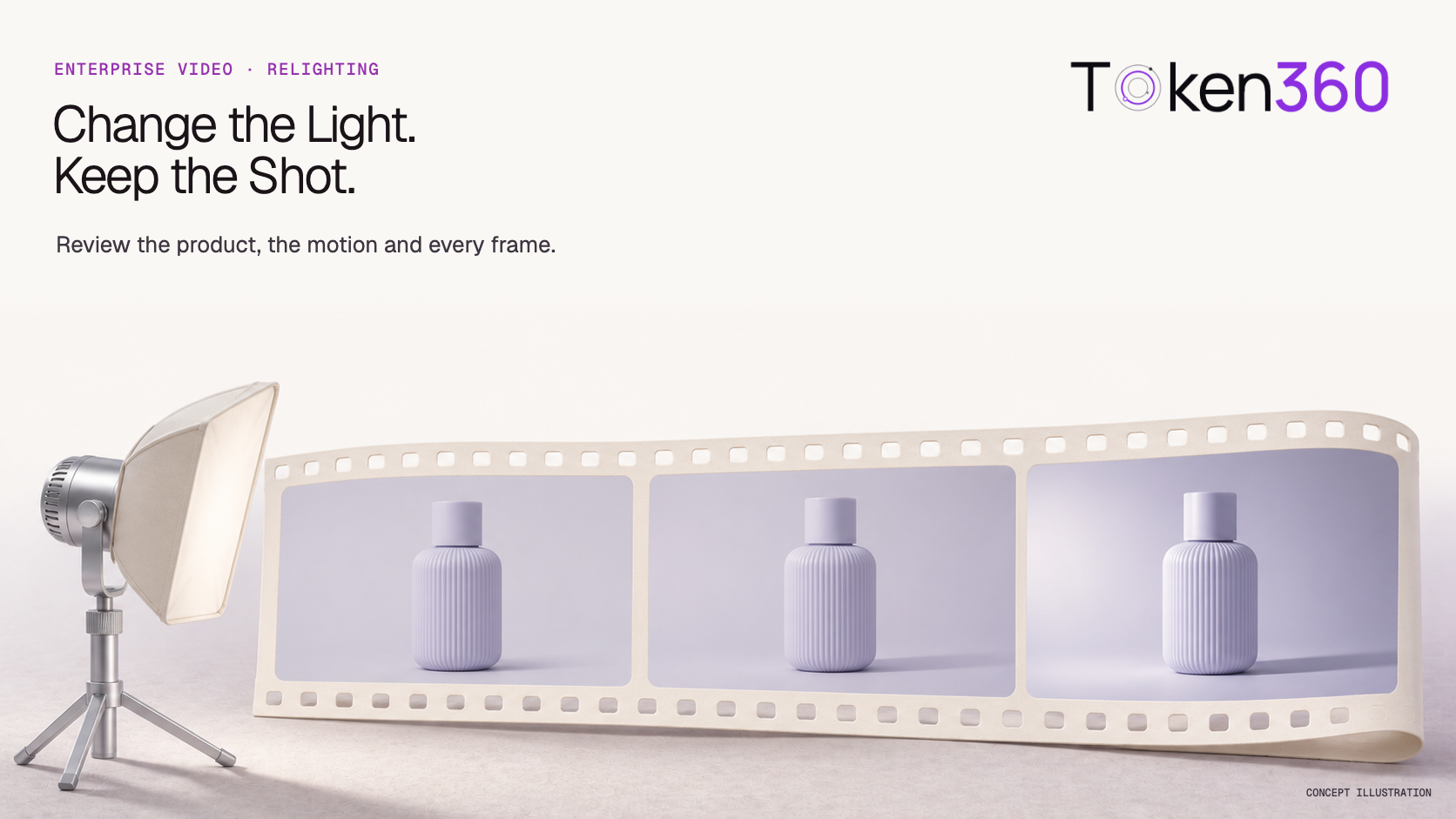
Choose relighting when the requested change is a new apparent light direction or shadow/highlight relationship. Choose grading when the request is an overall color or tonal treatment. In the teaching example, the bottle rotates on a turntable while the camera stays locked; the brief asks for a softer key light from camera-left, with neutral product color.
Make the whole image warmer
Route to evaluate: Color correction or grading
What would not answer the brief: Calling a warmer image proof of a changed light source
Move the apparent key to camera-left
Route to evaluate: Relighting
What would not answer the brief: Only shifting white balance
Remove unwanted brightness pulses
Route to evaluate: Investigate flicker
What would not answer the brief: Adding another lighting style without diagnosing the pulse
For unwanted temporal fluctuations, use the video deflicker guide. Planning illumination for a newly generated shot belongs in the video lighting prompt guide; this article starts with approved existing footage.
Official workflow: what Higgsfield documents and what remains unproven
Official source checked November 26, 2026; provider material, not our experiment. Higgsfield’s Video Relight and Color Palette guide, dated August 20, 2026, separates illumination editing from grading. Its Video Relight walkthrough uploads an existing clip, selects a preset or custom light, generates, and reviews the result. Workflow A includes a video demonstration after the generation step.
Custom-light controls include color, brightness, diffusion and angle. Higgsfield describes retaining composition and motion; that is a provider claim, not an independently verified result for the bottle example. The public demonstration illustrates the operation but does not supply this article’s matched bottle source, processing record or fidelity review. Do not infer preservation of small lettering, material appearance or audio from an attractive demonstration frame.
Official video-edit comparison: input and output animation previews
Provider-published example, reviewed November 26, 2026; not a Token360 test. The Relight section of Runway’s Aleph 2.0 prompting guide labels this same example as Input video, Keyframe & Prompt, and Output. Its prompt is “Chiaroscuro lighting.” These are the official animated GIF previews, not the full-resolution source and output video files.
Before: official input preview
Official animated input preview, linked from Runway’s Relight example. Not a Token360-generated clip.
What can you observe, and what remains unverified?
Both previews depict a seated keyboard player. In the output, the wall/background is darker and the face has a stronger illuminated-side/shadow-side contrast. Those are visible lighting differences. The provider pairs these assets; we did not generate them or run a registered frame comparison.
The GIFs may play at different positions and are not synchronized by this page. They cannot establish frame-by-frame preservation, full-resolution detail, audio retention or performance on a rotating product label. For the bottle brief below, those remain separate acceptance checks. Keep the official example distinct from the fictional product task and do not claim it validates Token360 availability.
Teaching brief: one rotating bottle, one permitted lighting change
Illustrative job specification, not tested prompt syntax. Clip BOTTLE-A is six seconds long, with a locked camera and a slow turntable rotation. Keep the approved bottle silhouette, cap, label, background, rotation and timing. Request a softer neutral key from camera-left. Preserve the original audio track separately for the editor; no endpoint-level audio-preservation capability is assumed.
Source and range
Filled teaching requirement: BOTTLE-A, elapsed 0.000–6.000 seconds; this is not frame timecode
Permitted change
Filled teaching requirement: Apparent key-light direction and softness
Protected appearance
Filled teaching requirement: Label wording, cap shape, matte finish and neutral product color
Protected movement
Filled teaching requirement: Same turntable action, starting pose, ending pose and locked camera
Output requirement
Filled teaching requirement: Full source range; match the editor’s required dimensions, frame rate and timing
Stop condition
Filled teaching requirement: Reject changed product identity or movement; investigate any missing audio before assembly
Confirm which controls the selected workflow actually accepts. This brief describes the review target, not invented API fields. If a source-aligned reference frame is required, verify that the reference itself retains the bottle’s approved geometry and label before using it.
How does the bottle-shot review produce an actionable decision?
Watch the entire source and returned clip at normal speed, then inspect suspected intervals. For the rotating bottle, compare how the label, cap edge and highlight behave as the front turns away. Start/middle/end frames help organize notes but cannot prove that nothing changed between them.
The requested key changes, while protected content remains acceptable
Decision: Advance to final edit review
Evidence a real reviewer must attach: Matched source/result clip and reviewer approval of the exact revision
The front label is correct at the start but changes during rotation
Decision: Reject product fidelity
Evidence a real reviewer must attach: Affected interval plus source/reference detail
The bottle becomes glossy although the approved finish is matte
Decision: Reject or revise the lighting treatment
Evidence a real reviewer must attach: Side-by-side finish comparison at the affected angle
A highlight jumps during the rotation
Decision: Reject temporal continuity
Evidence a real reviewer must attach: Continuous playback interval, not only a contact sheet
The video export omits audio
Decision: Do not assume the job is finished
Evidence a real reviewer must attach: Reassembled original soundtrack and synchronization review
These conditional outcomes are a decision exercise, not a filled experiment log. Do not mark a candidate accepted without inspecting its actual files. Creative approval of the new lighting and product-owner approval of the bottle are separate decisions; record both when the use requires them.
The product-photo relighting guide covers single images. This video review adds continuous movement, changing visibility of the label and export synchronization.
What does the editor receive for this exact shot?
Keep BOTTLE-A’s original clip, the selected relit candidate and the review record together. Identify the source range, available generation settings, candidate revision and any manual finishing. Measure the actual returned dimensions, duration and frame rate; the teaching brief does not establish those properties in advance.
If the output is silent, use the original soundtrack only after checking the visual timing and final synchronization. Review the assembled export after any later grade, upscale or compression. An accepted intermediate clip does not automatically approve a different final file.
When repeated candidates change the protected bottle or motion, stop and reconsider conventional finishing or another take. Keep rejected candidates distinct so the wrong version cannot be inserted into the picture edit.
What should Token360 confirm for this bottle-shot scope?
Ask Token360 to confirm a currently available workflow for the authorized clip, requested lighting change and required export. Qualify the inputs, reference method, file limits, billing unit, retries and any separate editing work. Public documentation from Higgsfield does not establish that the same controls are available through Token360.
For company context, see About Token360. Resolve confidential-footage handling and project-specific terms before upload. The buying question is whether the proposed route meets this shot’s acceptance criteria, not whether it can generate a more dramatic picture.
Frequently asked questions
Does the official comparison prove every bottle detail will survive?
No. The official previews show a keyboard player, not the bottle. They illustrate a lighting edit but do not establish product-label fidelity, full-resolution preservation or audio behavior.
Can a few still frames approve the six-second clip?
No. Review the complete movement. Use paused comparisons to explain a defect after locating it in playback.
Does this article contain a successful Token360 relighting test?
No. The bottle job is a clearly labeled teaching brief and decision exercise. No processed bottle clip or measured preservation result is claimed.


 Guides
 Guides
 Guides