AI packaging mockups can be useful for evaluating a presentation, but an approved design file is not proof that the generated package will preserve every word, panel and proportion. Before buying volume, test the actual artwork on the intended package and separate approval of the visual from approval of files used to manufacture it.
The enterprise purchasing question is specific: can the proposed image-model workflow turn your existing artwork into an acceptable package view without redesigning it? A beautiful invented box answers a different question. This guide covers mockups for design review, presentations and approved marketing use—not the creation of a new logo or a production-ready packaging structure.
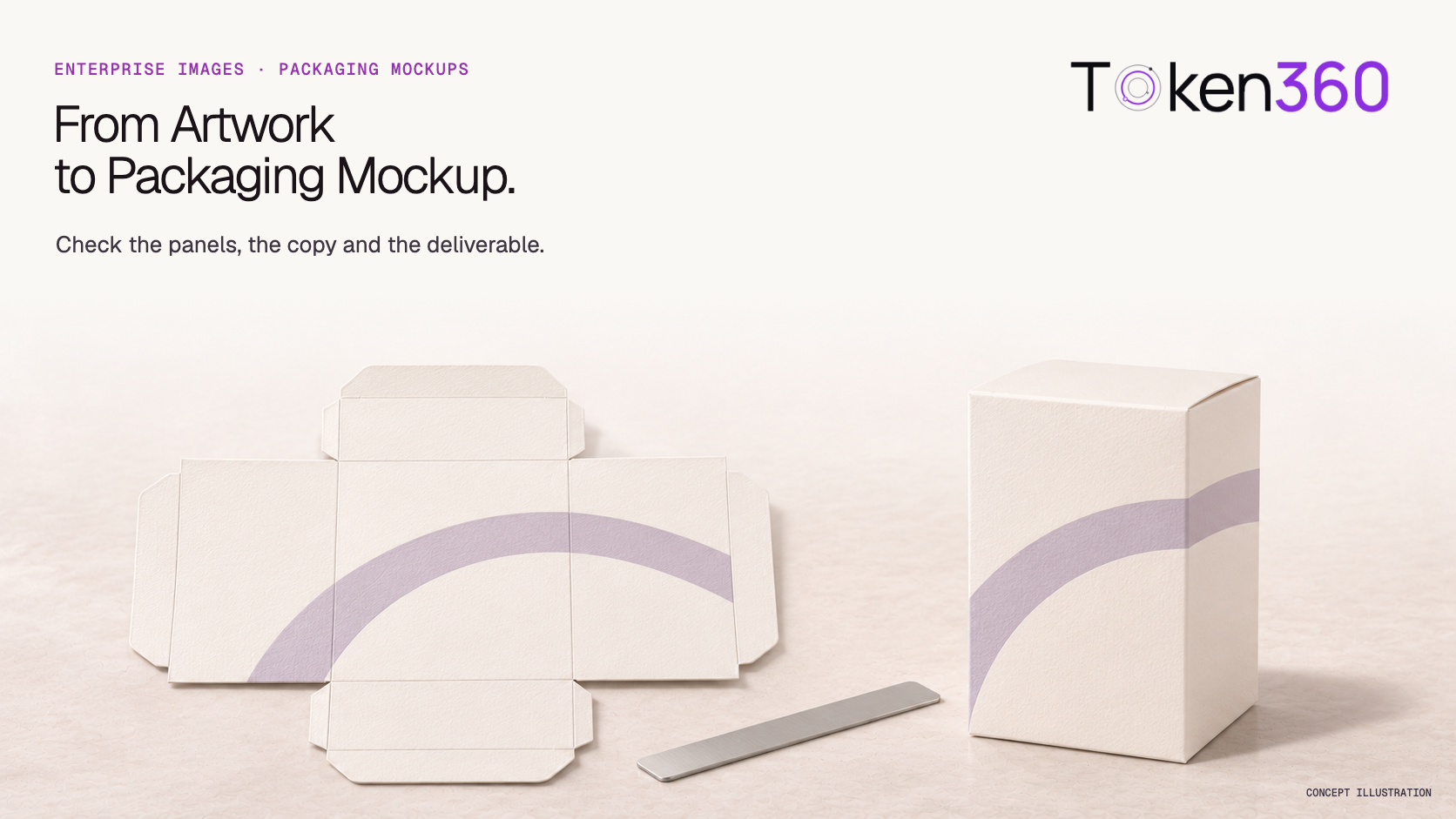
Documentation reviewed November 24, 2026. This is a proposed procurement and acceptance method, not a packaging-generation benchmark. No mockup API requests were run, and the cover is a concept illustration rather than a tested transformation.
Are you buying a mockup image or a production file?
A packaging mockup is a view of how a design could appear on a package. It is not automatically an editable layout, a dimensioned structure or a file the printer can use. Define the deliverable before selecting the model, because a rendered image can satisfy a presentation brief while failing a manufacturing handoff.
As reviewed on November 24, 2026, fal’s image-model guide lists packaging and product mockups among uses for in-image typography. That establishes category relevance, not exact reproduction of your artwork. Higgsfield’s AI Design Generator page explicitly distinguishes its image result from an editable layout file. These distinctions help frame a buyer’s request; they do not establish equivalent features on Token360.
Choose the deliverable before requesting a quote| Business need | Requested output | What a generated image does not establish |
|---|
| Internal visual review | A labeled mockup showing the approved design direction. | That the box can be manufactured as shown. |
|---|
| Marketing presentation | An approved package view for a specified placement. | That all wording, finishes and proportions match a real product. |
|---|
| Ongoing design revision | The required editable source or a documented assembly workflow. | Native text, layers, fonts or reusable 3D geometry. |
|---|
| Printing and fabrication | Supplier-approved production artwork and structural files. | Correct dimensions, cut/fold specifications or print readiness. |
|---|
If the requirement is an editable mark rather than a package view, use the separate editable-logo procurement guide. Do not let the word “design” hide the distinction between an attractive raster image and the source assets your team needs.
How do you check that the artwork survived the mockup?
Review the mockup against the approved source panel by panel, with a separate check for the package’s shape and surface treatment. Read the visible wording, inspect logos and compare placement across folds or curves. Do not approve the result solely because it resembles the brand or looks convincing at thumbnail size.
Packaging mockup review — proposed checks, not test results| Check | What to compare | Decision to record |
|---|
| Artwork version | File version and selected panels against the supplied source. | Correct source used, or regenerate/rebuild. |
|---|
| Visible text | Words, numbers, line breaks and emphasis. | Approved, incorrect or not readable enough to judge. |
|---|
| Panel mapping | Front, side and top graphics in the requested view. | No swapped, duplicated or invented panel. |
|---|
| Edges and wrapping | Artwork crossing corners, seams and curved surfaces. | Acceptable placement or a correction needed. |
|---|
| Package identity | Shape, closure, proportions and material reference. | Suitable for the intended use, or concept only. |
|---|
Keep “not visible” separate from “correct.” If the camera angle hides the side text, that render cannot validate the side text. Request another view or check the underlying source workflow. Similarly, an attractive blur should not count as successful preservation of small copy.
Compare several requested views as a set. A front view and a three-quarter view should not imply different closures, panel order or artwork revisions. Record which views are acceptable rather than treating one strong image as approval of the whole package.
Use a human artwork reviewer for the final visible-copy decision. If an OCR tool is part of the process, treat its output as an aid and investigate uncertain characters; do not substitute a matching extracted string for inspection of the actual image. Keep barcodes or QR codes outside any claim of functional correctness unless they have been separately verified for the intended use.
Retain original outputs and record manual fixes. If a designer replaces a generated logo with the original artwork, the corrected asset may be acceptable, but it does not demonstrate that the model preserved that logo. This distinction matters when estimating future review and repair work.
When should you use a template or 3D workflow instead?
Compare a template or a verified 3D workflow when exact artwork placement, repeatable views or an editable handoff is essential. Generative imagery can still be evaluated for concept exploration and presentation. Choose the workflow that delivers the required asset, rather than asking an image-only output to serve as proof of a structured design file.
For a fixed package with approved artwork, a design team may prefer to place that artwork on a known template or model, then create the presentation around it. Confirm the template’s geometry and the receiving editor’s requirements. This is an alternative workflow to evaluate, not a claim that any template automatically matches your real packaging.
A hybrid approach can preserve the package image while generating a surrounding scene. Its acceptance work includes perspective, contact shadows and the placement of the preserved package. If exact branding is mandatory, keep that responsibility explicit rather than assuming another prompt will eliminate every visual change.
Request the actual files when editability matters. A supplier may deliver an image, a set of assets or a native project; those are different purchases. The guide to editable image layers explains why separable image components do not automatically provide live text or a design application project.
For manufacturing decisions, keep the packaging supplier’s structural and artwork approval process separate. A mockup can communicate an idea, but it should not silently become the authority for dimensions, folding behavior or print specifications.
What should you ask Token360 to demonstrate and quote?
Ask Token360 to demonstrate the proposed image route using your artwork and package brief, then quote the agreed deliverables and revision scope. Confirm accepted inputs, returned file types and review ownership before committing volume. General image-model access does not establish a dedicated dieline tool, print-production service or guaranteed reproduction of every design element.
Token360 focuses on enterprise model access across text, image, audio and video. Specific packaging controls, native project exports, 3D assets and exact artwork preservation are not verified here. Request the model and endpoint proposed for the pilot, along with any conversion, compositing or manual work outside the model call.
Describe the workload in terms of approved artwork versions, package forms and required views. Clarify whether an additional view or a revised design means another billed generation, how unsuccessful outputs are handled and who performs corrections. Compare cost per accepted deliverable only after recording the work needed to reach approval; this article supplies no measured cost or savings.
Company-confirmed Token360 enterprise pricing uses tiered quotes, with higher usage receiving lower quoted rates and no separate service fee. That does not imply free retries or included design services. The specific model usage and any additional production work need an agreed scope.
We need [package type] mockups from artwork version [identifier], for [intended use]. Attached are the approved panels and package reference. Please demonstrate [required views], preserve [protected elements] and specify the returned files. Quote [expected volume], explain revision charges and state any manual conversion or compositing required. Printing and structural approval are outside this visual mockup request.
Send this brief to the enterprise team. Approve a representative deliverable first, and keep unresolved requirements visible. A polished image is valuable when it answers the intended presentation need—not when it is mistaken for evidence that an untested production requirement has been satisfied.
Frequently asked questions
Can I send a flat label instead of a complete dieline?
Ask whether the selected route accepts that input. A flat label may be enough for a limited presentation view, but it does not describe all package surfaces or construction. Specify the intended form and keep unprovided surfaces blank or clearly marked as conceptual.
Will every word and logo remain exactly the same?
No such guarantee is established here. Compare the returned mockup with the approved artwork, including visible small copy and logo shape. If exact reproduction is mandatory, evaluate a workflow that places the original artwork directly and verify the finished export.
Can I send the generated mockup straight to the printer?
Do not treat the mockup image as a substitute for the printer’s required production files. Obtain the packaging supplier’s file specifications and approval. The visual can help explain the design, but this article does not verify manufacturing or print-ready output from Token360.
Does a high-resolution PNG include editable packaging artwork?
No. Resolution and editability are separate requirements. Ask explicitly for the source format, native text, layers or geometry your design team needs, and inspect those files. A detailed image alone does not establish any of them.
Can an AI packaging mockup be used on a product page?
Make that an explicit approval decision for the actual product and placement. Verify that the visible package represents what is being sold, and follow the destination’s applicable requirements. A concept approved for an internal presentation should not automatically enter the live product catalog.
About the author
Yuki Yu is Marketing Manager at Token360.


 Guides
 Guides
 Guides