Do You Need Image Generation or Image Editing APIs?
Choose generation for new compositions and editing for existing assets. Compare preservation, API controls and cost per approved image before buying.
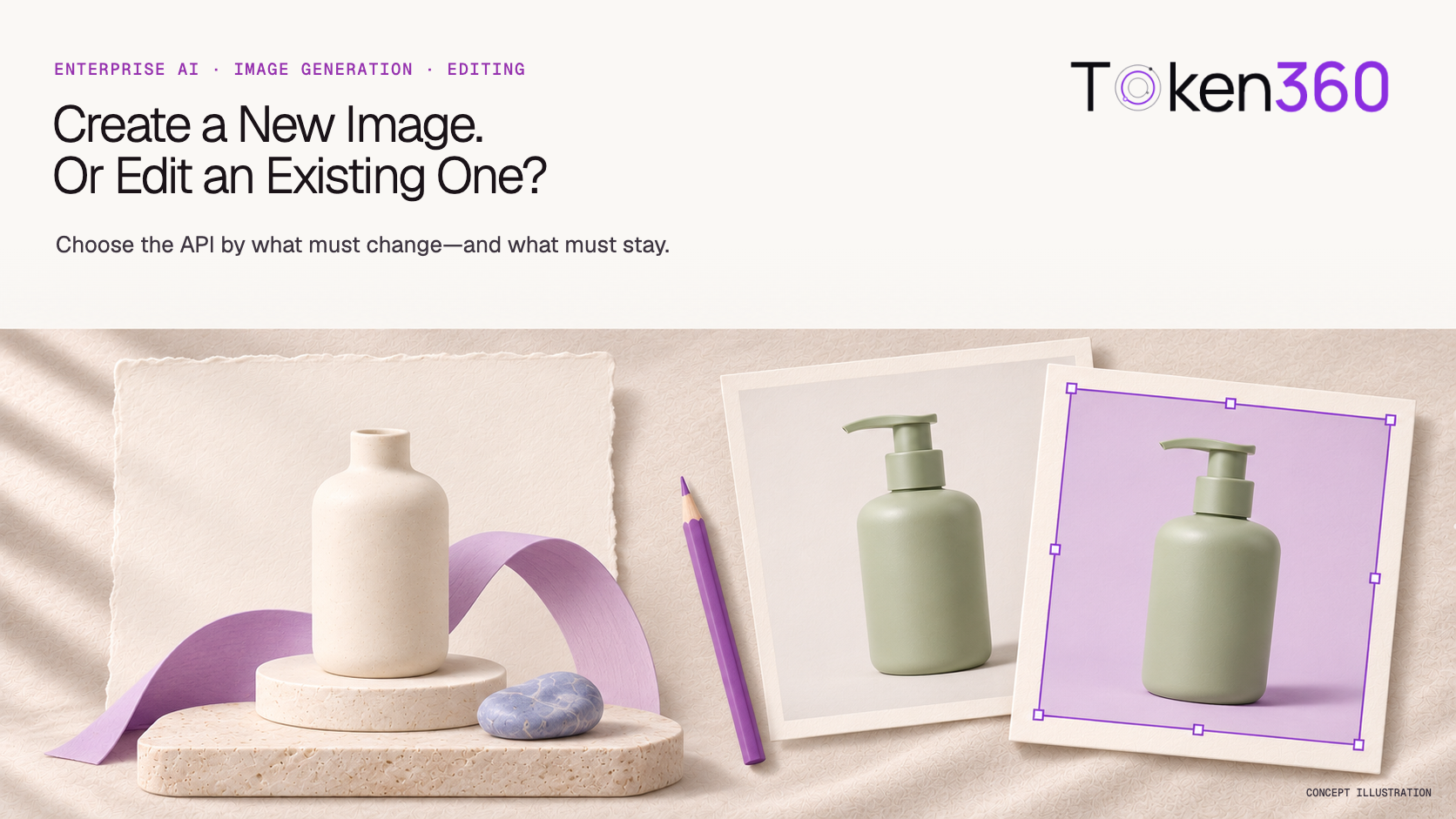
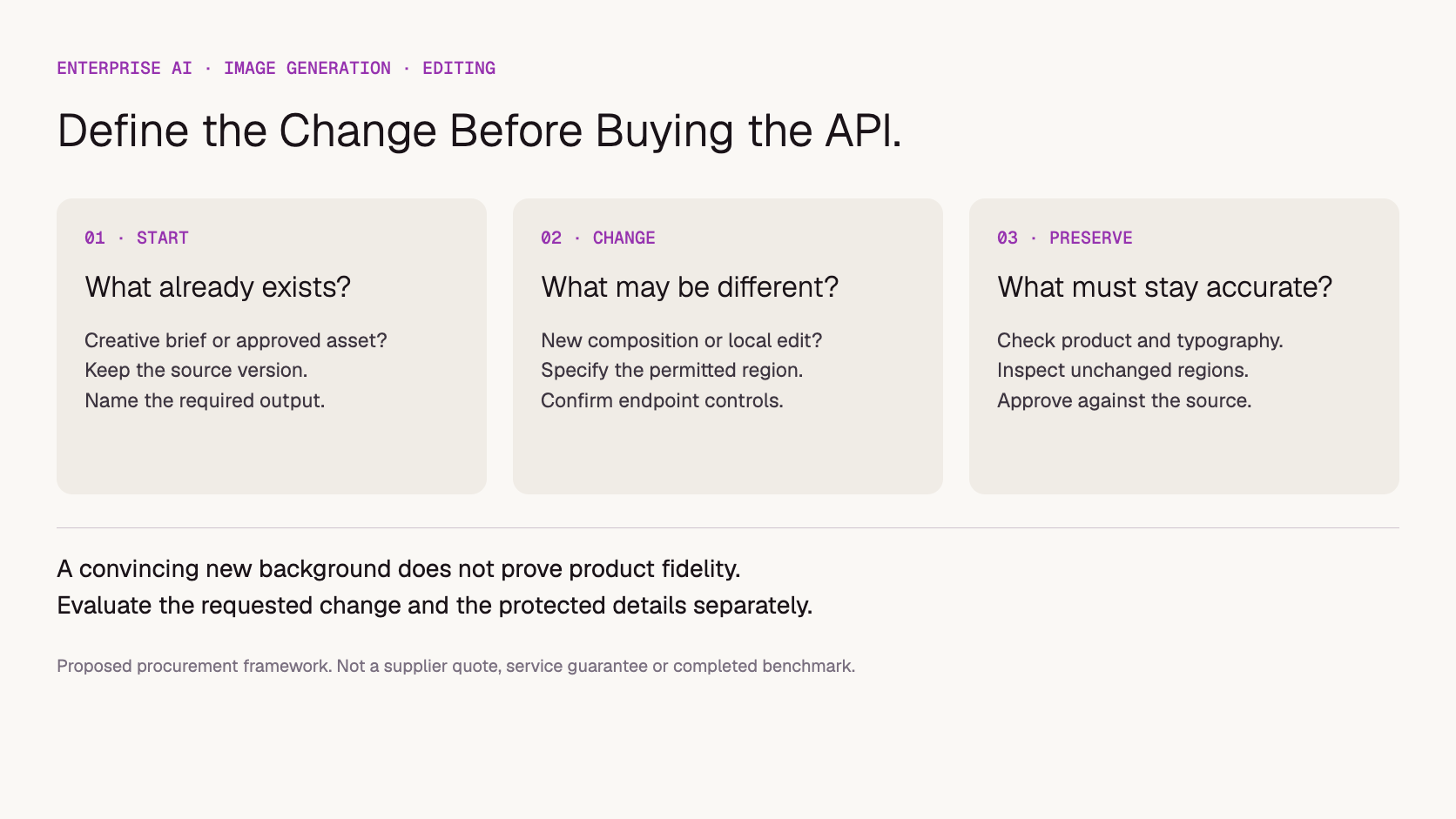
Choose image generation when the business needs a new composition. Choose image editing when an existing asset must remain the starting point and only specified elements should change. Before buying either API, define what can change, what must remain accurate, and who approves the result. A visually attractive output is not enough.
“We need an AI image generator API” can describe two different purchases: a creative team exploring campaign concepts, or a catalog team replacing backgrounds behind approved products. The first needs useful variation. The second needs controlled changes and reliable preservation. Evaluating them with the same showcase images can hide the requirement that matters most.
This article is a purchasing framework, not a tested model ranking. Documentation was reviewed on November 17, 2026. Examples and evaluation materials below are proposed; they do not report measured editing accuracy or guaranteed product preservation.
What is the difference between image generation and editing?
Text-to-image generation creates a picture from instructions. Image editing also takes an existing image as input and attempts a requested transformation. Some models offer both, but the available endpoint, input format and controls can differ. Buy the operation your workflow needs, rather than assuming that any image model can perform every visual task.
For example, fal’s image API overview distinguishes text-to-image generation, image-to-image editing, style transfer and context-aware transformations. That range illustrates why “image API” alone is an incomplete specification. The documentation for the chosen model and endpoint still needs to match your operation.
Business request
Starting point
Capability to evaluate
Main acceptance question
Explore a new campaign scene
Creative brief
Image generation
Does the composition communicate the brief?
Change a product photo’s setting
Approved product image
Image editing or background replacement
Did the product remain accurate?
Extend a landscape image for a wider placement
Existing image
Outpainting, where supported
Does the extension join naturally without changing required details?
Place exact legal copy and a supplied logo
Approved artwork and text
Conventional layout or compositing may fit
Are the supplied elements reproduced exactly?
These are proposed starting choices, not exclusive categories. A campaign can generate a background, composite an original product cutout, and apply typography in a separate layout step. The procurement question is which parts actually need generative inference.
When should a business generate a new image?
Generation fits work where the composition is still open: concept development, illustrative scenes or alternative visual directions. Evaluate whether outputs serve the brief, allow the required format and can enter the approval workflow. If an exact existing product must appear, concept quality alone does not establish suitability for a final product advertisement.
Consider a hypothetical furniture retailer exploring the mood of a seasonal campaign. New room compositions may be useful even before an actual chair is selected. Once the campaign advertises a particular chair, however, arm shape, leg count, upholstery and dimensions become product requirements. That is a different acceptance test.
For an end-to-end catalog process, see the ecommerce content workflow. This article addresses the narrower decision about creating versus modifying an image, not the entire publishing pipeline.
When should a business use an image editing API?
Editing fits a job with an existing asset and a bounded change, such as replacing scenery or removing an unwanted object. State both the requested edit and the details that must survive it. An image input provides context; it does not, by itself, establish a contractual or technical guarantee that all other pixels remain unchanged.
Google’s Imagen editing documentation explains targeted mask-based edits and lists insertion, removal, expansion and background replacement. The page also contains endpoint migration notices. Treat it as a description of editing operations, and verify current model availability rather than copying an older endpoint into a purchase specification.
A useful brief is specific: “Replace the studio background with a pale stone surface; preserve the bottle silhouette, pump, label, cap color and printed text.” This is an acceptance specification, not a claim that the wording guarantees compliance. Review the output against the original asset.
Does a reference image or mask guarantee product fidelity?
A reference image or mask should be treated as a control to evaluate, not proof that the result preserves the product. Ask what the endpoint supports and what it promises, then inspect both changed and protected regions. Where exact reproduction is essential, compare a workflow that retains original product pixels through compositing.
Separate three questions during evaluation: did the intended background change, did the product change unintentionally, and does the boundary still look credible? A convincing background can coexist with a distorted label or altered handle. Approving the whole picture at thumbnail size can miss the defect that makes it unsuitable for sale.
Do not assume that all APIs interpret masks alike. Confirm accepted mask formats, size alignment and which region indicates the edit area. For identity across many outputs, the broader AI brand-consistency framework covers governance; this decision focuses on preserving a particular source asset during an edit.
Proposed capability-selection framework, not a completed supplier comparison.
What should an enterprise ask before buying the API?
Ask for the exact model, operation, input requirements and output contract, alongside commercial and data-handling terms. A model name on a catalog page does not answer whether your integration supports reference uploads, masks or the required output size. Request a representative example through the same endpoint you intend to deploy.
Inputs: supported formats, size limits, image count, mask support and upload method.
Outputs: dimensions, file format, transparency where needed, and how results are retrieved and retained.
Processing: expected completion behavior, concurrency, failure reporting and handling of blocked requests.
Commercial scope: billing unit, relevant resolution or quality options, retries and charges for unsuccessful or rejected outputs.
Asset handling: who can access uploaded materials, retention and applicable terms for the intended content and use.
Turn the answers into a written scope, not a feature checklist with unspecified defaults. If the supplier cannot confirm a capability, keep it out of the rollout assumption until verified.
How should you compare results and costs?
Compare candidates on representative jobs with the same acceptance rules. Keep generation and editing tasks separate because their failure conditions differ. Record attempts, review time and corrections alongside API charges. The lowest price per request need not produce the lowest cost per approved asset when output rejection or manual repair is substantial.
For an editing pilot, include your actual difficult boundaries: transparent packaging, fine handles, reflective surfaces or small printed labels, as relevant. Decide the required checks before looking at results. Include multiple source assets so a compelling demonstration on one easy image does not become the procurement conclusion.
Use this proposed calculation: cost per approved asset = (API charges + attributable review and correction costs) ÷ approved assets. If no assets pass, report that outcome and the spend; do not present a finite unit cost. Keep internal labor assumptions visible rather than mixing them silently into provider prices.
Download the image API evaluation worksheet to record source asset, requested change, preservation checks, model configuration, attempts and acceptance. It is a blank template, not test evidence.
For a style-transformation example, the three-run watercolor prompt review compares the supplied reference with variations in washes, outlines and subject clarity.
Bring Token360 the operation and acceptance requirements, not just the request for an image model. Token360 focuses on enterprise access across text, image, audio and video models. Specific editing controls, model availability, capacity and commercial terms need confirmation for the proposed engagement; broad image-model access should not be interpreted as universal editing support.
Use the model catalog to identify candidates, then discuss the required operation through enterprise procurement. Include a permitted sample asset, the elements that cannot change, target output format and expected workload. The Token360 About page provides company context. This article does not assert that a particular endpoint passed the proposed pilot.
Some can, but confirm both operations in the provider’s actual API. A shared model family does not establish identical request fields, limits or availability across endpoints.
Is image-to-image always a small edit?
No. An image-conditioned workflow can transform the whole composition or style. Specify whether you want a localized change, a broader reinterpretation or exact preservation of selected elements.
Should we regenerate an image just to change its text?
Compare ordinary layout editing first when text must be exact. Generating new imagery may be unnecessary if the job is to place supplied wording and a logo on approved artwork.
Is a successful demo enough to approve a provider?
A demo can establish that an operation is possible on that example. Procurement still needs representative assets, clear acceptance rules, integration checks and agreed terms. Keep the demo’s scope separate from a production commitment.


 Guides
 Guides
 Guides