Upscale an AI video when the delivery requirement or a visible quality problem justifies another processing step—and accept the result only after comparing it with the approved source. A larger frame is not proof of recovered detail. The output must still preserve the product, action, timing and sound that made the original clip usable.
Consider an agency with an approved product film that looks acceptable in a small preview but must now fill a larger campaign placement. The buyer needs to decide whether enhancement produces a better deliverable, whether an ordinary resize is sufficient, or whether the source has problems that enlargement cannot responsibly solve.
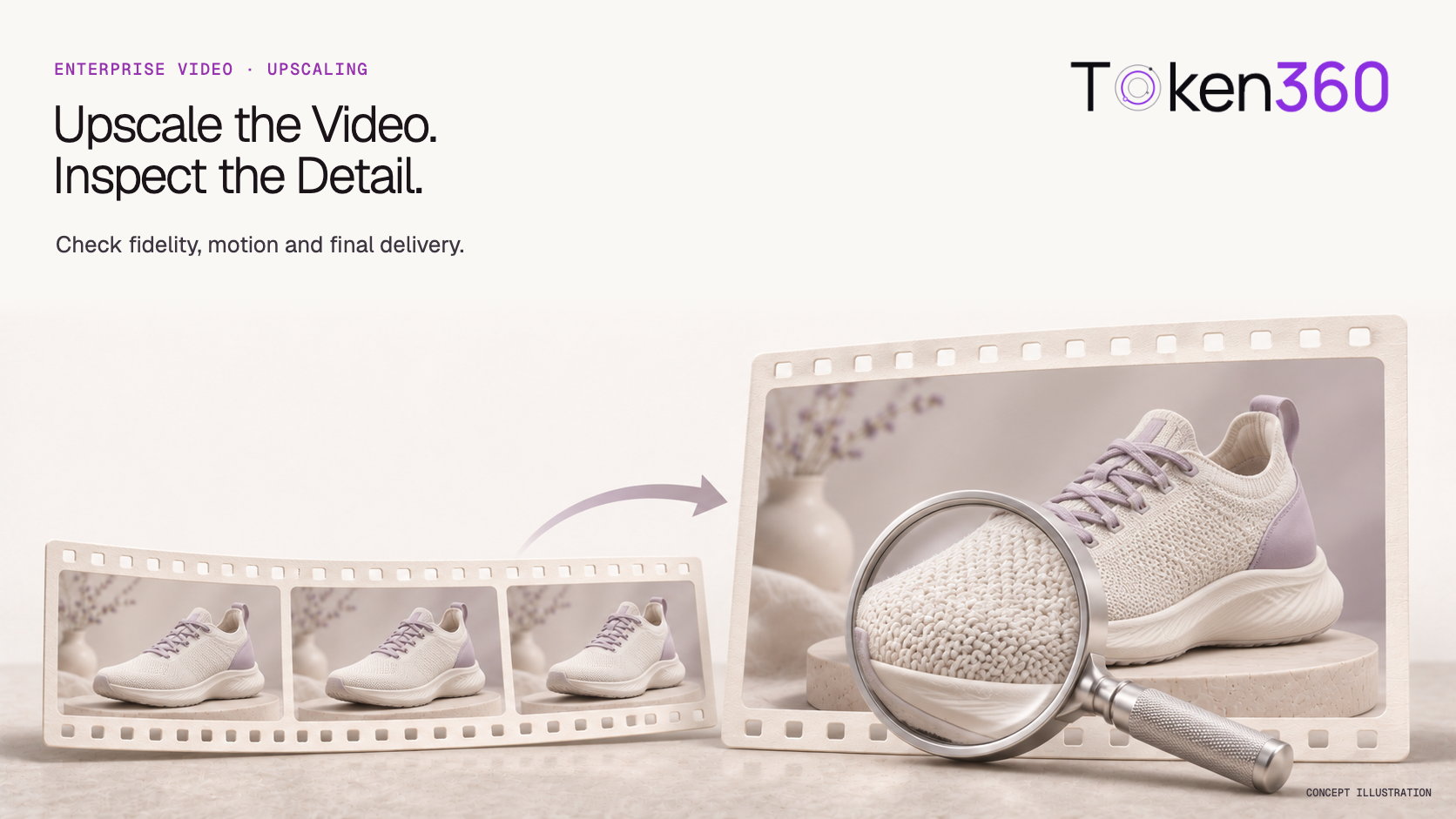
This article is a procurement and review method, not a tested model ranking. No video-upscaling experiment was performed for it. Token360 availability for a specific enhancement model, resolution or frame-rate control must be confirmed. The cover is conceptual, not a measured before-and-after result.
What delivery problem would upscaling actually solve?
Start with the destination's required dimensions and the quality of the approved master at that size. Upscaling is worth evaluating when the source is too small or visibly soft for the intended placement. It is not automatically necessary because a supplier offers a higher resolution, and it does not replace fixing incorrect content.
Review the best original file you have, rather than a compressed preview downloaded from a messaging app. Confirm the final crop and aspect ratio. A high-resolution landscape master may still provide too little usable detail after a tight vertical crop; the relevant comparison is the actual delivered framing.
Include a conventional resize in the comparison. If that version already satisfies the placement and review team, a model-based enhancement needs to show a useful improvement to justify processing and inspection work. Evaluate both versions at the same display size so the larger image does not win merely by occupying more screen space.
A wrong product label, an extra finger or an impossible action remains a content issue. Do not treat a sharper rendering of that defect as a repair. The separate Fast versus Quality model guide addresses selection during generation; this decision concerns finishing a clip that already exists.
If the distraction is pulsing brightness or crawling texture rather than insufficient resolution, use the AI video deflicker evaluation guide to compare temporal stability and protected detail. A larger frame does not establish that unwanted appearance changes have been corrected.
How much new detail may the enhancement introduce?
Decide whether the job permits plausible new detail or requires close fidelity to the source. Product demonstrations, approved packaging and text-heavy footage usually need stricter review than atmospheric creative material. Ask what the selected model reconstructs, and treat labels such as “precise” or “creative” as descriptions to verify rather than acceptance guarantees.
As reviewed on November 24, 2026, fal's Topaz generative-video documentation explicitly describes regenerating detail missing from the source. Higgsfield's Upscale guide also distinguishes enhancement choices by their treatment of detail. These are provider-specific examples, not proof that Token360 offers the same models or presets.
For a shoe advertisement, finer-looking fabric can be misleading if it becomes a different weave. For a speaker, a reconstructed grille can look convincingly sharp while changing its pattern. Name the details that establish product identity before reviewing outputs. A general request for “more detail” does not explain what must remain factual.
When exact packaging copy matters, compare against approved artwork as well as the source clip. If the lettering was unreadable originally, a plausible reconstruction is not evidence of the correct wording. The safer production decision may be an approved graphic overlay, a different shot or another source asset.
Static images have their own image-upscaling evaluation. A video requires an additional test: whether the reconstructed appearance remains coherent as the subject moves. One attractive crop cannot establish that.
How should the team compare the moving results?
Compare the original, a conventional resize and the candidate enhancement over the same time range and at the same delivery size. Watch each complete clip, then inspect difficult intervals closely. Judge whether the output improves the viewing experience without introducing unstable textures, distorted text, changed product features or distracting artifacts around motion.
Proposed acceptance checks for a product film—not experimental results
| Check | Useful evidence | Reason to reject or investigate |
|---|
| Fine texture | Fabric or grille detail through a turn | Pattern changes, crawls or appears and disappears |
| Product identity | Source and approved product reference | New seams, changed controls or altered proportions |
| Text and logos | Readable frames plus approved artwork | Sharpened but incorrect characters |
| Movement | Complete playback and close review of fast intervals | Smearing, halos, ghosted edges or discontinuities |
| Scene boundaries | Frames immediately around each cut | Blending across unrelated shots |
| Final placement | Export in the intended crop and playback environment | No visible benefit or new delivery problems |
Use footage that reflects the real purchase: for example, a simple product turn, a clip with fine surface detail and a shot containing readable packaging. These are suggested pilot categories, not samples tested here. Save rejected outputs and identify the interval that failed rather than keeping only the most flattering frame.
Keep the source and settings fixed while testing one enhancement change. If the model, crop, frame rate and compression all change together, the comparison cannot tell the team which change helped or harmed the result. Record the source revision and the exact processing configuration alongside each candidate.
The blank video-upscaling review sheet (template below) separates source fidelity, temporal stability and delivery usefulness. Note whether the review covered normal playback, selected frames or detailed frame stepping. Sampling a few stills is not a complete motion review.
Should you change frame rate and resolution together?
Treat resolution and frame rate as separate decisions unless the delivery brief explicitly requires both. Increasing pixel dimensions changes the spatial output; generating intermediate frames changes the motion representation. Keep timing stable during the first enlargement comparison, then evaluate any required frame-rate conversion separately so its effects can be identified.
Some enhancement routes combine these controls. For example, fal's cited Topaz endpoint documents interpolation when its target frame rate differs from the source. That is a route-specific behavior to check, not a universal rule for every upscaler or an instruction to raise frame rate by default.
Check the actual output duration, frame rate and synchronization against the approved master. If the soundtrack includes a timed impact or dialogue, listen while watching the result. An audio stream being present does not prove that the same sound is aligned correctly. If audio is supplied separately, specify who restores and verifies it.
The slow-motion and retiming guide covers deliberate changes to playback speed. Here, the default procurement goal is to improve delivery while preserving the approved action and timing. Do not introduce slow motion merely because an enhancement interface offers it.
Finish content changes before paying to enhance the final selection where practical. Keep the approved source as a checkpoint, and test the final delivery encode too. Repeated enhancement is not an automatic improvement, and a strong intermediate result can still suffer from a poor final export.
What should an enterprise ask Token360 before buying?
Ask Token360 to confirm an available video-enhancement route and quote the workload at its actual source and target settings. Supply the delivery specification and a representative approved clip. Agree which changes are permitted, what files are returned and how the team will judge acceptance before treating enhancement as a standard production step.
Token360 serves enterprise model procurement across text, image, audio and video. That establishes a relevant model-access discussion, not a blanket promise of video upscaling, a particular preset or compatibility with every export requirement. The specific operation needs confirmation for the engagement.
- Model and controls: Which enhancement model is available? Can the original frame rate be retained? Does the route synthesize detail or apply interpolation?
- Files and limits: What source formats, durations and output sizes are supported? How are audio and metadata handled?
- Quote basis: Which input duration, resolution, output settings and processing mode define the bill? What happens to technical failures, reruns and completed but visually rejected outputs?
- Production expectations: What turnaround and capacity can be scoped for the intended volume, and what asset-handling requirements apply?
Token360 uses tiered enterprise quotes: higher usage receives lower quoted rates. It does not charge a separate service fee. Specific enhancement rates, capacity commitments and refund conditions are not established here; they need a scoped quote and agreement.
Compare the delivered benefit with processing charges and the added review or repair effort. If the enhanced version is no better in the actual placement, keeping the approved source or a conventional resize may be the better decision. If the result is materially better and passes fidelity, motion and delivery checks, the pilot provides a basis for a larger purchase—not a universal quality guarantee.
Company background is available on Token360's About page. For a quote request, include the source master, target delivery format, expected volume and completed acceptance brief so the discussion starts with the deliverable the team actually needs.
Frequently asked questions
Does a 4K output file prove that more true detail was recovered?
No. Higher dimensions do not establish that newly visible texture or text matches the source product. Compare the result with a conventional resize and approved references at the intended viewing size. Treat invented detail as a fidelity issue, not automatically an improvement.
Should we upscale and interpolate frames in the same first test?
Evaluate the changes separately when possible so you can tell which operation introduces a defect. Resolution and motion cadence solve different problems. Approve the combined delivery only after checking movement, timing and audio as well as sharpness.
When should we keep the original video?
Keep the approved source when enhancement adds no useful benefit in the actual placement or introduces unacceptable changes. Purchase processing against a demonstrated delivery need, rather than treating a larger resolution label as sufficient value.
Review worksheet template
clip_id,source_revision,model_version,settings,baseline_resize,target_dimensions,source_fps,output_fps,detail_fidelity,text_check,temporal_stability,audio_sync,delivery_check,repair_work,decision,reviewer
,,,,,,,,,,,,,,,
About the author
Yuki Yu is Marketing Manager at Token360.


 Guides
 Guides
 Guides