Check duplicate frames in AI video with a 24-slot stepper and 48 decoded captures. Separate exact image repeats from motion defects and playback drops.
By Yuki Yu
A bottle turns toward the light. The highlight pauses for an instant, then jumps across its shoulder. The file inspector says 24 fps. Before asking for another generation, an editor needs to answer a smaller question: did the file hold the same picture twice, did the object move unevenly between different pictures, or did playback skip a picture on this device?
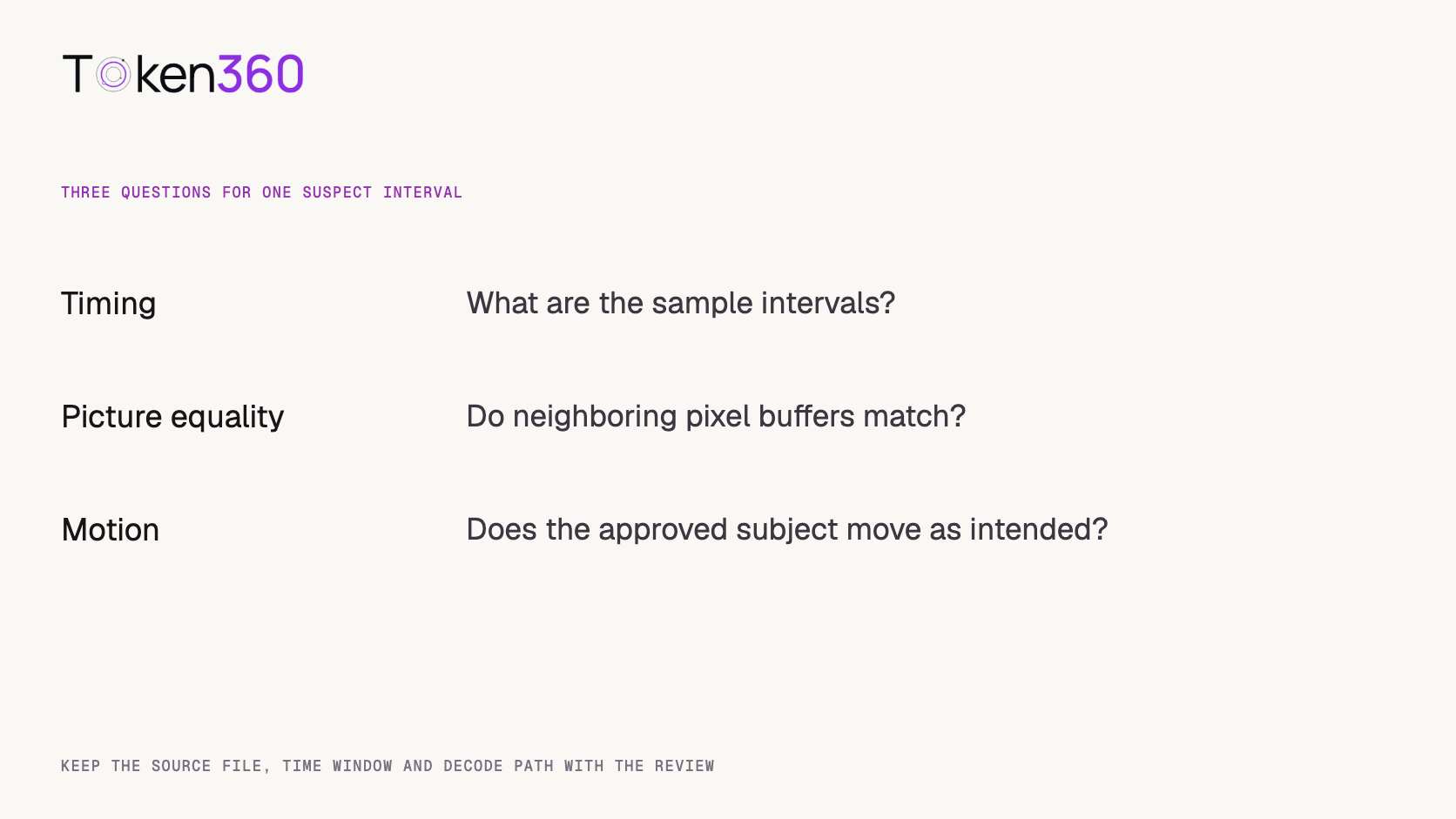
To check for duplicate frames in AI video, start with the video track’s timing, compare adjacent decoded pictures in the suspect interval, then watch the motion in context. A frame-rate label describes a timing relationship. It gives no assurance that the subject changes position at every step. Conversely, two different pictures can contain almost the same pose.
How can a 24 fps sequence contain repeated pictures?
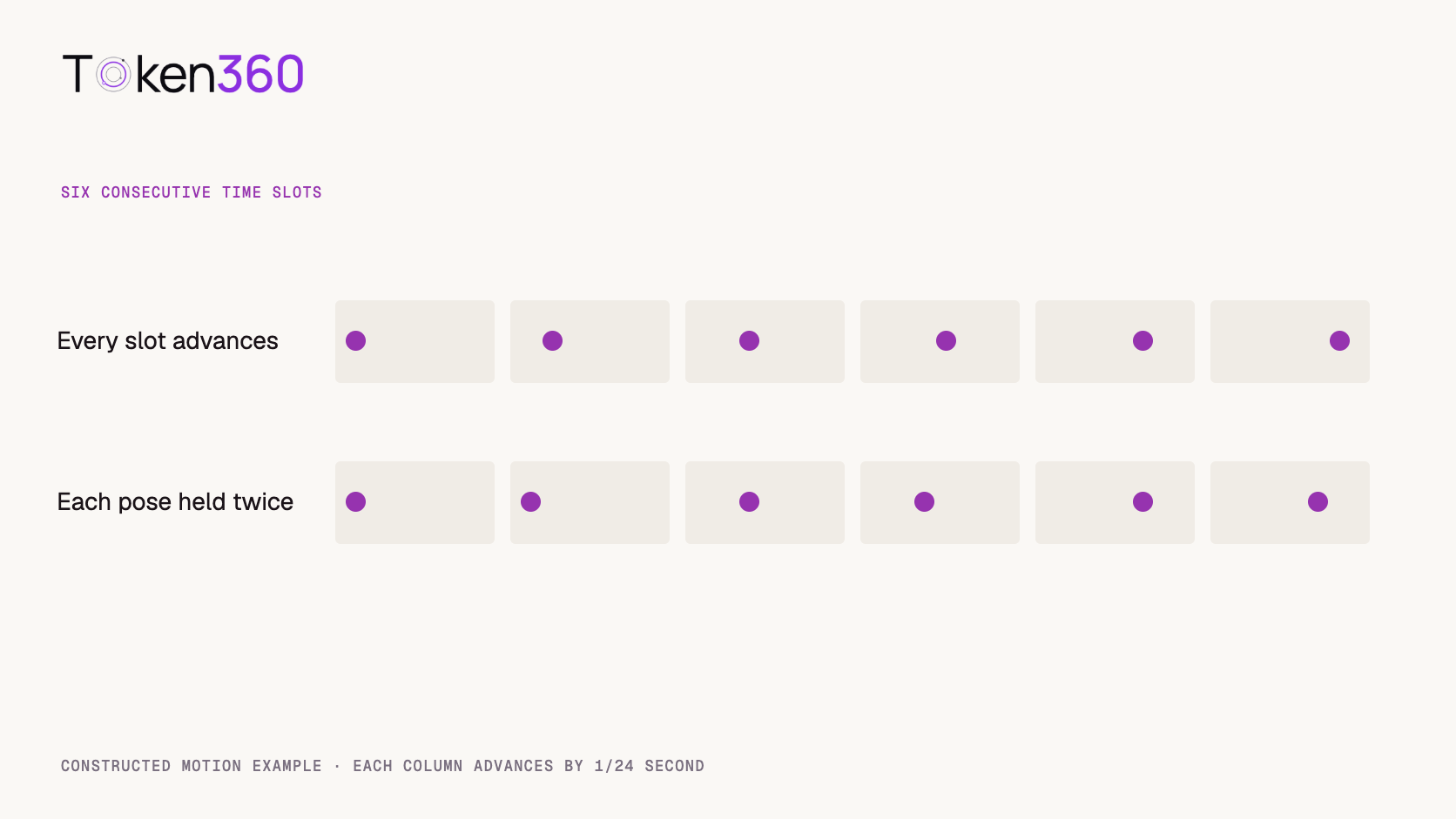
A sequence can assign each picture a new display time while reusing its visual content. Imagine a one-second animation with 24 slots. Moving a dot to a new position in every slot produces 24 positions. Moving it only on alternate slots and holding each position twice produces 12 positions over the same second. Both timelines have 24 slots.
The static comparison below lists the positions in the first six slots. The advancing sequence changes every slot; the held sequence repeats each position twice. This isolates the hold without depending on monitor refresh rate.
Slot
Every slot advances
Each pose held twice
1
0
0
2
1
0
3
2
2
4
3
2
5
4
4
6
5
4
Six-slot excerpt from a constructed example. The dots represent positions, and the columns represent equally spaced times.
A repeated image can be intentional. A title card, a product freeze or a deliberately stepped animation may call for a hold. The practical concern is an unexpected hold during a move that should appear continuous. Mark the time and write down what the shot is supposed to do there. That gives the next reviewer a question more precise than “does it look choppy?”
What did we check in two archived MP4s?
We inspected an eight-second bottle reveal and a slow river glide from Token360’s editorial archive on November 3, 2026. In both MP4 video tracks, the media timescale was 12,288 ticks per second. The decoding-time table contained one run of 193 samples, each lasting 512 ticks. Dividing 12,288 by 512 gives 24 sample intervals per second. The 193 intervals span about 8.04 seconds.
That establishes a regular decoding schedule for these tracks. Picture presentation order can involve additional timing information. For the image comparison we therefore sought on the browser’s media timeline and captured the displayed picture. We did not assume that reading compressed packets in file order would give the intended visual sequence.
In desktop Chrome we paused each clip, sought to the middle of each of 24 equal intervals in its first second and waited for the seek to finish. The first requested time was 1/48 second, the last 47/48. At each point we drew the displayed image at its native dimensions onto a canvas and computed a SHA-256 digest of the RGBA pixel bytes. Each source contributed 24 captures and 23 adjacent comparisons.
Source and interval
Captures
Distinct pixel digests
Equal adjacent pairs
Bottle reveal, first second
24
24
0 of 23
River glide, first second
24
24
0 of 23
Across the two excerpts, none of the 46 adjacent comparisons found identical decoded pixel arrays. This is a small, positive finding about the particular intervals and decode path. It leaves plenty of room for a motion problem. A flickering reflection or a few changing water pixels can give every capture a distinct digest while the main subject remains practically still. The rest of both files was outside the image test.
Copy frame-check.csv from the complete source below
What counts as an exact duplicate, and what can a hash miss?
An exact duplicate here means that every decoded color and alpha value matches at corresponding positions in two adjacent captures. A digest makes a large pixel buffer convenient to compare. Hashing the MP4 file itself answers a different question about file identity; hashing compressed packets introduces encoding differences that an editor may never see.
For a near-hold, choose a region that represents the approved action. In a product turn, follow the cap edge against the backdrop. In a river glide, pick a stable point on the bank instead of inspecting a moving reflection. Step through neighboring pictures and compare the displacement of that feature. Does it stay near one location for several slots and then move much farther than expected? Save a few consecutive images around the event so a second editor can inspect the same motion.
Keep pixel differences and editorial judgments in separate columns. A small difference might be compression noise, fine texture, a subtle camera move or an intentional pause. No threshold was calibrated in this experiment. Before setting one for a production queue, collect examples your editors consider acceptable and unacceptable under the same viewing conditions.
Tell a file issue from a playback issue
Replay the same interval, then step through the source. A pause that repeatedly appears in the same adjacent pictures deserves asset-level investigation. If the pictures progress normally when stepped and the stutter moves around between playback attempts, inspect the player and device as well.
Browser instrumentation can help separate these observations. A video-frame callback exposes information about frames submitted for composition, including media time and a presented-frame counter. A callback gap is evidence about that observation path. Load on the browser or a difference between display refresh and video rate can influence what you observe. Our paused-seek comparison used a different method and measured no live playback drops. MDN video-frame callback reference.
Which check should you run on a customer’s file?
Use the narrowest check that can explain the complaint. Get the exact export, the suspect time, the expected movement and the playback environment. “The cap holds as the camera pushes in at 00:02” is a much better starting point than regenerating all the shots in a cut.
Inspect timing. Read the video stream and individual frame timestamps. For a variable-rate source, use its actual presentation times. Sampling uniformly at a guessed rate can capture the same displayed picture twice even if the source contains no duplicate image samples. FFprobe documentation.
Check the surrounding pictures. Include at least one image before and after the suspected hold. Keep resolution, pixel format and decoding path fixed for exact comparisons. Note the comparison count as well as the capture count.
Watch the intended motion. Decide whether the hold serves the edit. If delivery requires continuous movement, test a small repair or another take, then inspect the same interval again.
When the delivery file has been converted to a different frame rate, inspect the approved source and the delivery export separately. If the source progresses as expected and the export repeats a picture at the problem time, first investigate the conversion settings. If both versions hold in the same place, the creative team can decide whether the hold belongs to the shot. This distinction can save a paid regeneration and preserve a performance that was already approved.
Frequently asked questions
Does 24 fps guarantee 24 different images every second?
No. Timing and picture content can vary independently. The frame-step example uses two different motion patterns on the same 24-slot timeline.
Why are there 23 comparisons for 24 captures?
The first capture has no preceding capture inside the interval. Each of the remaining 23 is compared with its immediate predecessor. We did not compare across the two different clips.
Can this test detect interpolation?
It checks exact equality in sampled decoded images. An interpolated frame can be distinct while containing deformed edges or implausible movement. Inspect the subject around the affected moment.
Should I delete every repeated frame I find?
Check intent and duration first. Removing pictures can change timing, audio alignment and the length of a shot. Review the revised sequence against the original edit decision.
Would another browser produce the same hashes?
Pixel conversion and decoding paths can differ. Compare captures within one controlled setup and record it. The included digest sheet documents the run used for this article.
What should I send to a vendor or editor?
Send the exact asset version, time interval, requested action, sample timing and a short comparison of the relevant neighboring pictures. Include whether the issue occurred in stepped review, ordinary playback or both.
Read next. When the issue is the quality of movement inside a generated shot, evaluate the creative instruction alongside the delivery timing. Text-to-video production workflow. More production resources from Token360.
Editorial revision: November 4, 2026. Test dates and dated source snapshots remain as stated in the article.
Video Editing
Media Validation
Tutorial
Build faster with one AI API.
Use Token360 to call video, image, audio, and text models with one key and one bill.



 Prompt Library
 Insights
 Insights