AI Image Outpainting: Can You Keep the Product Intact?
Expand product images for wider layouts. Check source preservation, canvas placement and quote scope before buying an AI outpainting workflow.
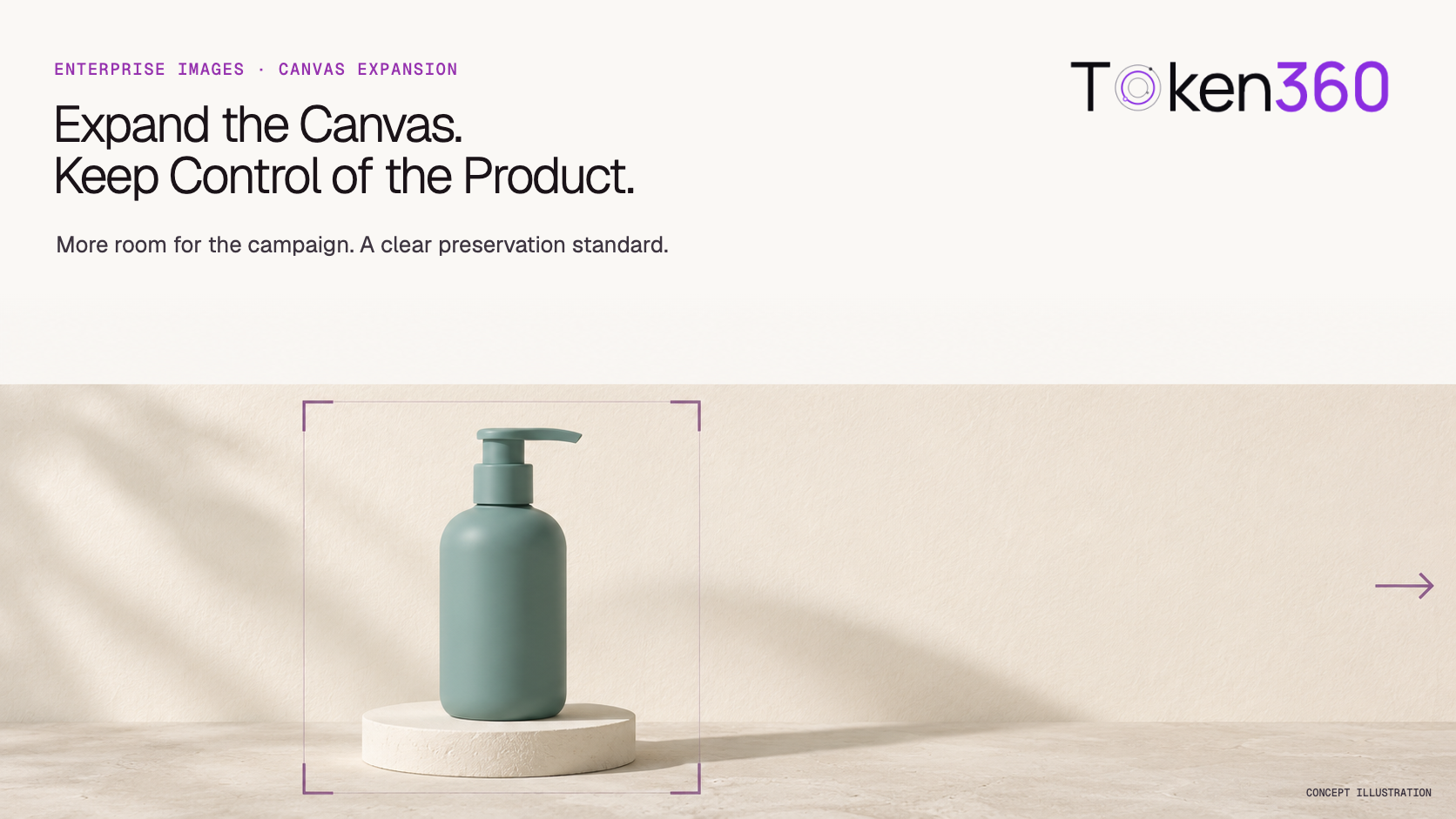
ENTERPRISE IMAGES · CANVAS EXPANSION
Expand the campaign canvas without losing control of the approved product image.
AI image outpainting adds content beyond an image's original edges. Whether the product stays intact depends on the workflow and how preservation is checked. If an approved product photograph must remain unchanged, specify that requirement separately from a request for a wider composition. A convincing expansion is not proof that the source region was preserved.
This matters when a marketing team has an approved square product image but needs space for a headline, a horizontal placement or another campaign layout. Token360 documents image-based generation and editing inputs; those general capabilities do not by themselves establish a dedicated outpainting route or exact source preservation. The buyer needs a defined transformation and an acceptance test.
When do you need outpainting rather than cropping or resizing?
Use outpainting when the composition needs additional scene content outside the original frame. Cropping removes part of an image, resizing changes its dimensions, and padding adds empty space. If a plain margin would solve the layout problem, generating new scenery may add review work without providing a useful benefit.
Need
Operation to consider
What changes
Fit an image inside a smaller placement
Resize
Pixel dimensions; the composition can remain the same
Remove unwanted edges
Crop
Visible content is discarded
Add a solid area for copy
Pad or design a layout
Canvas grows without inventing a scene
Continue a tabletop, wall or landscape
Outpaint
New visual content is generated beyond the boundary
Improve detail at larger dimensions
Evaluate upscaling
Detail and output size, rather than scene coverage
For an illustrative layout, place a 1,000 × 1,000 source image at its original size inside a 1,800 × 1,000 canvas. The additional width is 800 pixels. Centering the source would allocate 400 pixels to each side; aligning it left would allocate all 800 to the right. These numbers describe canvas geometry, not supported model dimensions or generated-image quality.
The placement decision changes the brief: a centered product hero and a left-aligned product beside a headline are different compositions. For a separate detail-enlargement requirement, use the image-upscaling API evaluation rather than calling every larger image an expansion.
What can Token360 buyers confirm from the public interface?
Token360's public image interface supports creating or editing images from text and input images, with model-specific output sizing. That is a starting point for an expansion evaluation, not confirmation of directional outpainting controls or a protected source region. Ask which exact model and request format can satisfy the required canvas placement.
The Create image documentation, reviewed November 24, 2026, describes POST /v1/images/generations and image-reference and sizing fields. The same day's public catalog lists images and size for Seedream 5.5. Their presence does not prove that supplying a wider size will extend only the edges.
For context, fal's dedicated outpaint interface describes directional expansion, while Higgsfield's Expand Image tool describes choosing an output ratio and filling beyond the original frame. These examples explain the category; their controls and preservation claims are not attributed to Token360.
Before commissioning a batch, request a demonstrated path for the intended source image and output layout. Confirm whether the method uses a dedicated expansion operation, general image editing or a separate composition stage. This article has not tested any of those paths on Token360.
What does keeping the product intact mean?
Keeping the product intact can mean visual similarity, preservation of specified brand details or exact preservation of the source pixels. Those are different acceptance standards. Decide which one the campaign requires before generation, because a result can look like the same product while changing its label, proportions, finish or small controls.
For a loosely styled concept, a reviewer may accept recognizable similarity. For an approved product listing, the team may require unchanged packaging text, color, shape and accessories. For a strict source-preservation requirement, the workflow must retain the approved source region rather than merely regenerate a close approximation.
Acceptance level
What the buyer reviews
What does not establish it
Recognizable product
Overall identity and silhouette
An attractive setting alone
Approved brand details
Label, color, proportions, finish and included parts
Matching only the dominant color
Unchanged source region
Aligned comparison of the retained image area
A prompt that says “do not change the product”
Campaign-ready composition
Copy area, crop, contrast and layout fit
Preservation alone without usable space
Define the protected region explicitly. Does it include the original shadow and background, or only the product? Protecting the whole square photograph is a different requirement from isolating the product and generating a new setting around it. The latter may also involve a separate background-removal workflow.
How should the team test an expanded image?
Test the expansion at both the source boundary and the final placement. Check whether the product changed, whether the new scene joins plausibly and whether the layout has usable space. Keep source preservation, generated-background quality and campaign fit as separate decisions so that a strong result in one category does not hide a failure in another.
Start with the approved source file and a simple target layout showing its intended position. After generation, compare the source region at the same scale. If the output has moved or rescaled the subject, record that before trying to assess small detail differences. A shifted image can make a comparison misleading.
Where exact pixel preservation is required, use aligned image comparison on the retained region and account for intentional resizing, color conversion or lossy export. A whole-file checksum cannot establish source-region preservation after the canvas changes. If the pipeline necessarily transforms the source, describe those transformations and agree on an appropriate acceptance standard rather than calling the result untouched.
Review the new area for broken perspective, discontinuous surfaces, implausible shadows, duplicated products and unexpected objects. Then place the actual headline and intended crop over the image. A beautiful empty area may still be unsuitable for readable copy or disappear in the final placement.
The outpainting review worksheet (template below) records source placement, protected details, boundary defects and the final decision. It is blank; no preservation rate or benchmark was measured for this article. Keep failed outputs so the evaluation does not consist only of the most attractive example.
When should you preserve the source through compositing?
Consider a composition workflow when retaining the approved image is more important than asking one generation to produce the entire final asset. A designer can retain the source region and use generated material around it, but the join and export still require review. This is a workflow option to evaluate, not a verified Token360 feature.
Keeping the original source as a separate layer makes the preservation requirement easier to inspect during editing. It does not automatically solve a visible edge, inconsistent lighting or an awkward composition. The team still needs to decide whether the original surroundings can remain or whether a new product cutout is necessary.
If the supplier promises editable output, specify which elements must remain separate and which file types the receiving team can use. A flattened image is not a layered project. The editable-layer acceptance guide covers that handoff without assuming that every image model returns native design files.
Do not add generation just because a tool offers it. A simple branded margin or redesigned layout may meet the brief while retaining the source more directly. Conversely, an environment that needs to continue naturally beyond the frame may justify a tested expansion workflow.
What should an outpainting brief and quote include?
An outpainting brief should identify the approved source, target dimensions, source placement, expansion directions and protected details. The quote should name the actual model or workflow, billing unit and included editing work. Ask for unresolved preservation requirements to be stated explicitly before committing volume, rather than relying on a broad image-editing claim.
We have approved product images and need [target placement]. Keep [defined region or details] unchanged and add usable background on [specified sides]. Please confirm the supported model and sizing controls, how source placement is handled, which preservation standard can be evaluated, and whether the quote includes compositing and final layout review.
Token360 uses tiered enterprise quotes: higher usage receives lower quoted rates, with no separate service fee. That does not establish a rate or a dedicated expansion service for this brief. Ask how size, model choice and requested attempts affect the proposed price, and separate model access from any additional production work.
For a catalog rollout, include representative difficult sources in the evaluation: edge-cropped products, reflective packaging or images with text that must remain exact. These are suggested test cases, not measured failure categories. Have the product or brand owner approve the result at the intended placement, not only as a standalone thumbnail.
Token360 can be approached with that concrete model-access requirement. The purchase should follow a supported and reviewed workflow, not the assumption that an output-size field protects an approved product image.
Frequently asked questions
Is outpainting the same as resizing an image?
No. Resizing changes image dimensions; outpainting attempts to create content beyond the original boundary. If the existing crop already fits the placement, ordinary resizing may be sufficient. Test outpainting when you need additional scene area, not simply a larger file.
Will the original product pixels remain untouched?
Do not assume they will. Compare the protected product region against the source and confirm how the selected workflow treats it. If exact source pixels are required, evaluate a workflow that keeps the approved product as a separate composited element.
Can one expanded image cover every ad placement?
Review each required crop independently. Extra canvas does not guarantee that the product, text clearance and composition work at every aspect ratio. Include the actual delivery crops in the acceptance set before approving a production workflow.


 Guides
 Guides
 Guides