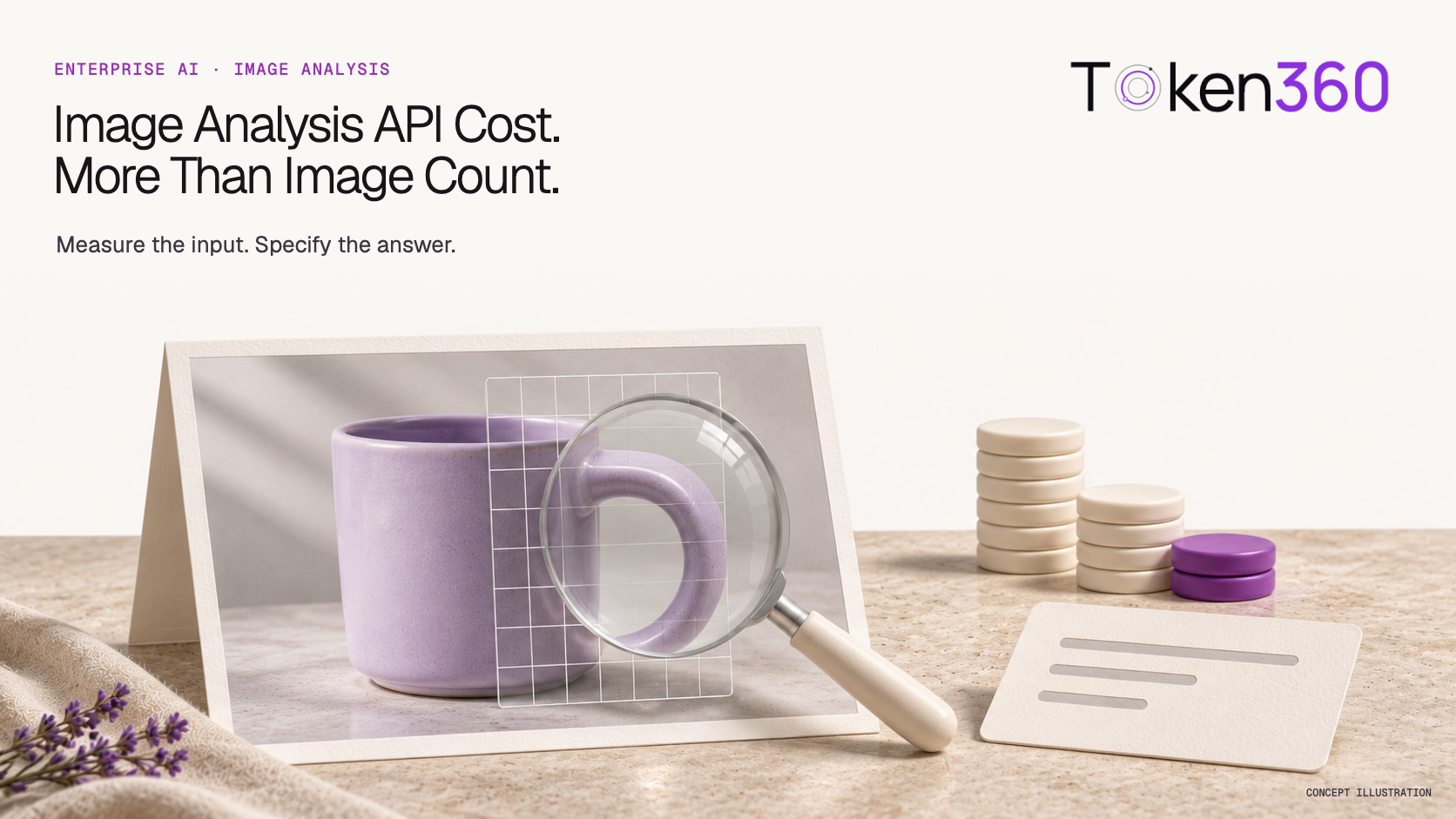
There is no universal price per image for AI analysis. For a token-priced vision model, estimate the image and text input usage plus the generated answer, using the applicable model rates. Then measure representative requests: resolution settings, answer length and repeat attempts can change the cost of completing the same business task.
A company planning to inspect product photos or answer questions about customer-uploaded images may start with “We have 100,000 images a month.” That is a volume forecast, but it is not yet a usable inference quote. A brief description and a detailed inspection can require different inputs and answers.
This guide covers reading images with a vision-capable language model through an API. It does not price image generation. Token360 supplies access across model categories; verify the selected model’s image-input support and applicable pricing before treating a catalog entry as suitable for this workload. See its API overview.
What is billed when an API reads an image?
Start with the service’s billing unit. A vision language model may charge for input and output tokens, while a specialized image-analysis service may charge per feature applied to an image. These are different meters. A generated-image price is also a different product and should not be used to estimate image-reading costs.
| Service type | What the buyer should identify | Why image count alone is insufficient |
|---|
| Token-priced image understanding | Image-input treatment, text-input rate and output rate | Answers and image processing contribute to usage |
| Task-based vision service | Billable features applied to each image | One image may incur multiple feature units |
| Image generation | Price for creating an output image | It does not price analysis of an existing image |
For example, Google Cloud Vision pricing counts each feature applied to an image as a billable unit. This is a useful distinction when a search for “vision API pricing” returns several kinds of service. Documentation checked November 19, 2026; this article does not compare current vendor prices.
If your unresolved decision is whether to extract text or interpret a scene, first read OCR API versus vision model. Once the service type is chosen, the narrower task here is estimating the cost of its image-analysis workload.
A feature-metered service needs a different usage inventory from a token-priced vision model. The Google Cloud Vision API pricing guide explains why requested operations, rather than image count alone, determine the units that belong in that budget.
Why can the same image cost different amounts?
The selected model, supported image-processing settings, surrounding text and requested answer can change measured usage. Keep those conditions fixed when comparing prices. A small compressed file is not evidence of a small token bill, and two suppliers quoting “per million tokens” may still process the image differently.
Google’s media-resolution documentation explains that resolution settings allocate media-input tokens and trade off detail, latency and cost. Exact behavior depends on the model. This is evidence that input processing matters, not a promise that every Token360 route exposes the same parameter. Documentation checked November 19, 2026.
Separate three quantities in your brief: the file’s byte size, its pixel dimensions, and the model’s reported billable usage. Resizing changes dimensions; changing JPEG compression can change bytes without changing dimensions. Neither operation establishes a universal conversion to billable tokens. Use the selected model’s documented rule and measured records.
The answer also matters. “Return one category” and “Explain every visible defect with supporting observations” are different jobs. Do not compare a short-answer configuration against a detailed-report configuration and attribute the entire bill difference to the supplier’s unit price.
How do PDF pages change an image-analysis budget?
If documents enter the vision workflow, group them by content and processing path before estimating cost. A page count alone does not establish input usage, answer length or the number of analyses. Confirm whether extraction is included or purchased separately, and avoid adding preprocessing charges twice when a bundle already covers them.
For a visual report, record pages, image detail, text density, the required answer and questions per file. A text-only document may use a different path. Measure representative requests instead of inventing a universal tokens-per-page conversion. A stored file identifier is not evidence of free future analysis. Keep PDF eligibility and chart-reading checks in the PDF capability guide.
How do you estimate a monthly image-analysis bill?
Group the workload into representative request types, measure their average billed cost, and multiply each by its forecast request count. Include the actual number of attempts needed to finish a job. A token formula is useful for planning, but a production forecast should also reflect your image mix and required output.
For a simple token-priced route with one input rate and one output rate, the planning formula is:
Request estimate = (billable input tokens × input rate
                  + billable output tokens × output rate)
                  / rate denominator
Use a denominator of one million only when the rates are quoted per million tokens. If image input, cached input, reasoning or other components have separate rules, calculate those components separately. Do not count image tokens twice if they are already included in total input usage.
Arithmetic example only: invented usage and rates, not a Token360 quote or test. Suppose one request uses 1,200 image-input tokens plus 100 text-input tokens, all charged at $2 per million, and 100 output tokens at $8 per million:
Input:  1,300 / 1,000,000 × $2 = $0.0026
Output:   100 / 1,000,000 × $8 = $0.0008
Total per request:                 $0.0034
100,000 identical requests:        $340
That $340 illustration assumes one request per job and no other charge components. If 10,000 additional requests of identical cost were made, they would add $34. It does not assume failed attempts are always billed; include their recorded charges under the applicable policy.
For a real forecast, calculate separate subtotals for simple product photos, dense screenshots and any other materially different inputs. Also show a busier month and a longer-answer scenario. Finance can then see which assumptions move the estimate instead of receiving a single unexplained “cost per image.”
Can lower image resolution reduce the cost safely?
Lower detail may reduce input usage on models that support such a tradeoff, but the setting must still preserve information needed for the business decision. Test cost and acceptance together. A cheaper request that misses a small label or defect can create more follow-up work than a more detailed first pass.
Compare the same image set and question at supported settings. Before running the comparison, define what counts as an acceptable answer: the required field, an accurate visual observation, or a correct decision within the task’s limits. Keep hard cases, including small text and low contrast, in the set rather than reporting only easy images.
Cropping can remove irrelevant surroundings, but it may also remove the context that explains what the image shows. Multiple crops can introduce multiple inputs. Treat cropping as a configuration to measure, not an automatic cost reduction or a verified fix.
For a procurement pilot, report both total billed inference spend and the number of accepted business results. Their ratio is cost per accepted result; if no results are accepted, the pilot has no finite cost per accepted result. Keep human review and implementation costs as separate items when they are outside the API bill. This is a proposed evaluation method, not a completed Token360 benchmark.
What should an image-analysis pricing pilot record?
Record enough information to reproduce the workload definition and explain the charge: model identifier, image characteristics, supported detail setting, prompt version, answer requirements, request ID, usage and billed amount. Pair the billing record with the acceptance result. A screenshot of a low unit price cannot establish the cost of your application.
| Record | Purpose |
|---|
| Input cohort and dimensions | Explain which business images the test represents |
| Model ID, route and supported settings | Avoid comparing different configurations as the same service |
| Images per request and answer requirements | Define the task being purchased |
| Request ID, usage and final charge | Connect observed output to recorded cost |
| Accepted / rejected / needs review | Keep quality separate from technical completion |
| Additional attempts and their charges | Explain the full cost of completing a job |
Token360’s billing documentation says the meter follows the selected model’s pricing rule, public upstream prices need not equal the Token360 route price, and Playground estimates may differ from final measured billing. It also provides request-level reconciliation using the recorded request ID. Documentation checked November 19, 2026.
Store a safe identifier for each source image rather than copying sensitive image content into every cost spreadsheet. Keep the acceptance rubric alongside the pilot so another reviewer can understand why an apparently fluent answer was rejected.
For checking whether an agreed commercial rate is active, use verification of negotiated API pricing. For the separate problem of sorting photos into categories, use the business image-classification pilot guide. Neither replaces the image-specific workload estimate.
What should you send Token360 for an image-analysis quote?
Send representative image characteristics, the required question and answer format, expected volume, selected model candidates and acceptance criteria. Ask which image-input settings are supported and which usage components are billed. Request an estimate tied to that configuration, then validate it with a small measured pilot before using it as the production budget.
We need to analyze [business image type] to produce [required answer]. We expect [monthly jobs], usually with [images per request and dimensions]. Please confirm suitable image-input models, supported detail controls, applicable input/output rates and other billing components. We will validate the estimate against a representative acceptance set before forecasting production.
Include a typical request and a difficult one, with permission to share the images or sanitized substitutes. Ask the integration team to confirm the selected model’s request schema rather than assuming that a text-only request can accept image data unchanged. PDF page handling is a separate input-path question covered in reading charts and scanned PDF pages.
Token360’s enterprise positioning includes negotiated pricing and project-specific requirements; that does not imply a universal image-analysis rate or that every listed model supports vision. Confirm the model and terms for the engagement. The useful quote is one that names the configuration, shows how usage is metered and leaves both teams with a testable estimate.
There is no completed image-analysis pricing benchmark in this article. Its numerical example is illustrative, and the pilot checklist is a method for obtaining the evidence. Use your measured workload and applicable account pricing to replace those assumptions.
Procurement scope reviewed November 20, 2026.


 Guides
 Guides
 Guides