Can an AI API Read a PDF’s Charts and Scanned Pages?
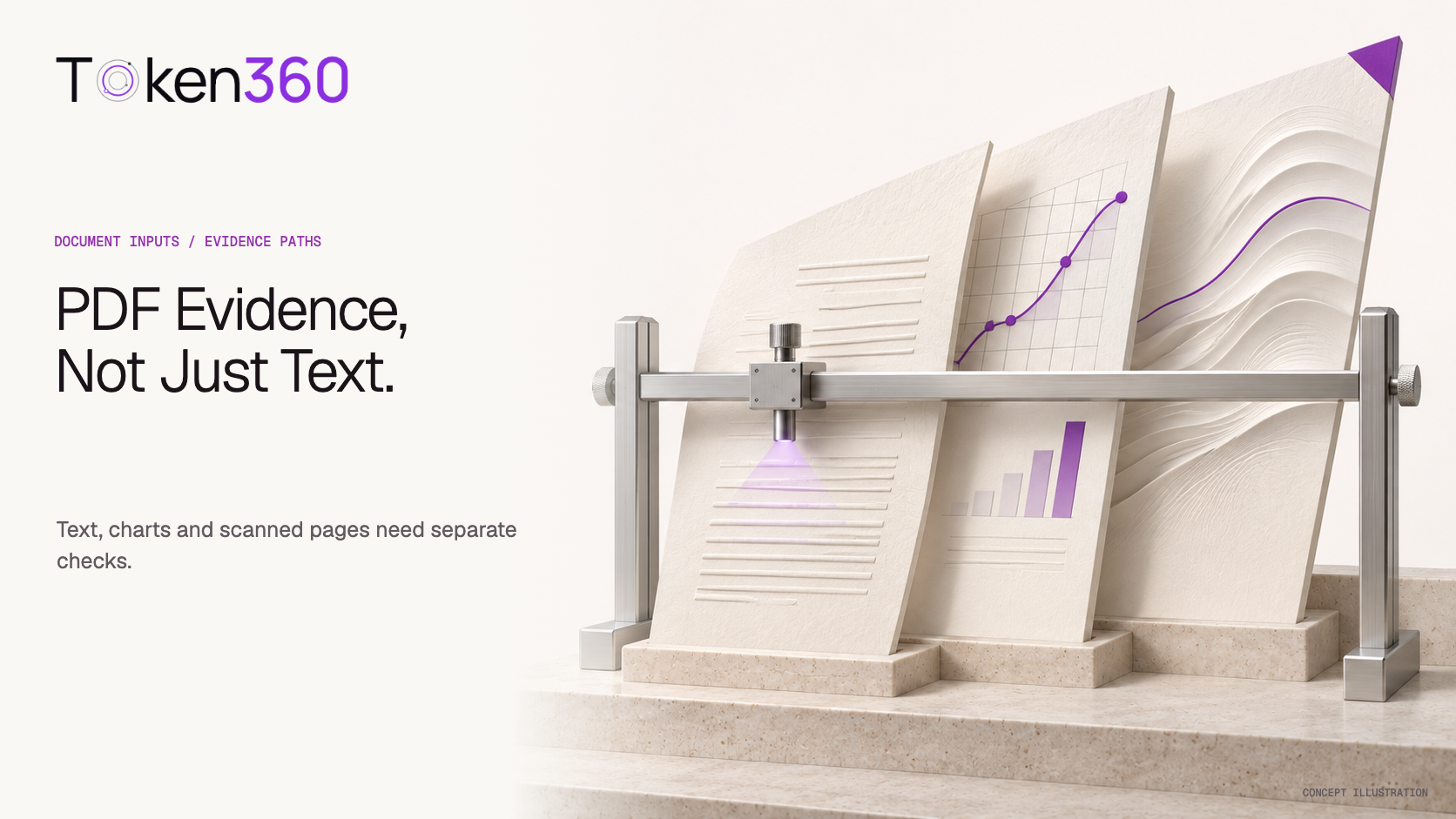
PDF acceptance does not prove every chart or scanned page reached the model. Check the input path, retained evidence and answer against the source.
DOCUMENT INPUTS · EVIDENCE · BLOG 173
By Yuki Yu · Sources checked November 6, 2026
An AI API may accept a PDF without giving the model every chart, scanned word or table relationship inside it. The result depends on the supported input path and any preprocessing. Before trusting an answer, verify which pages and representations reached the model, then check the answer against the source evidence.
OpenRouter’s FAQ on supported formats includes PDFs. Its linked documentation makes an important distinction between native file input and parsing before model inference. That distinction is the starting point here—not a claim that every gateway implements the same PDF pipeline.
This is a documentation-based integration guide with a constructed acceptance worksheet. No live PDF inference requests were run for this article, and no OCR accuracy, provider ranking or Token360 PDF-processing benchmark is claimed.
Read first: Token360’s model capability guide directs developers to the selected model’s public schema. Confirm the accepted file type and input representation before building a document workflow.
What does “PDF supported” actually establish?
PDF support establishes an accepted input route under specified conditions. It does not, by itself, establish that the downstream model receives the original file, rendered pages, extracted text or all of those together. Ask what the service passes onward and which parts of the document your task depends on.
As checked on November 6, 2026, OpenRouter’s PDF Inputs documentation describes native forwarding for models that support file input and parsed results for models that do not. It also documents different parsing engines and limitations on forwarded images. Those are OpenRouter-specific behaviors; they are not a Token360 parameter specification.
What your application observes
What it establishes
What still needs checking
Upload or submission accepted
The service accepted that operation
Whether the relevant page content was processed
Extracted text returned
Some text was recovered
Whether chart values, table associations and scans were retained
A model answer is fluent
The model produced readable output
Whether the answer is supported by the supplied document
The answer names a page
A page reference was produced
Whether that page actually contains the cited evidence
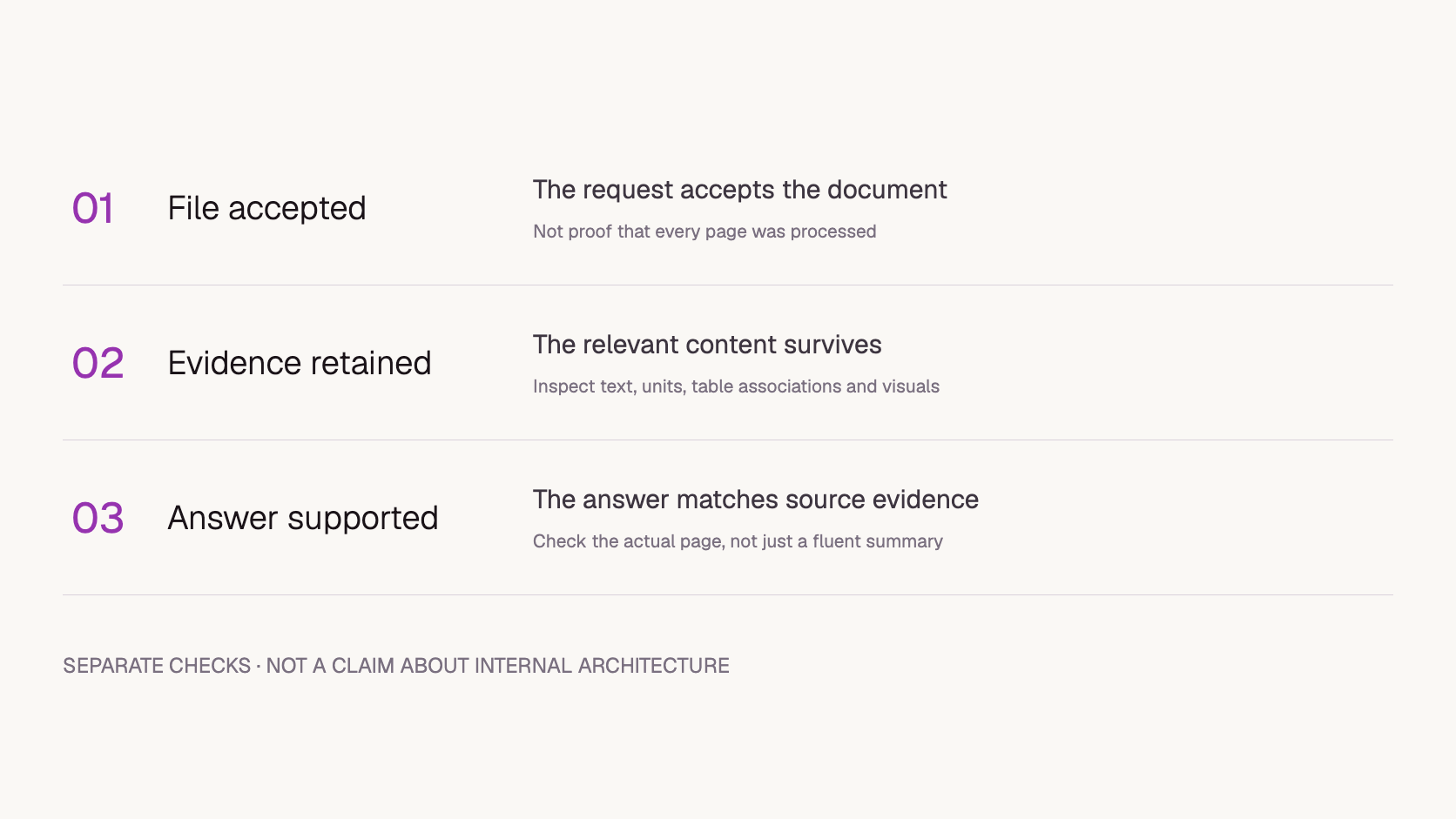
For an enterprise document workflow, these are separate acceptance gates. A successful upload should not automatically mark a supplier report, product specification or internal review packet as ready for automated decision-making.
How do text extraction, OCR and page images differ?
Text extraction reads available text content; OCR attempts to recognize characters in images; page-image input preserves a visual representation for a model that accepts it. Each path can expose different evidence. Choose based on what the task needs, rather than treating all three as interchangeable ways to attach a file.
The pypdf extraction guide explains that image-only scans may yield little text and that pypdf is not an OCR engine. It also discusses why table structure and reading order are difficult to recover from positioned PDF content. An existing text layer is therefore useful evidence, but not proof of faithful extraction.
Representation or input route
Useful for investigating
Acceptance question
Extracted text
Whether narrative sentences and labels survive preprocessing
Are required values and their associations still present?
OCR output
Whether a scanned page’s characters were recognized
Do numbers, units and headings match the visible page?
Rendered page image
Whether visual layout, plots and relationships are available
Is the image legible at the submitted resolution, and is the input supported?
Native PDF input
A model-specific documented file path
What content and limits does that exact path support?
Native PDF input is a submission route, not a guarantee of a particular internal representation. A documented native route may still involve provider-side processing; check its documented behavior rather than assuming it bypasses extraction. The other rows describe representations that an application may inspect or submit. None establishes a universal quality ranking. An OCR transcript can preserve a number while attaching it to the wrong row. A page image can contain the right row while its tiny type remains hard to read. Assess the representation against the question you intend to ask.
Application acceptance stages. These are review labels, not Token360 API fields.
Why can a chart question fail when the document summary looks right?
A general summary and a chart-specific question require different evidence. A summary can be plausible using nearby prose or headings alone. A question about a plotted value, legend color or table intersection needs that particular information to survive the input path. Success on the broad task does not validate the narrow one.
Consider a constructed supplier report: the paragraph says “delivery improved,” while the chart identifies which region improved and by how much. An answer repeating the paragraph may be correct as a summary. It does not establish that the model read the bars, axis units or regional labels.
Design the acceptance question around the missing relationship: “Which region has the largest reduction, what are the starting and ending values, and which page supports those values?” Retain the expected answer from human inspection. If the answer is unsupported, separate unavailable evidence from incorrect interpretation before changing the model.
A useful failure label is “chart values absent from inspected text representation,” when that absence is observed. “The model cannot read charts” is a much broader claim and is not justified by that finding.
What should a Token360 integration verify before sending a PDF?
Verify the exact model and endpoint, accepted MIME types, file limits and supported representation. Do not infer native PDF support from a vision label, a large context window or compatibility with another provider’s client library. If the selected schema does not establish a PDF path, confirm it before sending a production document.
Token360’s capability documentation makes multimodal inputs model-dependent and directs developers to the current model page and schema. It does not establish that every text model accepts PDFs or that a universal OCR fallback is available. This article therefore does not supply a guessed PDF request payload.
If your application performs extraction itself, record that responsibility explicitly. The input to the model is then the resulting text or supported images, not necessarily the original PDF. A change in the extractor, page selection or image resolution is a change in the application’s evidence pipeline even if the model ID stays the same.
For confidential documents, approve the complete path—including any parser or OCR service—before testing. Token360’s data-handling guide is a starting point for identifying boundaries; a supported file format alone is not a privacy or residency guarantee.
How can you test the input path with a small acceptance pack?
Build a small set of authorized documents with known answers and distinct evidence requirements. Test whether the required evidence reaches the selected path before scoring the answer. Keep the question, document version and expected result fixed when comparing representations. This is a proposed method, not a completed experiment or a reliability estimate.
The following acceptance pack is constructed for this article. It does not contain customer data or measured model results. Use it to decide what to inspect, then replace its examples with approved documents representative of your workload.
Case
Question to prepare
Evidence to verify before judging the answer
Narrative text
What delivery date is stated?
The complete sentence, including qualifiers, survived extraction
Scanned label
What serial number is printed?
Every character is readable and matches the source
Chart
Which category has the largest change?
Category labels, values and units remain available together
Table with repeated headers
What value belongs to this item and period?
Row identity and column header remain associated
Missing evidence
What is a value the document does not contain?
The expected behavior is to identify the absence, not invent a value
. It is an unfilled editorial template. Its proposed column names are internal tracking fields, not a Token360 request schema.
Record a document version and page count. Choose non-sensitive material for the first checks.
Prepare a question, an expected answer and the supporting page location before running inference.
Record the exact model, endpoint and preprocessing configuration.
Inspect intermediate content where available. If it cannot be inspected, mark it unknown rather than claiming the model saw everything.
Compare the returned answer with the original page, including units, qualifiers and table associations.
When comparing paths, change one representation or preprocessing setting at a time and retain both results.
If intermediate content is unavailable, use two known-answer questions on the same authorized page: one about an explicit sentence and one about a chart value and its unit. Record each answer separately. A correct sentence answer and a wrong chart answer identify a task-level gap, but cannot establish whether parsing, image legibility or model interpretation caused it. Keep the internal evidence stage marked unknown; report only the end-to-end result you observed.
One successful pair does not establish that the new path is generally better. Expand the pack only after the basic evidence path is understood; record failures as well as good examples.
When borrowing an evaluation, the AI PDF benchmark input guide helps verify which document representation the model actually received.
What should you record when the PDF answer is wrong?
Record the document version, relevant page, question, expected evidence, representation and actual answer. Add the model ID, endpoint, request correlation ID and processing settings that are available. This lets a reviewer distinguish retrieval, extraction and interpretation problems without treating every incorrect answer as the same model failure.
Keep three observations separate: “the page was submitted,” “the evidence appeared in inspected intermediate content,” and “the answer used it correctly.” Any of them can remain unknown. A trace that preserves those distinctions is more useful than a single pass/fail field.
Do not paste confidential documents or signed URLs into ordinary support tickets. Use approved sharing arrangements and a sanitized reproduction when possible. Include whether the failure also occurs on a small authorized excerpt, while noting that an excerpt changes the input context.
Frequently asked questions
Does a larger context window solve PDF extraction problems?
No. A larger input allowance does not restore evidence omitted during preprocessing. First establish that the relevant content is present in the representation the model receives.
Does selectable text mean I can skip OCR and visual checks?
Not automatically. Selectable text can coexist with scans, charts and tables. Inspect the pages and relationships needed by your task; do not infer complete coverage from one selectable paragraph.
Should I always convert every PDF page into an image?
No. Use a representation supported by the selected model and suitable for the task. Whole-document image conversion can create different limits and legibility issues. Compare it with a known-answer case rather than assuming it is universally better.
Does this guide confirm a Token360 OCR service?
No. It explains an integration acceptance method. Confirm any native PDF or OCR capability in the selected model’s current documentation or with Token360 before depending on it.


 Guides
 Guides
 Guides