AI image-editing models can combine several reference photos into one composition, but accepting multiple images does not guarantee an accurate product bundle. Define which items must appear, how many of each, their relative sizes and which details cannot change. Approve the result against that inventory, not just the attractiveness of the scene.
For a brand or agency, the request might be a gift-set advertisement using separate packshots of headphones, a speaker and a charging case. The commercial requirement is a believable image of that exact set. A missing accessory, a duplicated item or a speaker that borrows the headphones' design is a delivery failure even if the lighting looks polished.
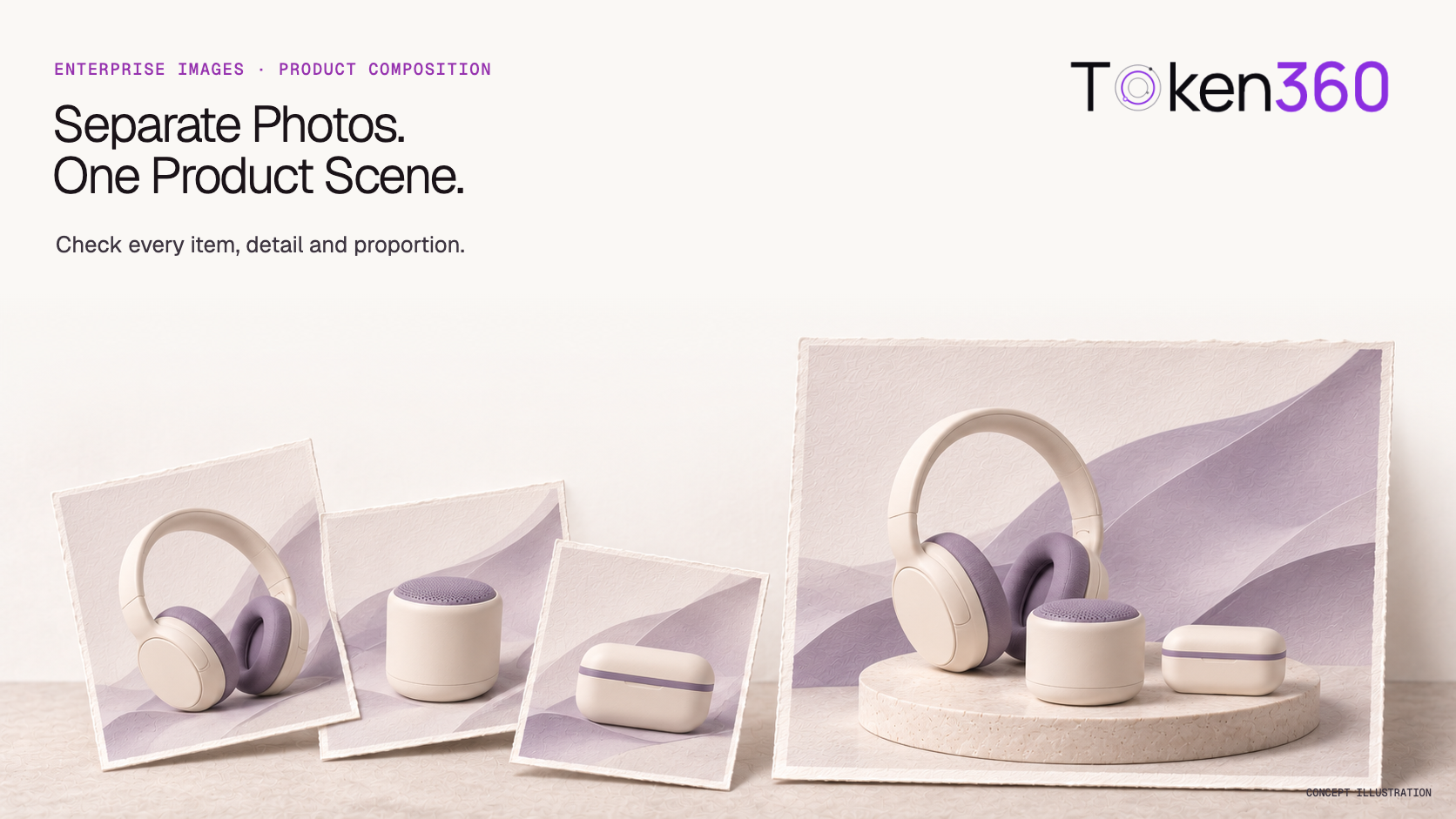
This is a proposed procurement and review method, not a completed generation test. The cover illustrates the task; it is not evidence of model accuracy. Token360 support for a specific multi-reference editing route, input limit or preservation control must be confirmed before production.
Does a multi-image input mean the model will combine the products?
A multi-image input means the endpoint can receive several images; it does not, by itself, specify what the model should do with them. Tell the model whether each file supplies a product, a different view of one product, a background or a layout. Otherwise, the intended final inventory remains ambiguous.
As reviewed on November 24, 2026, fal's FLUX.2 Pro editing page describes multi-reference product composition. Higgsfield's routing guide also identifies combining elements from several images as a distinct workflow. These are examples of the category, not evidence that Token360 offers those same routes, controls or input allowances.
Keep two counts separate: source files and final objects. Three photographs showing the front, side and back of one speaker should not produce three speakers. Conversely, three separate SKUs may require three distinct objects even if their packaging looks similar. Write the intended relationship explicitly.
Also distinguish a composition from a contact sheet. A contact sheet displays separate images together. A composed campaign scene puts products in a shared space with coherent placement, perspective and shadows. If all the team needs is a comparison grid, a conventional layout tool may be a more direct choice than generating a new scene.
What should the product inventory and layout brief contain?
Build the brief around the final scene: name each SKU, its required quantity, its source files and its placement. Add physical dimensions or an approved size comparison where scale matters. Keep background references separate from product references so a prop in the inspiration image does not become an unintended part of the advertised bundle.
Illustrative bundle brief—not a tested product set
| Source role | Final requirement | What to inspect |
|---|
| Headphones packshot | One pair, left side, both earcups visible | Headband shape, earcup count, finish and markings |
| Speaker packshot | One speaker, center, physically smaller than the headphones | Grille pattern, controls and relative dimensions |
| Charging-case packshot | One closed case, front right | Case outline, hinge and correct color variant |
| Approved layout sketch | Composition guidance only | Do not copy sketch placeholders as extra products |
| Background reference | Surface and lighting guidance only | No additional sale items imported from the reference |
Use reference names that match your actual request order or documented model syntax. Do not assume every service accepts filenames as meaningful labels or implements another provider's reference notation. Save the mapping alongside the request so a reviewer can identify which source was intended for each final object.
Individual packshots often crop products to similar image sizes, hiding real-world scale. A small case and a large speaker may each fill their own frame. Supply dimensions and, where practical, a photograph showing them together at the intended scale. That adds evidence for the composition; it still does not establish a measurement guarantee.
A composition brief is narrower than an ecommerce catalogue content workflow. The catalogue remains the authority for which SKU and variant is sold. The image brief tells the production team how that approved set should appear in one asset.
When is manual compositing the better option?
Prefer a conventional composite when the exact product pixels, label text or pack proportions must remain unchanged. Place approved cutouts in a designed scene and adjust the surrounding treatment separately. Generative composition is a candidate when a new shared scene is valuable and the team can review any reconstruction of the products.
The trade-off is production effort. A manual composite still needs convincing scale, perspective, contact shadows and consistent light. It may also need additional photography if the available angles do not fit the layout. It provides a different kind of control rather than eliminating design work.
Define the use before choosing the route. A conceptual launch mood board can tolerate exploration that a “what's included” sales image cannot. For the latter, product count and package contents are essential information. Do not let an attractive scene imply that an accessory is included when it is only a decorative prop.
If the team wants separate editable components, confirm the actual deliverable rather than assuming a generated image includes layers. The editable-image-layer evaluation addresses that separate question. A flattened campaign output may be usable, but replacing one SKU later could require another generation or a designer's reconstruction.
How should you review the combined image?
Review the result in two passes: first check the bundle's factual contents, then assess whether the scene works visually. Verify quantity, SKU identity, variant and scale before judging styling. A strong composition must not compensate for a wrong item, and a technically correct inventory must still be readable in the intended placement.
Start with a one-to-one check from the brief to the image. Can the reviewer point to every required product? Is there an extra case hidden behind the speaker? Does the headband belong to the supplied headphones, or have details from another object migrated onto it? Mark ambiguity as unresolved rather than filling in the missing detail mentally.
Then inspect contact, overlap and readability. A product partly covered by another may satisfy a rough object count while hiding the feature that identifies its variant. Check the full-resolution file and the actual ad crop. The image can be correct at one size but misleading when a mobile crop cuts out an included item.
Use a pilot that includes a straightforward bundle and a difficult set from your real catalogue, such as similar packaging or reflective surfaces. Those are proposed test categories, not results reported here. Keep the same brief while comparing candidates, retain rejected outputs and record the rejection reason. Do not infer a catalogue-wide success rate from a few visually pleasing examples.
The blank bundle-image review sheet (template below) records source-to-item mapping, count, identity, scale, occlusion and finishing work. Separate “generated successfully” from “approved for this placement.” A completed API response establishes delivery of an output, not approval of the commercial message it conveys.
If a small error remains, compare targeted editing with rebuilding the whole scene. Recheck the other products after any correction, since the acceptance decision applies to the final file. Keep an approved checkpoint so the team can identify exactly what changed.
What should you ask Token360 to quote and demonstrate?
Ask Token360 to scope an image-editing pilot around your actual bundle and output requirements. Confirm the selected model's input rules, reference handling and deliverables before discussing production volume. A general image-model listing is not a promise of multi-product composition, exact SKU preservation or an interface identical to a competitor's.
Token360 supports enterprise procurement across text, image, audio and video models. For this task, send the representative packshots, the final item list, the layout and the acceptance checklist. Include typical and maximum numbers of reference files per request, expected output sizes and turnaround requirements. These inputs make a model-access discussion concrete.
- Input handling: Which editing route is available? What file count, formats and size limits apply? How should multiple views of one SKU be distinguished from separate products?
- Output scope: What dimensions and formats are returned? Is the result flattened? Which finishing steps belong to your design team?
- Commercial treatment: What settings define the quoted usage? How are retries, technical failures and completed but rejected creative outputs billed?
- Asset handling: What terms apply to unreleased product images? Confirm required retention and access arrangements rather than inferring them from API availability.
Token360 uses tiered enterprise quotes, with lower quoted rates at higher usage, and does not charge a separate service fee. The specific model, eligible volume and terms still need a quote. No composition rate, discount band, preservation guarantee or number of included revisions is established here.
For a pilot, keep generation spend, design finishing and review effort visible. Report approved campaign assets alongside rejected outputs and their reasons. A model that accepts many references is not necessarily the best purchase if the team must repair the same label or scale error repeatedly.
The procurement decision should end with a demonstrated route and a documented division of work: what the model produces, what the editor finishes and what the brand reviewer approves. Company background is available on Token360's About page. Confirm the specific multi-reference capability for your engagement before scaling the workflow.
Frequently asked questions
Are multiple views of one SKU the same as several products?
No. Tell the supplier whether the inputs describe one object from different angles or distinct objects that must all appear. Provide a product inventory so an output cannot pass merely because it contains a plausible collection of items.
What if the generated bundle has the wrong quantity?
Record a failed inventory check even if the composition is attractive. Review each required product, duplicates and missing objects against the brief. Correct object count and identity are separate from visual quality.
When is manual compositing preferable?
Compare compositing when exact source products, scale relationships or labels must be preserved. Include assembly effort in the comparison. A generated combined scene should pass the same inventory and appearance requirements before it replaces that workflow.
Review worksheet template
asset_id,brief_revision,sku,required_quantity,source_files,actual_quantity,identity_check,variant_check,scale_check,occlusion_check,placement_crop,finishing_work,decision,rejection_reason,reviewer
,,,,,,,,,,,,,,
About the author
Yuki Yu is Marketing Manager at Token360.


 Guides
 Guides
 Guides