Image Understanding vs Image Generation APIs: Choose the Output First
Need information about an image or new image pixels? Compare vision, generation and editing APIs, with eight briefs mapped to Token360 model selection.
By Yuki Yu
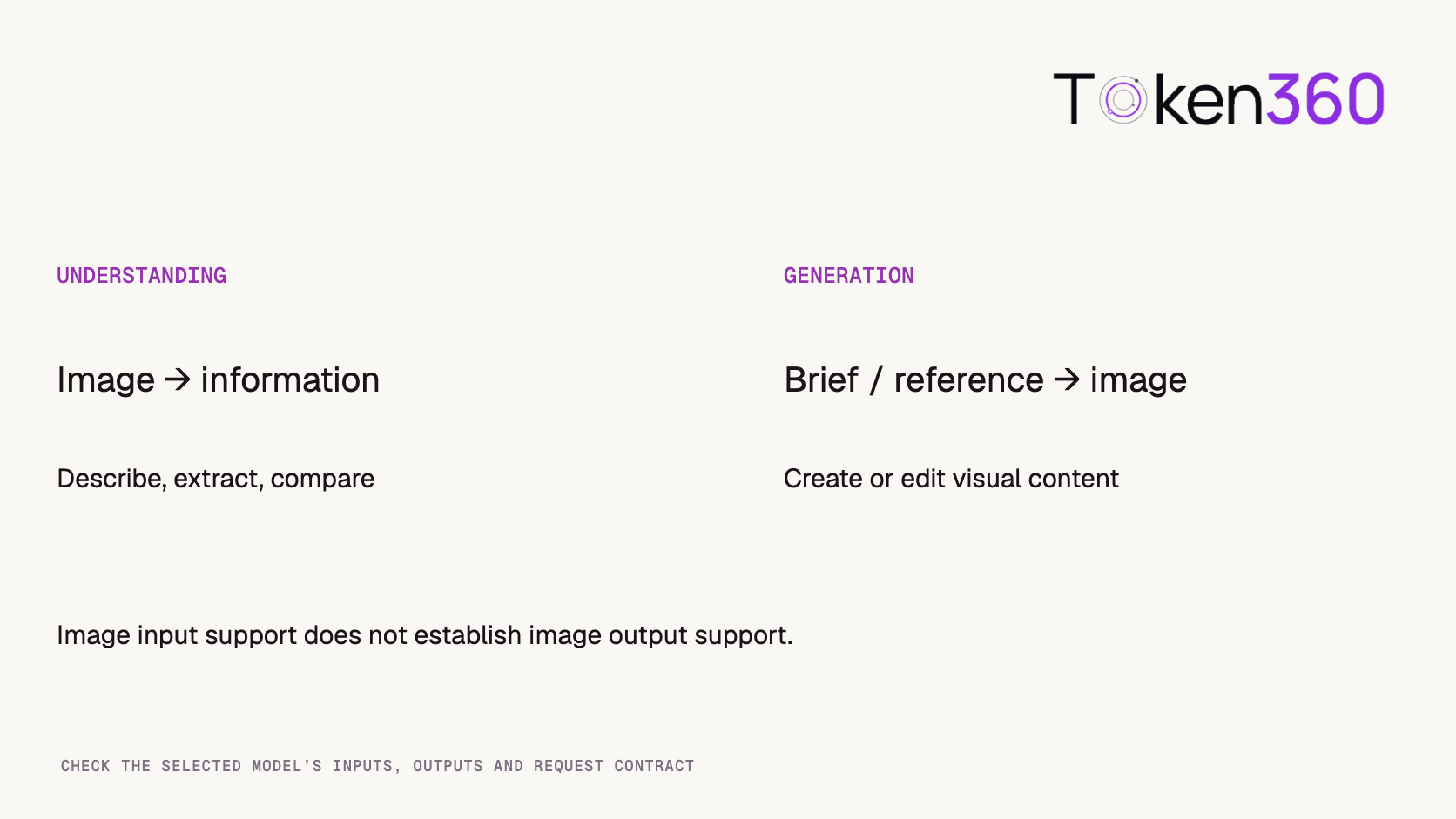
Use an image-understanding API when you need information about an existing image. Use an image-generation API when you need new image pixels. Both may accept a picture as input, so an “image supported” label is not enough to choose a model. Start with the required output, then confirm the model's input types, parameters and API contract.
For developers integrating Token360, this distinction determines which model to select, which request to send and how to validate the response. A product-photo analyzer and a product-background generator can share an application, but they have different acceptance criteria.
Read first: The multimodal API guide introduces the broader category. This article narrows that choice to image analysis versus image creation, rather than comparing unified API platforms.
What is the difference between understanding and generation?
Understanding extracts or reasons about visual information; generation produces or modifies visual content. The distinction concerns the requested operation, even when a model supports both.
Operation
Example request
Expected result
Primary check
Image understanding
Describe this product's visible features
Text or structured information
Supported by the source image
Text-to-image generation
Create a coastal product scene
A new image
Matches the creative brief
Image editing
Replace the background in this photo
A changed image
Changes requested parts; preserves required parts
Image-to-video generation
Animate this scene
A video
Motion and temporal consistency
An uploaded photo appears in three of these workflows. That does not make their output formats or supported parameters interchangeable. A text response describing how a photo could be edited is not the edited asset.
Google's image-understanding documentation describes tasks such as captioning, classification and visual question answering. Its separate image-generation documentation covers creating and editing images with image-capable generation models. These are examples of the distinction, not a claim that every model in a provider family supports every operation.
Why does image input support not guarantee image output?
Input and output capabilities are separate. A model can inspect a JPEG and return text without being able to create a JPEG.
On Token360, use the model capability documentation and the selected model's public schema to check modality, accepted inputs and supported parameters. Confirm the specific public model ID rather than inferring functionality from a provider name or a broad “multimodal” tag.
Write the requirement as a pair: image → text, text → image, or image + instruction → image. Then add constraints such as multiple reference images, transparent output or preserving a product's shape. These constraints need explicit verification; they do not follow automatically from basic image generation support.
The same principle applies outside images. The API selection guide distinguishes chat, image generation, video generation and audio operations. A unified integration does not mean one request body works for all modalities.
Choose the desired result before choosing the endpoint or model.
How can you classify a real product feature?
Specify the deliverable the user expects to receive. The following eight-brief worksheet is an original planning aid for model selection, not a benchmark or a record of generated outputs.
Product brief
Deliverable
Required operation
Describe the visible material of this bag
Grounded text description
Understanding
Read the size printed on this label
Extracted text, with uncertainty if unclear
Understanding / text recognition
Compare the visible differences between two packshots
Comparison grounded in both inputs
Multi-image understanding
Create a lifestyle scene from a written brief
New image file
Text-to-image generation
Move this product onto a stone surface
Edited image preserving the product
Image-conditioned editing
Create three variations using this style reference
New images with a shared visual direction
Reference-conditioned generation
Turn this still into a short moving shot
Video file
Image-to-video generation
Inspect the product, then create a suitable scene
Analysis followed by an image
Two-stage understanding and generation
Three briefs need information, three need still-image creation or editing, one needs video, and one needs a staged workflow. These counts describe our deliberately written examples only. They say nothing about market demand, model accuracy or typical customer workloads.
Copy image-api-requirements.csv from the complete source below. Add the exact model ID, documented limits and acceptance checks as you evaluate routes.
brief,deliverable,operation
Describe visible bag material,grounded text,understanding
Read size on label,extracted text,understanding
Compare two packshots,comparison,multi-image understanding
Create lifestyle scene,new image,text-to-image
Replace product background,edited image,image editing
Create style variations,new images,reference-conditioned generation
Animate a still,video,image-to-video
Inspect then create scene,analysis and image,two-stage workflow
The last brief deserves its own application state. Review the analysis before passing it into generation, especially where it includes uncertain attributes. Otherwise an unsupported inference about a product can become a confident-looking visual claim.
Which Token360 API family should you check first?
For supported vision chat models, start with a compatible chat protocol; for still-image generation, check the image-generation contract. Confirm editing support and the exact reference-image fields on the chosen model page.
Token360 documents POST /v1/chat/completions for compatible text or multimodal chat and POST /v1/images/generations for image generation. Video generation uses a separate asynchronous resource. These endpoint families establish where to look; they do not promise identical inputs or features across models.
Keep API keys on your server. Build the request from the selected model's documented example instead of copying a provider-native payload into a different protocol. If a route requires native parameters, follow its specific documentation rather than treating passthrough as a general compatibility fix.
For an image-to-video requirement, use the image-to-video workflow guide. Do not send that feature through an image-analysis route merely because the input begins as a photograph.
How should the two operations be evaluated?
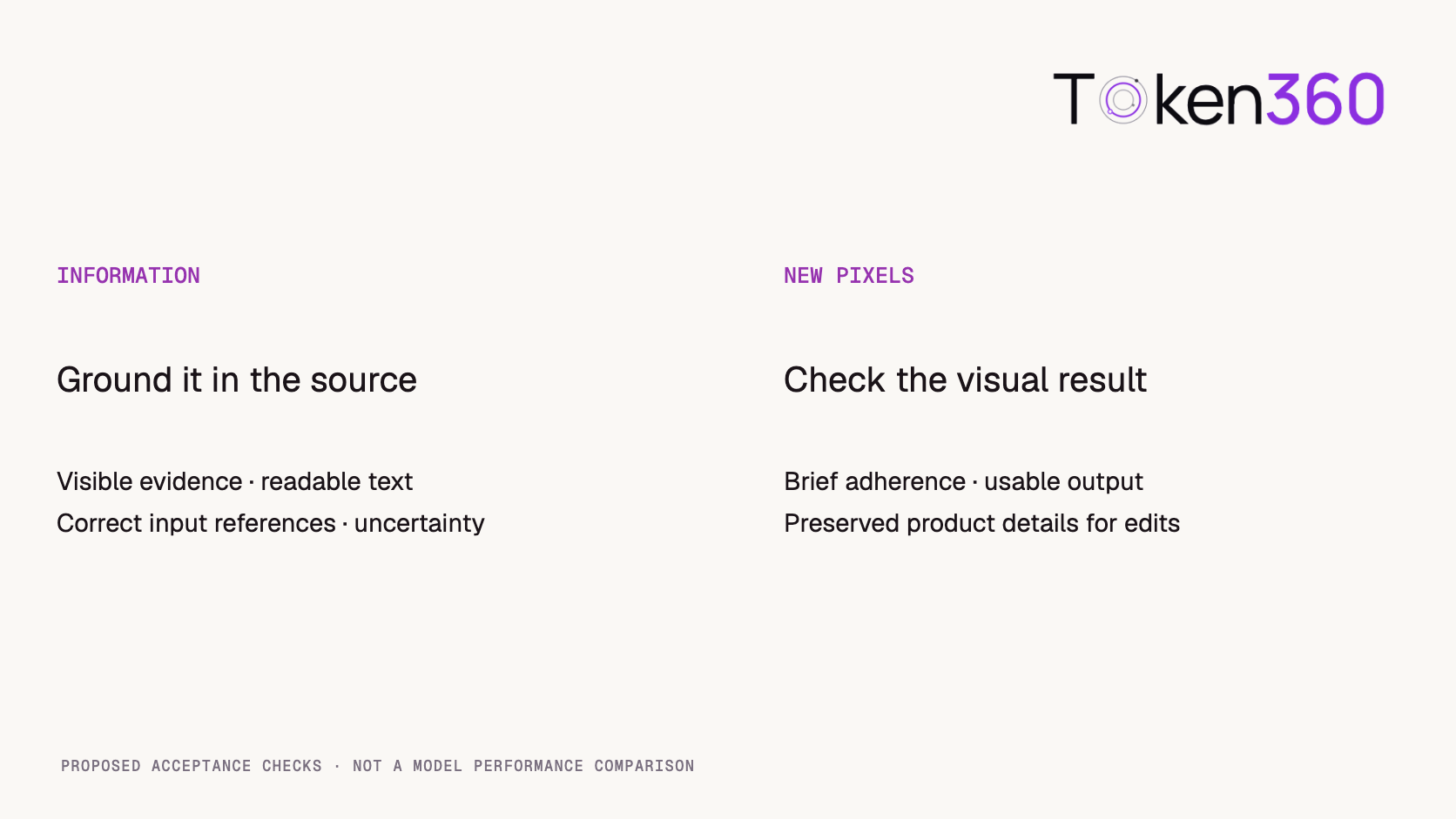
Evaluate understanding against source evidence and generation against the desired visual result. A single “looks good” score obscures different failure modes.
For understanding, check whether the answer identifies visible attributes accurately, avoids invented details and acknowledges unreadable text. For comparisons, verify that each claim refers to the correct input. If the output must be JSON, validate the structure separately from the truth of its contents.
For generation, inspect composition, requested content, dimensions and output usability. For editing, add preservation checks: product proportions, distinctive features and required text should survive the change. A beautiful replacement background does not compensate for an altered product.
The model evaluation framework provides the broader process. For this decision, keep two scorecards: factual grounding for analysis and brief adherence plus preservation for creation. Neither scorecard proves the other capability.
Separate acceptance criteria make model comparisons more useful.
How do costs change in a two-stage workflow?
Account for both stages and their retries. An analysis call followed by image creation is more than one model operation, even if the user experiences a single button.
Record each stage's model ID, request ID, configuration and final charge. Compare the total for an accepted result rather than mixing a text-token rate with a per-image price. Use the selected route's current billing meter; there is no universal conversion between those units.
Reuse approved analysis when the underlying source and requirements have not changed, subject to your application's data policy. If the image changes, recheck the analysis before reusing it. This is application-level reuse, not a promise of provider prompt-cache billing discounts.
Read next: Use Token360 billing and usage documentation to reconcile the stages, then consult Token360 resources for model and integration guidance. Start with one explicit input/output requirement and validate the selected route before expanding the workflow.
Frequently asked questions
Can a vision model generate images?
Some models support both operations, but vision input alone does not establish image output. Check the exact model's documented output modalities.
Is editing an image the same as understanding it?
No. Understanding returns information about the image. Editing returns changed image pixels and requires its own preservation checks.
Does Token360 use one endpoint for every multimodal task?
No. Its documentation separates chat, image, video and audio API families. Select the protocol and model contract appropriate to the requested output.
Can I use a text description instead of an image reference?
Sometimes, but the description can omit visual details. If identity or appearance must be preserved, evaluate a route with the required reference-image support.
Are the eight worksheet briefs real model tests?
No. They are manually classified planning examples. They help define requirements but do not measure model quality, speed or price.
When should I combine understanding and generation?
When the application needs an explicit analysis before creating a visual. Keep the stages traceable and review uncertain source interpretations before using them as generation instructions.
Editorial revision: November 4, 2026. Test dates and dated source snapshots remain as stated in the article.
API
Video
Production Workflow
Build faster with one AI API.
Use Token360 to call video, image, audio, and text models with one key and one bill.


 Prompt Library
 Insights
 Insights