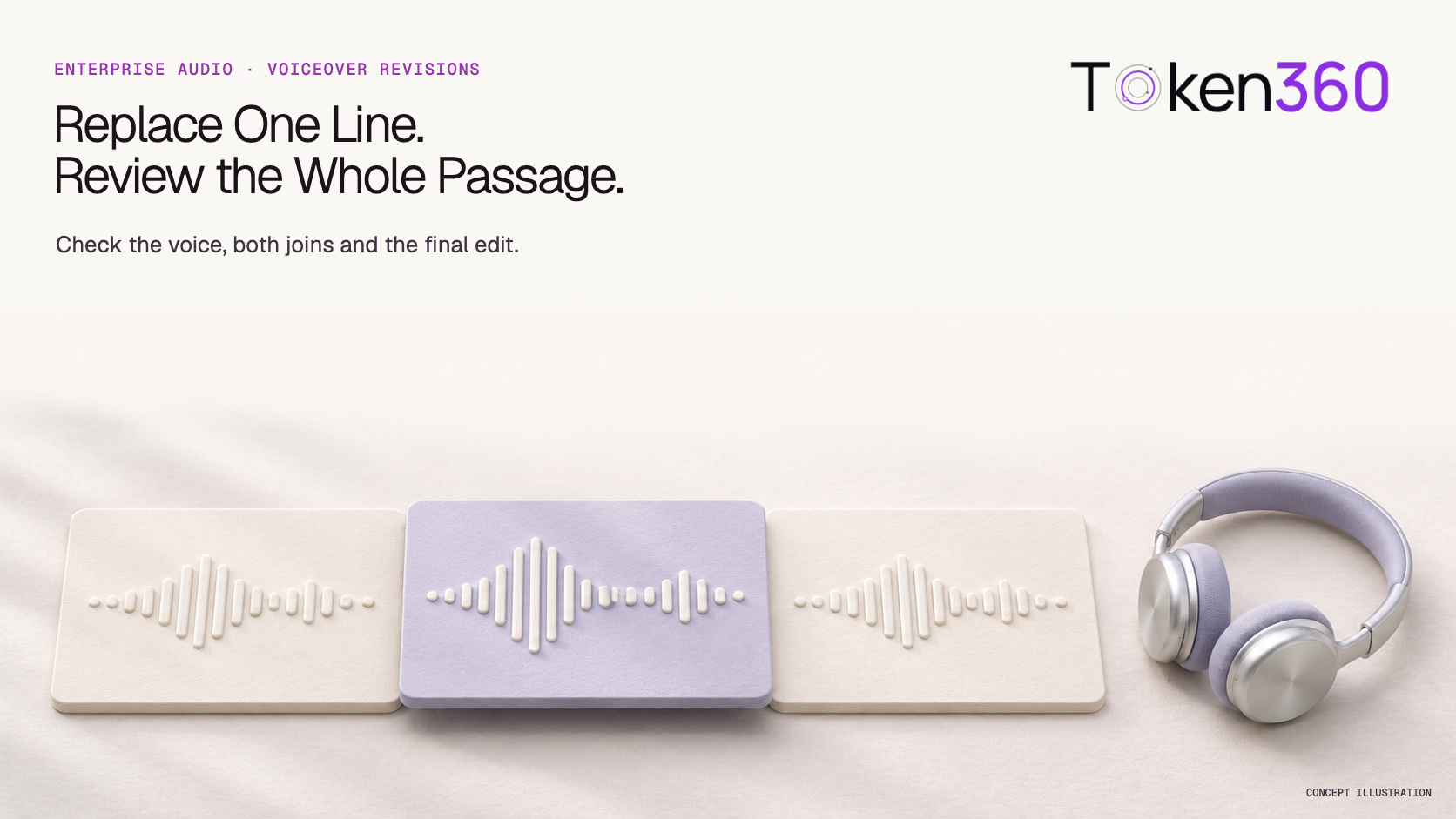
You can replace one line in an AI voiceover by generating a new segment and editing it into the approved track, provided the voice, delivery and timing still fit. That is not automatically an in-place audio edit. For enterprise videos, qualify the replacement in context and confirm which generation, assembly and review steps the service actually provides.
A product demonstration is ready, but one sentence now names the wrong plan. Regenerating the entire narration could change passages that were already approved. Generating only the corrected line offers a smaller revision—but the new line still has to sound as though it belongs to the same performance.
This is a documentation-based workflow and purchasing guide, not an original speech-editing test. Official sources were reviewed on November 25, 2026. Token360 support for context-conditioned speech, local audio editing or automatic timeline replacement has not been verified here.
Are you editing the audio or generating a replacement?
Generating a replacement line creates a new audio file that someone must assemble with the existing narration. In-place editing instead operates on a specified part of an audio source. Ask which operation is supported, because a text-to-speech endpoint alone does not establish preservation of the surrounding track or delivery of a finished edit.
Higgsfield’s Content Factory article describes separately generated voiceover lines in its Claude and Supercomputer workflows, allowing one line to be regenerated. That is a workflow example, not a universal property of every video or speech model.
For enterprise narration, the useful unit of replacement may be a sentence or a short passage rather than the single word that changed. A word spoken inside a sentence carries timing and emphasis from its neighbors. Decide the smallest unit that can be replaced naturally, not simply the fewest characters that can be submitted.
Choose a revision scope before requesting new audio.| Situation | Scope to evaluate | Main acceptance issue |
|---|
| One standalone sentence is outdated | Regenerate that sentence | Both joins and the new sentence’s duration |
| A change affects emphasis across a passage | Regenerate a larger passage | Natural delivery without unnecessary changes elsewhere |
| Only the mixed final video is available | Recover source assets or assess additional editing work | Removing old speech without damaging music or effects |
| A presenter’s visible mouth says the old words | Review picture revision or a supported lip-sync workflow too | New audio alone does not correct the visible performance |
If the correction concerns a brand name, agree its intended pronunciation and listen to it in the revised sentence. When the requested change concerns delivery rather than wording, the voice tone and emotion guide separates expression from voice identity. This article focuses on inserting the approved replacement into an existing production.
How do you decide whether the new line fits?
Listen to the preceding sentence, replacement and following sentence as one passage at comparable levels. Check the corrected wording, voice character, delivery and both boundaries. Then test the passage against the picture and music. A convincing isolated line can still fail as an insert because its pacing or emphasis differs from the approved narration.
Begin with the correction itself. Confirm the new plan name, amount or instruction, and listen for added, omitted or repeated words. Do not approve a fluent take whose substantive wording is still wrong.
Review the assembled passage, not only the generated file.| Check | Question to answer | Example rejection reason |
|---|
| Corrected content | Does the spoken line match the approved revision? | The old plan name is still present |
| Voice and performance | Does it sound like the same narrator in the same passage? | The replacement suddenly becomes more animated |
| Entry and exit | Do pauses and word boundaries connect naturally? | A breath is cut or a pause becomes conspicuously long |
| Duration | Does the new line fit the intended picture edit? | The final word runs into the next scene |
| Mix | Are level and surrounding sound appropriate? | The inserted line sounds much louder than its neighbors |
| Version agreement | Do captions and on-screen claims match the audio? | The video still displays the superseded wording |
Do not silently speed up a replacement just to fit the available space. If timing adjustment is considered, review the resulting delivery and intelligibility. Other options include approving a shorter sentence or changing the picture timing. The appropriate choice depends on which parts of the production are permitted to change.
If the join remains conspicuous, evaluate a larger replacement passage. This is a next-step hypothesis, not a proven repair for every mismatch. Keep the original candidate and document what was tried so the team can distinguish generation quality from improvements made in editing.
What else must change when one sentence changes?
Update every deliverable that depends on the revised sentence, including captions, transcript and visible claims where applicable. Preserve the approved source and record which audio segment was replaced. Export and review the final assembled video, because checking the new speech file alone does not validate the asset the audience will receive.
For example, changing a spoken product tier while leaving the old tier in a subtitle produces a contradictory video. A corrected subtitle with its old timing can also disappear before the new line finishes. The subtitle synchronization guide covers the timing check in more detail.
If the audience sees the speaker’s face, examine the visible performance. A new audio sentence can disagree with mouth movement even when its duration matches. A voiceover over product footage and a close-up talking presenter are different revision tasks.
Give the editor the selected replacement, its intended insertion location and the final approved script. Keep rejected takes separate. Review the exported version from before the insertion to after it, and check the rest of the deliverable for accidental changes introduced during assembly.
A useful approval note identifies the revised sentence, the accepted file and the final export. This avoids a later handoff in which one team uses the corrected soundtrack while another publishes an older video.
What should Token360 confirm before you buy this workflow?
Ask Token360 to confirm the speech model, voice access, supported context controls and actual output for a representative revision. Specify whether your team will assemble the new segment or expects an editing service. Request a quote for the confirmed scope rather than assuming text-to-speech access includes automatic replacement inside a finished video.
Token360 focuses on enterprise model access across text, image, audio and video. Enterprise quotes are tiered, with higher usage receiving lower quoted rates, and Token360 does not charge a separate service fee. These facts do not verify a particular speech endpoint, continuity field or in-place editing function.
Describe typical revision length, language, expected volume and whether voices are presets or authorized custom assets. Ask about output format and what information is retained for future revisions. If the business needs a long-lived narrator, discuss availability and change handling explicitly.
For pricing, confirm whether billing follows submitted text, generated duration, requests or another unit. Ask how supplied context, extra candidates and unsuccessful requests are treated when applicable. Include listening review, timeline assembly and updated exports in the workflow estimate; no percentage savings from partial regeneration is established here.
A focused enterprise request is: “Can we generate replacement sentences using the required narrator, assess continuity with our approved track, and obtain a clear quote for that scope?” Begin with that measurable task rather than a broad promise that any sentence can be changed invisibly.
Frequently asked questions
Can I change just one word in an AI voiceover?
Possibly, but a whole sentence or short passage may provide a more natural replacement boundary. Evaluate the assembled result. Do not infer word-level audio editing from a model’s ability to generate speech from a short text input.
Does using the same voice ID guarantee a matching insert?
No. Keep the identifier and settings, but listen for differences in pace, emphasis and voice character. The same selected voice is a starting condition, not a guarantee of seamless continuity.
Can I force the replacement to have the original duration?
Do not assume exact-duration control. Confirm the model’s supported settings and measure the returned audio. If it does not fit, review wording, performance or picture timing rather than treating a requested duration as a verified result.
Will changing the audio update captions and lip sync?
Not automatically. Those are separate dependent assets or operations unless a specific workflow explicitly includes them. Review the completed video and captions after the audio change.
Does Token360 provide one-line voiceover replacement?
This guide has not verified an automatic replacement feature. Confirm current speech-model access, context controls, voice availability and whether timeline assembly is included before committing to the workflow.
About the author
Yuki Yu is Marketing Manager at Token360.


 Guides
 Guides
 Guides