Watch a six-second bottle launch and download its still and sound effect. See how one brief shaped the visual identity, reveal cut and audio accent.
By Yuki Yu
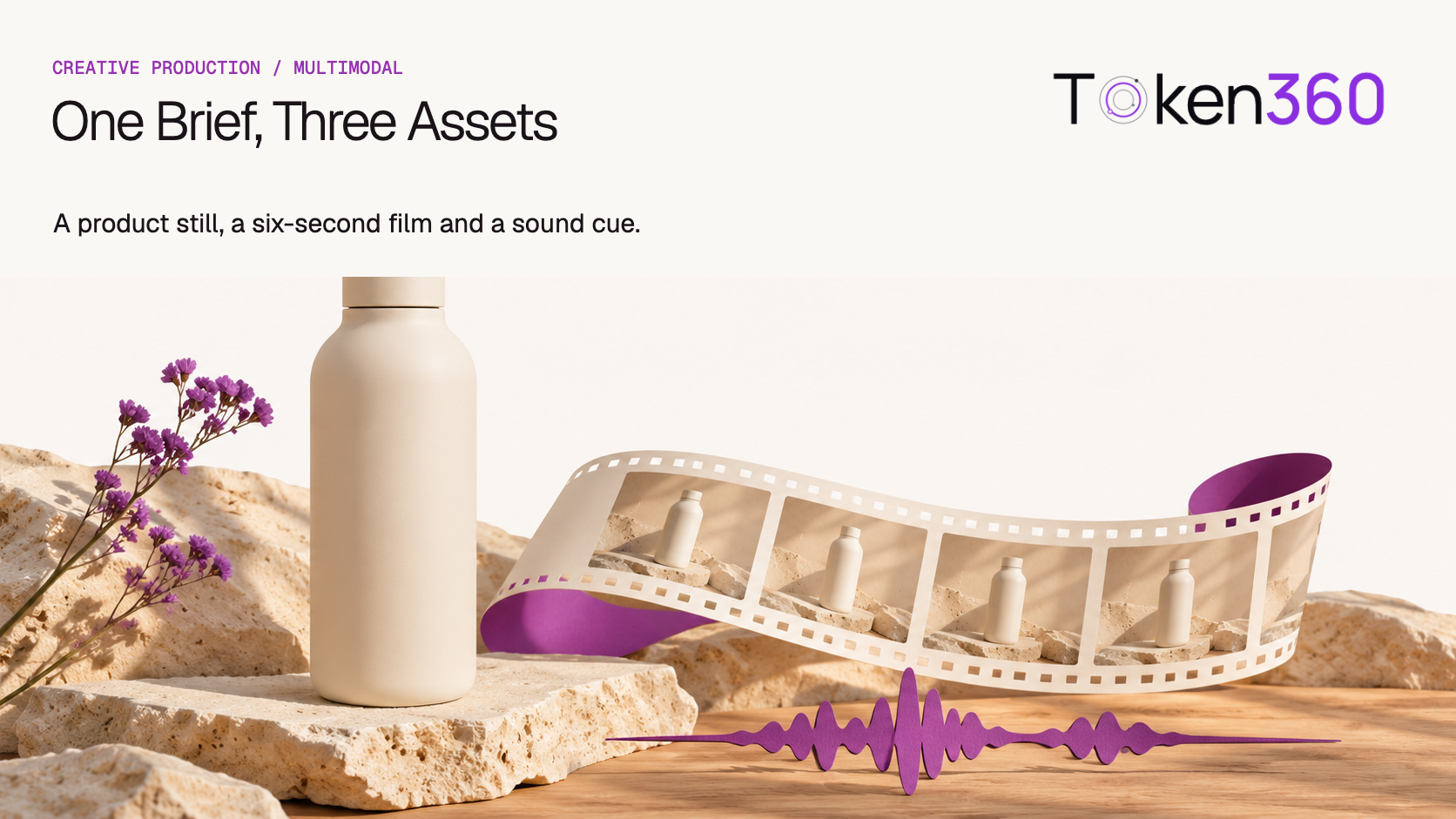
The launch brief for our fictional desk bottle fits in one sentence: give a quiet, ivory bottle one moment of attention on a sunlit desk. We turned it into a product still, a six-second reveal and a short contact sound. All three assets are available below. The editorial decision that tied them together was to choose the bottle shot first and give the other assets a specific job.
Read first. For the model operations behind an image, video and audio workflow, see the Token360 multimodal API guide.
What did the brief ask each asset to do?
Asset
Job in the launch
Approval question
Landing-page still
Make the ivory silhouette and short neck recognizable at a glance.
Can a viewer identify the same bottle when the film starts?
Six-second social film
Show the line “A quieter desk.” for three seconds, then cut to the bottle.
Does the product first appear at the intended cut?
Sound effect
Give that cut a single soft accent.
Does one small sound draw attention without implying a second action?
We avoided product-performance claims. The footage establishes the color and shape, while insulation, material and capacity would require separate evidence. “A quieter desk.” is a creative line for this fictional launch.
Which image should represent the product?
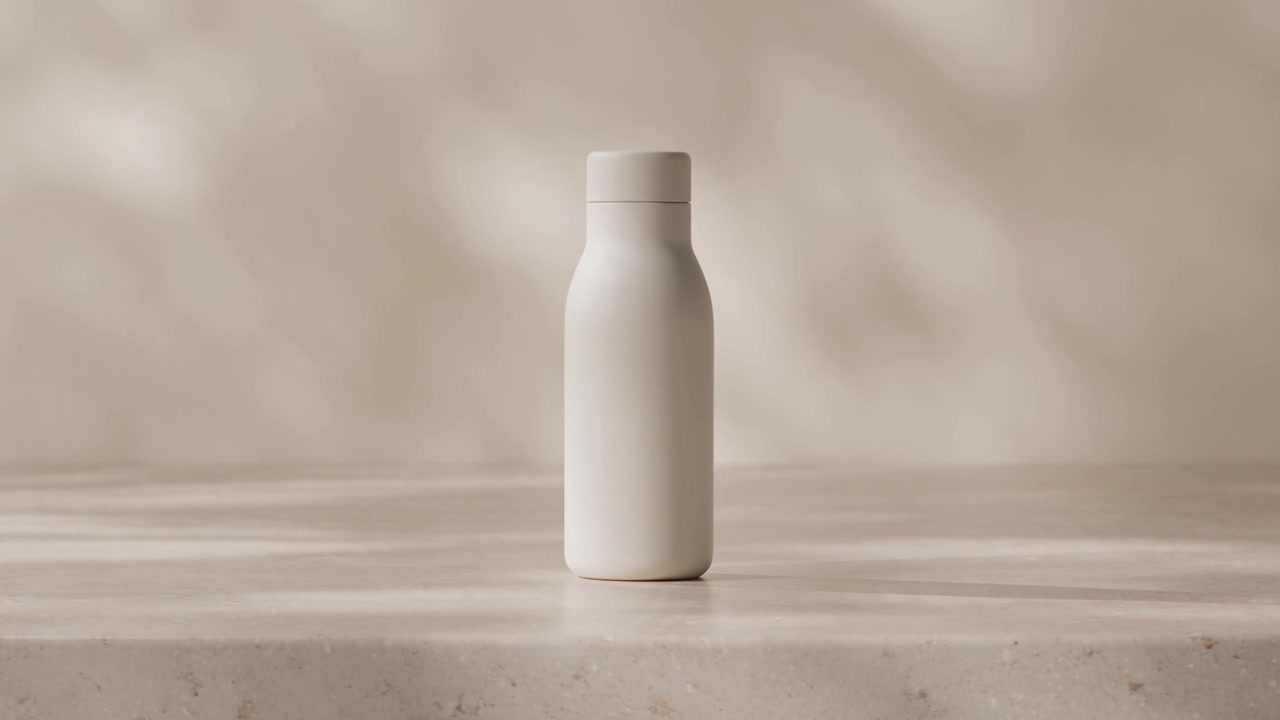
We pulled a frame at six seconds from an existing 1280 × 720 bottle clip. The frame falls inside the part used in the final film, so the color, lighting and proportions match by construction. This also gives the designer a clear tradeoff: the image inherits the source resolution and composition. A large print placement or a vertical crop could require a separate still.
Production still extracted from the source film. Download JPG.
For a production run starting with a new image, describe the approved silhouette, background and camera height, then retain the approved image as a reference for a compatible video model. Verify that the selected model accepts that reference type. The same creative brief can span three operations while their request bodies and output formats differ. Choose a Token360 API.
How does the six-second cut work with the sound off?
The first 72 frames carry the launch line. At frame 72, counting from zero at 24 frames per second, the edit cuts to three seconds of bottle footage taken from source time 4–7 seconds. The product remains visible through the end. Play it muted first to check the idea, then turn sound on to judge the accent.
We reused the third take from an earlier Token360 Sonilo test that asked for a ceramic cup touching wood once. The tester counted two contacts in take one, repeated sounds in take two and the intended single contact in take three. The third generation cost $0.018648 at the time of that test. This is a historical charge for one source take. The editor selected and trimmed it as a transition accent for this film.
Download the edited sound effect. The 0.70-second edit starts 0.12 seconds before the loudest measured 20-millisecond block in the source. We placed the edit at 2.88 seconds so that block lands around the three-second reveal. The bottle is already upright in the shot, so the accent functions as editorial punctuation rather than a recording of the bottle being set down.
Production note. This case study combines user-supplied bottle footage, a still extracted locally and a previously generated Sonilo effect. The source video’s model and generation charge were unavailable. The final mix and timing were produced locally. For the sound model used in the earlier test, see Sonilo Text to Sound Effects on Token360. For the editing operations, see the FFmpeg filter reference.
Which revisions can reuse the existing assets?
Reuse the asset whose approved properties remain unchanged. A headline edit can keep the bottle footage and extracted still. Moving the reveal changes the sound placement. Changing the bottle itself requires a fresh identity review across both the still and the film.
Requested revision
Asset to revisit
Acceptance check
Replace the launch line
Title composition
Exact wording, fit and reading time in the new export
Reveal the bottle later
Picture cut and sound in-point
The accent still serves the first product frame
Use a vertical placement
Crop or a new visual source
The complete required silhouette remains visible
Change the product appearance
Still and film together
Both show the same approved product
Keep the source shot, frame-extraction time and audio edit linked to the final revision. This is why the three-file package is more useful than three unrelated outputs: the next editor can identify which component a change affects without buying every asset again.
Rebuild the edit from an explicit timeline
The assets can be reconstructed in an editor from the source relationships, without generating another bottle. Use a 24 fps sequence and keep the picture cut at frame 72. The following edit decision list describes the published composition; it does not identify the unavailable source model or reconstruct its generation settings.
Asset or track
Source selection
Destination
Still
Frame at source time 6 seconds
Save a separate image; inspect the inherited 1280 × 720 composition
Title
A quieter desk.
Sequence frames 0–71
Bottle picture
Source interval 4–7 seconds
Sequence interval 3–6 seconds
Edited effect
Existing 0.70-second contact edit
Start at 2.88 seconds; its selected rise aligns near 3 seconds
Export a six-second review copy and inspect the first product frame with audio muted. Then audition the sound and confirm that the title is gone when the product appears. Keep a silent export and the separate effect if another editor will move the cut. Codec, bitrate and loudness choices should follow that editor’s delivery specification; this timing recipe does not assert a universal publishing preset. Preserve the three supplied deliverables alongside the source-time notes so a text revision need not trigger another generation.
Frequently asked questions
Do three launch assets require three generations?
Here one shot supplied both the still and the film. A separate sound generation supplied the accent. Generate a dedicated still when the placement calls for a different composition or resolution.
Which asset should the team approve first?
Approve the asset that establishes product identity. In this case the team already had usable footage, so a frame from that footage became the visual reference.
Can I reuse the same prompt for image, video and sound?
Share the creative brief, then write a different instruction for each output. The image needs composition, the film needs an action and duration, and the sound needs a source, count and decay.
Why keep a separate sound file?
A separate effect lets the editor change the reveal time or export a silent cut without regenerating the picture.
How much did the whole launch cost?
Only the historical Sonilo charge is documented. A complete total would also require the source video’s charge and a definition of which discarded takes and editing time to include.
What should go into the handoff?
Include the approved still, final MP4, separate sound file, timing note and source provenance. That gives the next editor enough information to adapt the piece.
Read next. Check that the delivered clip has the intended duration, dimensions and playable streams using the video output validation guide.


 Prompt Library
 Insights
 Insights