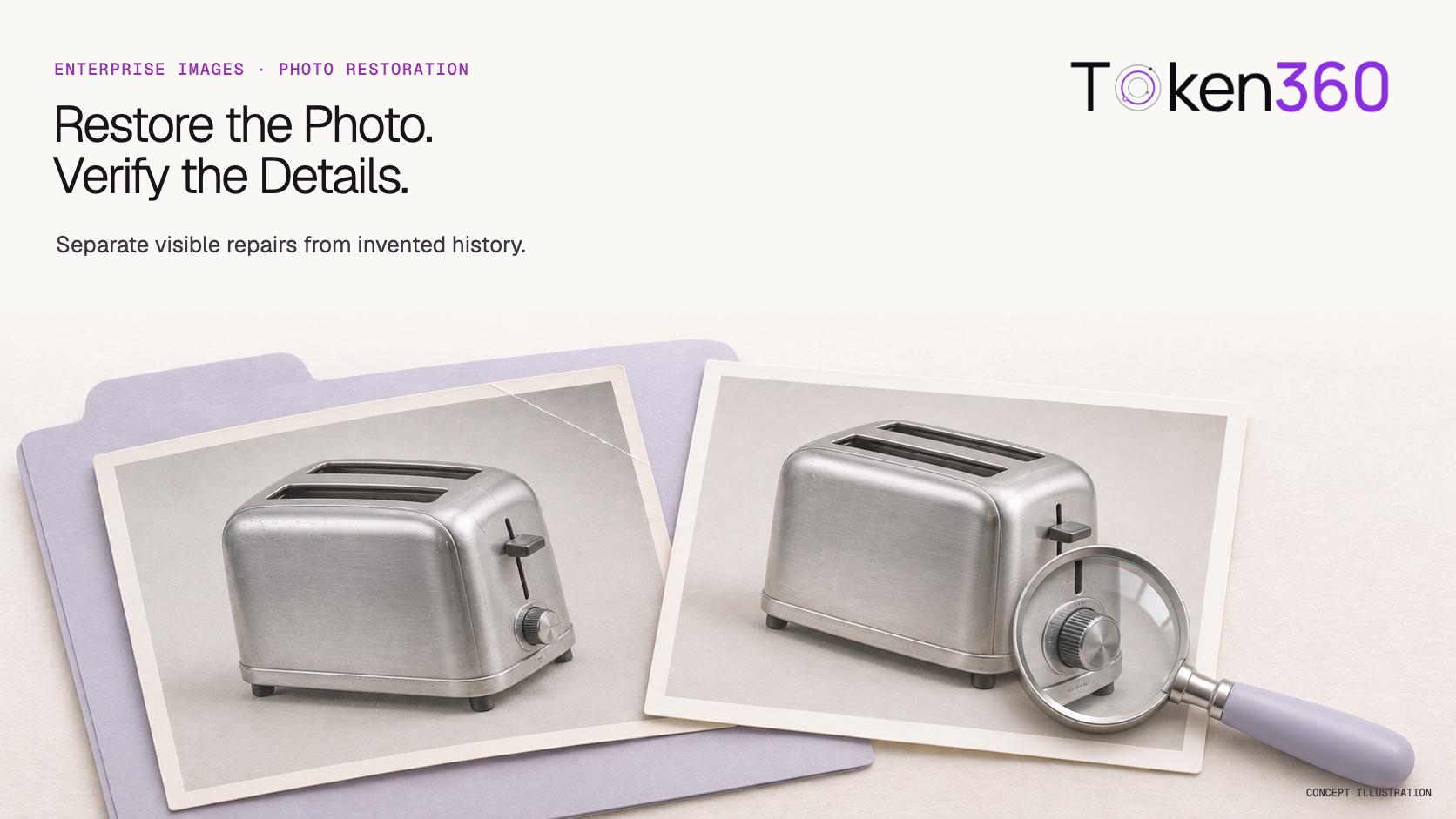
AI photo restoration can make damaged brand photographs easier to use, but reconstructed detail is not proof of what the original contained. Before commissioning a batch, separate damage removal from changes to the subject. Keep the source, identify details that require verification, and approve restored images for a defined use rather than treating every sharper result as historically accurate.
An anniversary campaign needs a photograph of an early product. The available scan has scratches, faded contrast and an unreadable badge. Removing distracting damage could help the campaign; inventing a new badge or altering the product’s controls could misrepresent its history. That difference belongs in the restoration brief and the purchase decision.
This is a documentation-based enterprise evaluation guide, not a restoration experiment or model ranking. Official pages were reviewed on November 25, 2026. A dedicated Token360 photo-restoration model, endpoint and exact preservation controls have not been verified for this article.
Teaching case: restore a damaged brand archive without inventing a label
Consider a fictional catalog scan of a desk radio. A crease crosses its blank background; a stain obscures two letters on the model badge. A separate approved catalog page confirms the model name, but no reference establishes the exact lettering style. These are illustrative inputs, not an archival restoration performed for Token360.
| Region | Available authority | Editorial action |
|---|
| Background crease | Adjacent unmarked paper | Attempt repair and inspect texture continuity |
| Model name | Approved catalog text | Use for factual verification; retain as reference |
| Badge lettering | No matching visual master | Do not claim generated lettering is historically accurate |
| Missing tuning knob edge | No alternate angle | Flag reconstruction as uncertain or retain the damage |
The handoff should preserve the scan, the restored candidate and an uncertainty map. A known model name does not prove a generated typeface or physical contour. Publication approval should identify which reconstructed areas remain uncertain instead of calling the whole image an authentic recovery.
Set the restoration scope ·
Find the best source ·
Check reconstructed details ·
Keep an approval record ·
Scope the purchase ·
FAQ
What should AI photo restoration be allowed to change?
Specify the visible damage the team wants repaired and the subject details it must retain. Scratch removal, tonal correction, colorization and reconstruction of missing regions are different decisions. Do not bundle them into an instruction to make the photo look better when product identity or historical accuracy matters to the final use.
fal’s photo-restoration API documentation presents restoration of old or damaged images, including color, scratches and resolution. Higgsfield’s image-enhancement page distinguishes sharpening and denoising from generative recovery for degraded photographs. These descriptions establish available task categories; they do not prove that reconstructed details match the original scene.
Give each requested change its own approval boundary.| Requested change | Business objective | What needs review |
|---|
| Remove a scratch in a plain background | Reduce distraction without changing the subject | Nearby edges and textures remain plausible and consistent |
| Repair damage crossing a product badge | Make a usable campaign image | Badge content against an authoritative reference, not model confidence |
| Adjust faded tones | Improve visibility | Product finish and scene appearance are not materially misrepresented |
| Colorize a monochrome source | Create a particular editorial treatment | Colors supported by references or identified as interpretive |
| Reconstruct a missing area | Complete the composition | Whether the new content is suitable for the intended use and clearly documented |
For a company history page, a slightly imperfect image may be preferable to an attractive reconstruction that changes the object. For a clearly labeled creative campaign, the organization may permit more interpretation. Make that choice before processing, not after a pleasing result encourages the team to overlook changes.
If the only problem is insufficient pixel dimensions, use the image upscaling evaluation guide. This article addresses damaged-source restoration and the evidence needed to approve repairs, rather than enlargement alone.
What source material should you gather before processing?
Find the best available original or scan before paying to reconstruct a weaker copy. Keep an untouched master and collect reliable references for important product details. Identify which defects come from the physical photograph and which may come from scanning, compression or an earlier edit so the restoration request targets the actual problem.
A thumbnail downloaded from an old presentation may not be the best surviving file. Check the company asset archive, original photography delivery or physical print first. If a better source exists, using it may remove the need to generate missing detail at all.
References must describe the correct product version. A later model’s photograph may show a different switch, badge or handle. Supplying it without explanation could encourage a visually convincing but historically wrong repair. Note which reference supports which feature instead of treating every photo of a similar object as interchangeable.
Proposed restoration brief—not tested request syntax: Reduce the marked scratches and fading in this authorized product photograph. Retain the product silhouette, controls, badge placement and composition. Do not infer unreadable lettering from a later model. Return uncertain repairs for review and retain the unprocessed source separately.
This is a production brief, not a promise that a model accepts masks, reference images or an uncertainty report. Confirm the actual input fields. If the endpoint accepts only an image, the reviewer must enforce those acceptance requirements outside the request rather than pretending an unsupported prompt controls the result.
Prepare examples with different damage types for a proposed pilot: a background scratch, a damaged product edge and a region with important text. Keep the scope small enough for informed review. A successful background repair does not validate reconstruction of a logo or a person’s face.
How can you detect invented or altered details?
Compare the restored image with the untouched source and any verified reference at both normal viewing size and close inspection. Review repaired areas and apparently undamaged regions separately. A plausible shape, readable word or smooth texture is not enough; important details must remain supported by evidence appropriate to the image’s intended use.
Start with the object’s identity. Count visible controls, slots, fasteners and openings where relevant. Check the silhouette and proportions. A restoration that quietly adds a control can turn an old product into a different design even when the result looks polished.
Then inspect text and marks. If a badge becomes readable, compare its lettering with a reliable source. Do not accept a made-up word because it resembles the brand. If the original cannot resolve a number, avoid using the generated version to support a claim about the model, date or specification.
Proposed review record for restored brand photographs.| Region | Acceptance question | Possible disposition |
|---|
| Repaired damage | Was the defect reduced without an obvious new inconsistency? | Accept, request a localized revision or retain the original |
| Product structure | Do controls, edges and component counts match the supported design? | Reject altered structure or verify with a correct-version reference |
| Logo, badge and text | Is newly visible content substantiated? | Leave unresolved rather than treating generated lettering as evidence |
| Color and finish | Is this documented color or an interpretation? | Approve for the agreed treatment with the appropriate disclosure |
| Untouched areas | Did the operation change content outside the intended repair? | Reject drift or narrow the permitted operation |
| Final placement | Does the published crop preserve context and remain suitable? | Approve that use, not every future reuse |
Reviewing only the damaged region is insufficient. The model may alter a clean area while rebuilding the image. Compare the whole composition before concentrating on local details. A difference view can locate changes, but the reviewer still needs to decide whether those changes are acceptable; a difference map is not an accuracy verdict.
Keep unresolved findings explicit. “Looks realistic” and “verified against the source” should not share the same approval label. If a feature cannot be established, consider another photograph, a less aggressive repair or use of the original. An uncertain historical detail should not become certain merely because the output is high resolution.
This review is a proposed workflow. No success rate, measured fidelity or tested repair sequence is claimed here. A company can use its own representative samples to decide whether the review effort and accepted results justify production use.
What should you retain after an image is approved?
Retain the untouched source, selected restored version, available processing settings and the reviewer’s decision. Record the permitted use and any interpretive changes, especially colorization or reconstructed content. This gives future editors a way to distinguish an original photograph from an approved derivative without relying on memory or a visually convincing file.
Keep the source-to-output relationship obvious in the asset library. A restored image should not silently replace the only surviving scan. Store rejected candidates separately from the approved delivery so a designer does not accidentally choose a more dramatic but inaccurate version.
Document the specific limitation where it matters. For example, a restored product outline may be approved while tiny badge text remains unverified. If the publication crop enlarges that badge, the earlier approval may no longer cover the new use.
For a public creative treatment, use a caption or editorial note appropriate to the extent of the changes. Do not describe generated colors as original colors unless they have been established. A reconstructed scene should not be presented as an untouched archival photograph.
Verify the delivered file’s dimensions, format and appearance in the actual publishing workflow. Preview thumbnails are not the delivery asset. These checks complement the content review; they cannot compensate for an incorrect product detail.
What should you ask Token360 before buying restoration?
Ask Token360 to qualify the restoration task using representative authorized images and explicit limits on acceptable changes. Confirm current model availability, input controls, output files and quote terms before planning a batch. Enterprise access to image models does not by itself establish a dedicated restoration endpoint or reliable recovery of missing historical details.
Token360 focuses on enterprise model access across text, image, audio and video. It uses tiered enterprise quotes, with higher usage receiving lower quoted rates, and does not charge a separate service fee. A specific restoration model, preservation control or reference-image capability still needs confirmation for the engagement.
Send the intended use, representative damage types, expected image volume and output requirements. Explain whether the team needs broad tonal cleanup or a repair restricted to particular regions. Ask whether the proposed workflow supports the inputs needed for that scope; do not infer masks or reference controls from the name “image editing.”
For pricing, establish whether the quoted unit is a request, output image, resolution-dependent operation or another measure. Clarify additional candidates, unsuccessful requests and any separate processing stages. Include review and manual correction in the production plan. The cheapest generated image is not necessarily the least costly approved archival asset.
For internal photographs, confirm permission to upload and the required handling of the files. Contract, capacity and compliance requirements can be scoped with Token360, but the specific terms must be established. No universal certification, retention policy or ownership outcome is asserted here.
A useful enterprise inquiry is: “Can you help qualify a model for these damaged product photographs while keeping the documented design intact, and quote the processing scope?” The answer may be restoration, a narrower edit or a recommendation to obtain a better source before using a model.
Frequently asked questions
Is AI photo restoration the same as upscaling?
No. Upscaling addresses image dimensions and detail during enlargement. Restoration addresses defects such as scratches or fading and may reconstruct content. A workflow can combine them, but each change needs its own acceptance criteria.
Can AI recover the exact original product label?
Do not assume it can. A readable output may contain inferred lettering. Verify important text against a reliable source; if it remains uncertain, do not use the generated label as evidence of what the product originally said.
Should old brand photos be colorized?
Only when that treatment fits the agreed use. Confirm documented colors where accuracy matters and identify interpretive colorization appropriately. Keep the monochrome source available rather than replacing it with the derivative.
Can one successful repair justify processing the whole archive?
No. Review representative damage and subject types first. Repairing a plain background does not establish reliable treatment of product controls, text or faces. Set approval criteria and plan for exceptions before scaling.
Does Token360 offer a photo-restoration API?
This article has not verified a dedicated endpoint. Ask Token360 to confirm the current model, supported inputs, output behavior, data-handling terms and enterprise quote for your actual restoration brief.
About the author
Yuki Yu is Marketing Manager at Token360.


 Guides
 Guides
 Guides